
CSA · Question #262
You are editing a new incident record and would like the "Save" button to be located on the Form header. Which action would need to be taken for that button to appear?
The correct answer is C. All > System Properties > Ul Properties > Turn on the Save" button. To add the Save button to the form header, users need to turn on the system property glide.ui.save_button, which enables the Save button on all forms. Users can navigate to All > System Properties > UI Properties and search for the property name, then set the value to true…
Question
You are editing a new incident record and would like the "Save" button to be located on the Form header. Which action would need to be taken for that button to appear?
Exhibit
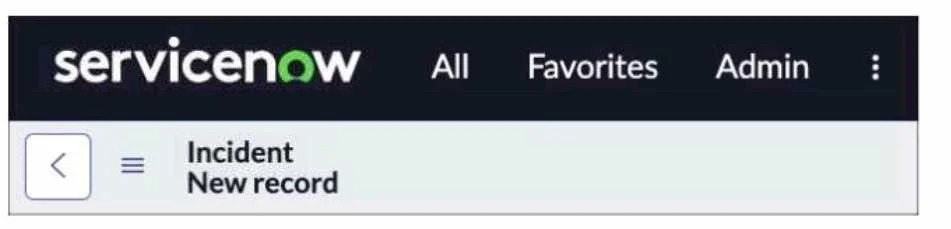
Options
- AContext Menu > Form Layout > add the Save* button.
- BAll > System Properties > Ul Properties > Turn on the glide.ui.advanced* property
- CAll > System Properties > Ul Properties > Turn on the Save" button
- DContext Menu > Form Layout > add the Save* button.
How the community answered
(64 responses)- A3% (2)
- B6% (4)
- C89% (57)
- D2% (1)
Explanation
To add the Save button to the form header, users need to turn on the system property glide.ui.save_button, which enables the Save button on all forms. Users can navigate to All > System Properties > UI Properties and search for the property name, then set the value to true. Alternatively, users can use the sys_properties.list URL suffix and filter by the property name.
Topics
Community Discussion
No community discussion yet for this question.