
Microsoft
AZ-500 · Question #136
SIMULATION Use the following login credentials as needed: To enter your username, place your cursor in the Sign in box and click on the username below. To enter your password, place your cursor in…
To alert [email protected] when VM VM1's average CPU usage exceeds 70% for 15 minutes, create an Azure Monitor metric alert with an email action group.
Submitted by chiamaka_o· Mar 6, 2026Secure Azure using Microsoft Defender for Cloud and Microsoft Sentinel
Question
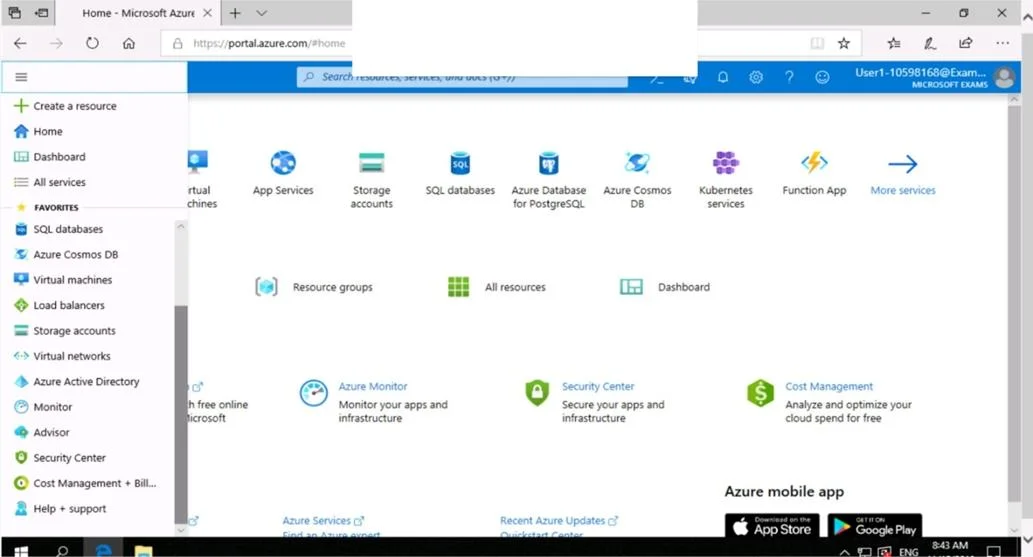
SIMULATION Use the following login credentials as needed: To enter your username, place your cursor in the Sign in box and click on the username below. To enter your password, place your cursor in the Enter password box and click on the password below. Azure Username: [email protected] Azure Password: Ag1Bh9!#Bd The following information is for technical support purposes only: Lab Instance: 10598168 You need to email an alert to a user named [email protected] if the average CPU usage of a virtual machine named VM1 is greater than 70 percent for a period of 15 minutes. To complete this task, sign in to the Azure portal. Answer:
Exhibits
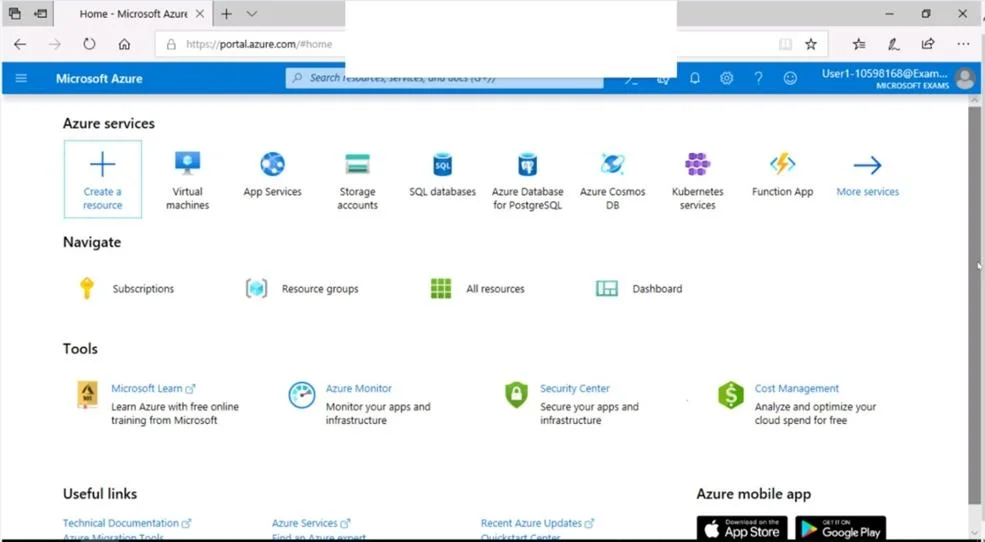
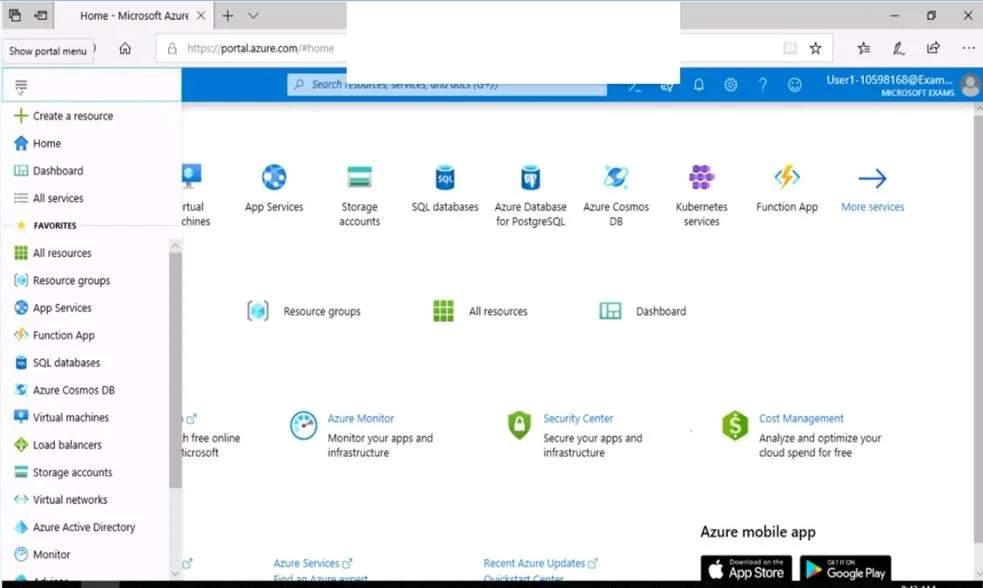
Explanation
To alert [email protected] when VM VM1's average CPU usage exceeds 70% for 15 minutes, create an Azure Monitor metric alert with an email action group.
Concept tested. Azure Monitor metric alerts, CPU usage monitoring
Reference. https://learn.microsoft.com/en-us/azure/azure-monitor/alerts/tutorial-metric-alert
Community Discussion
No community discussion yet for this question.