nerdexam
Cisco

300-515 · Question #116

SIMULATION 1 Guidelines This is a lab item in which tasks will be performed on virtual devices. Refer to the Tasks tab to view the tasks for this lab item Refer to the Topology tab to access the…

The correct answer is C. ethernet oam ethernet oam max-rate 8 ethernet oam. Option C is correct because establishing Ethernet OAM on a link requires enabling it with ethernet oam and setting the max-rate (maximum OAMPDUs per second), not the min-rate - max-rate 8 controls the upper bound of OAM PDU transmission, which is the relevant rate parameter for…

L2VPN Services

Question

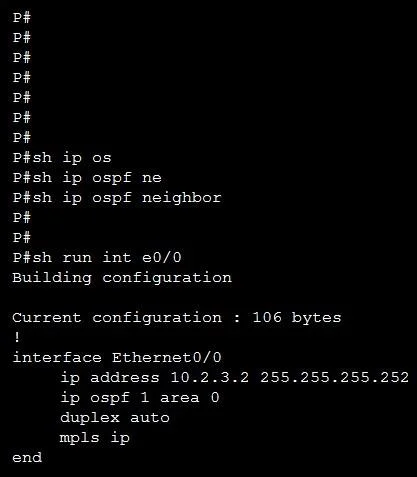
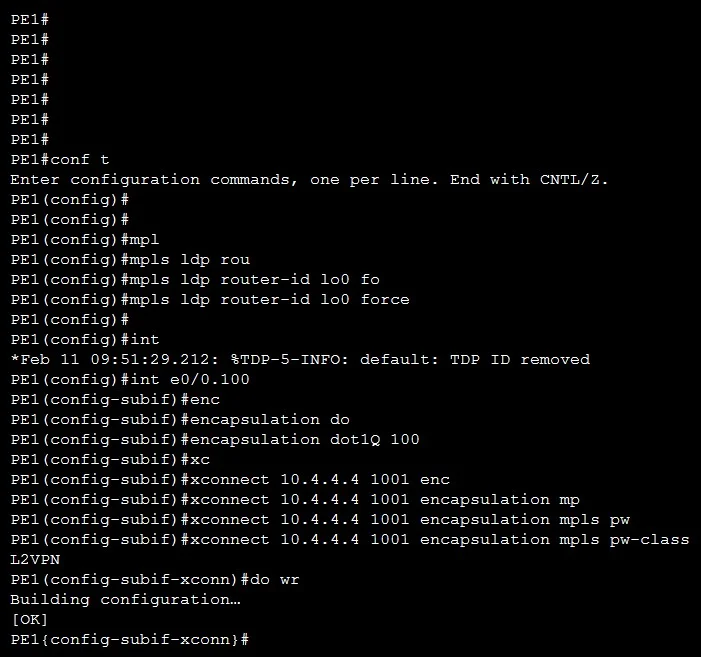
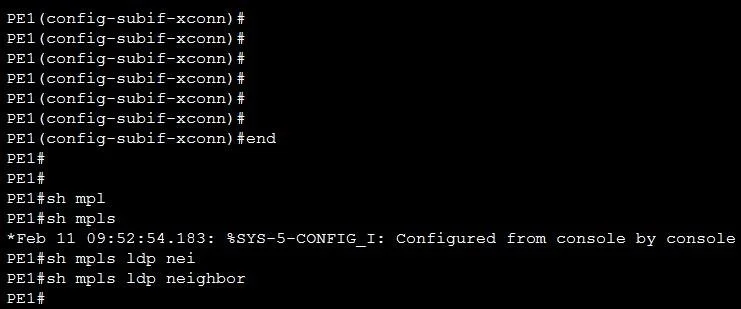
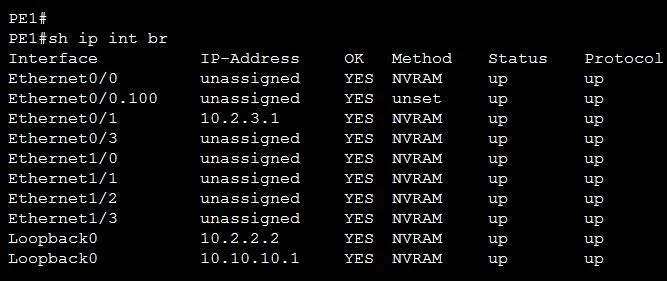
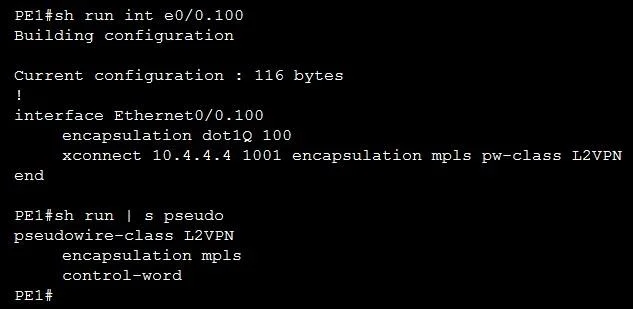
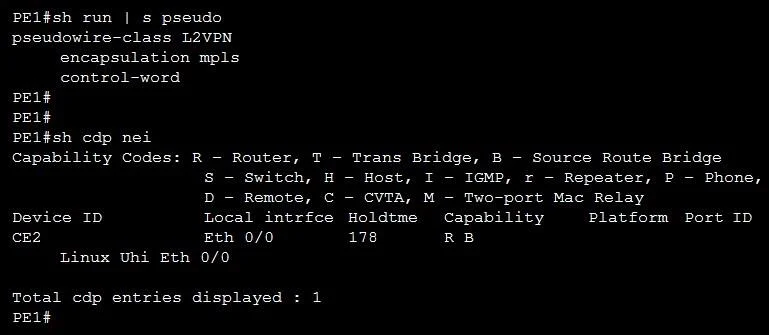
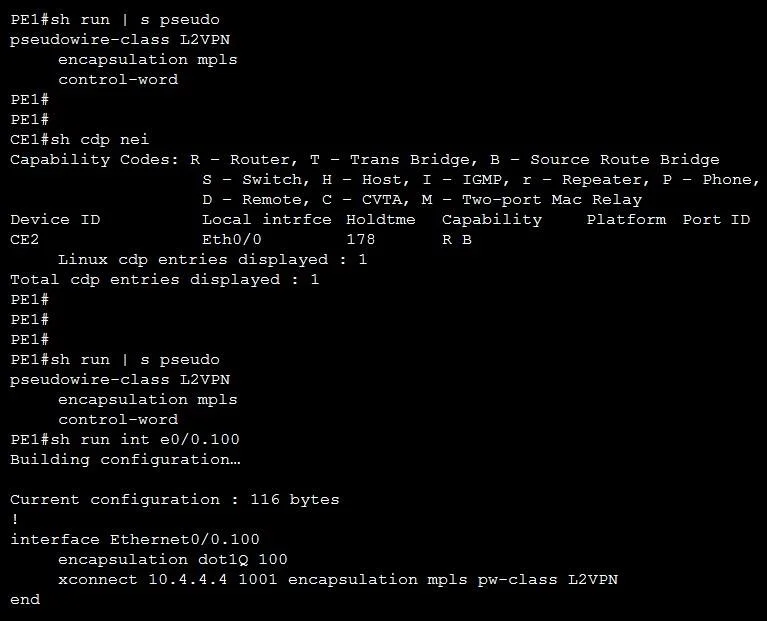
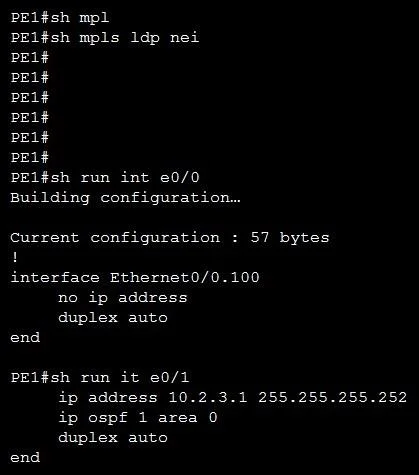
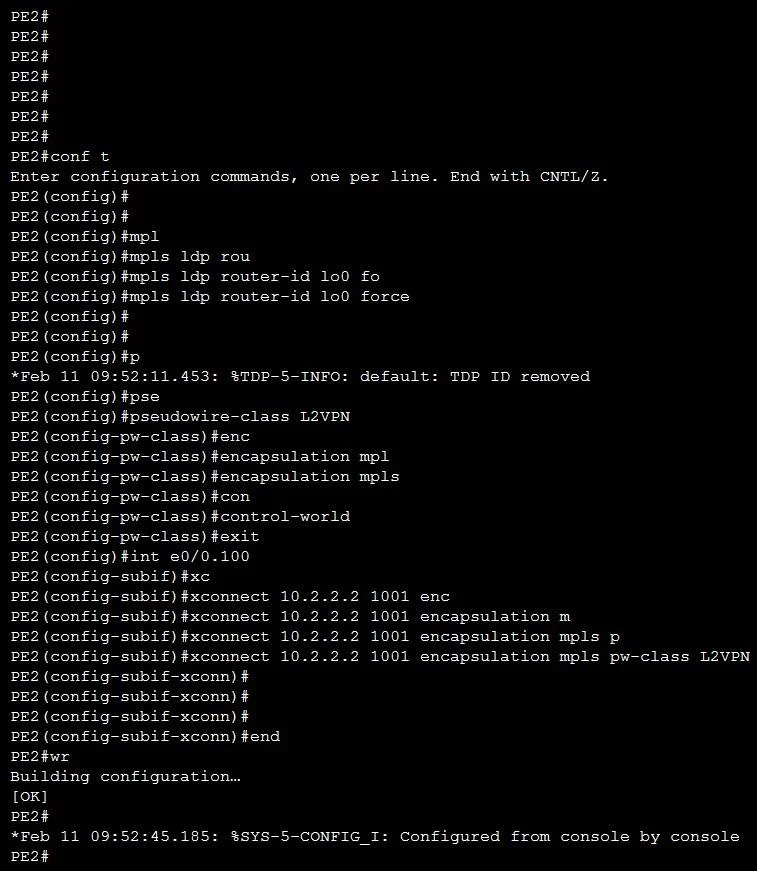
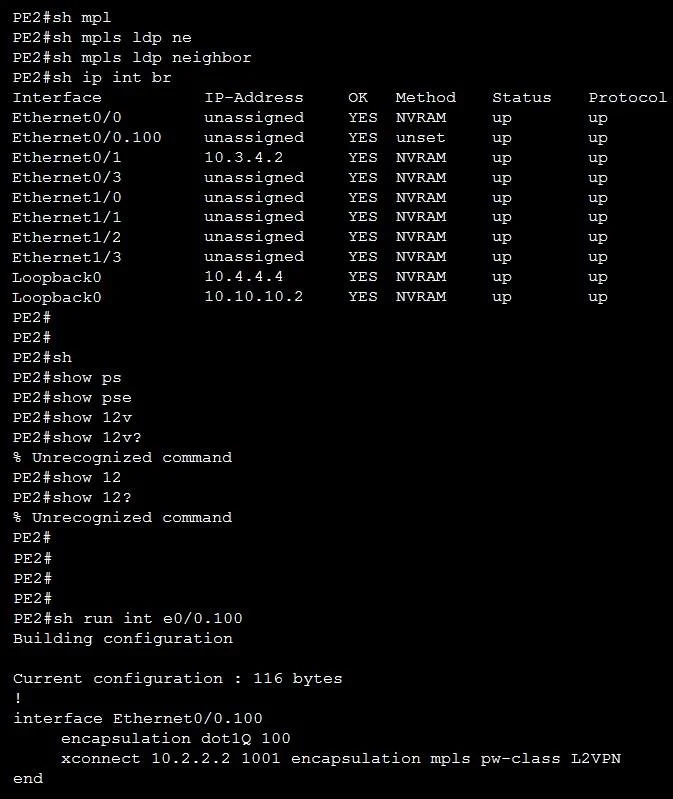
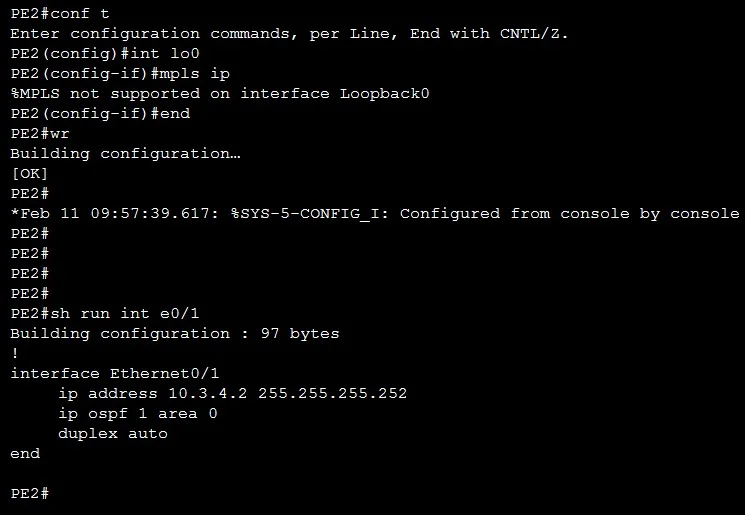
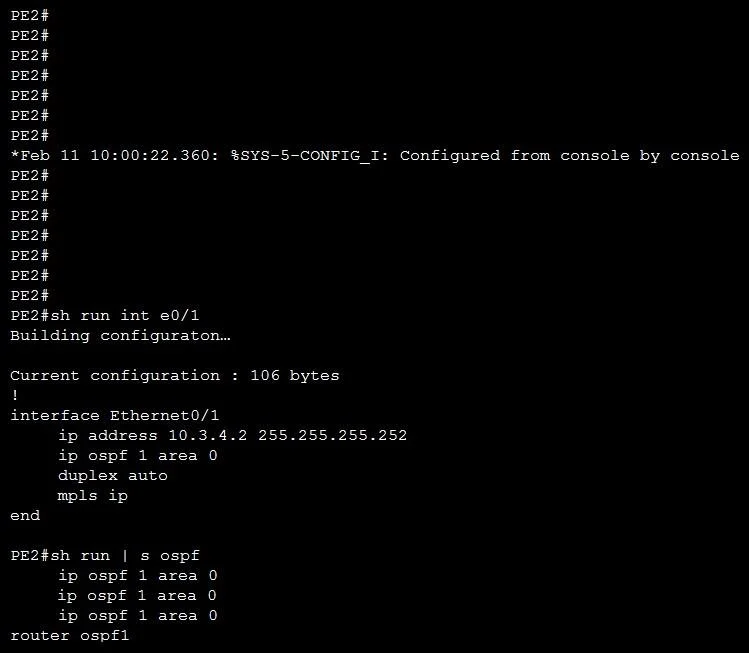
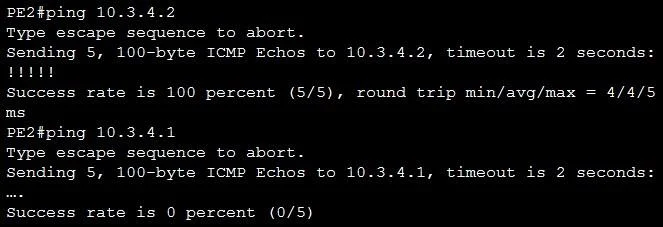
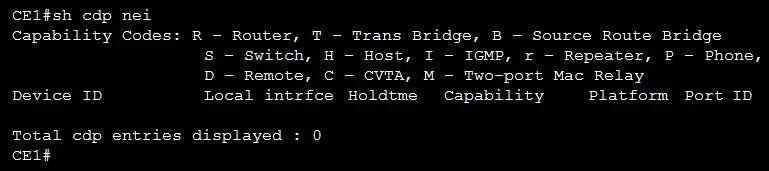
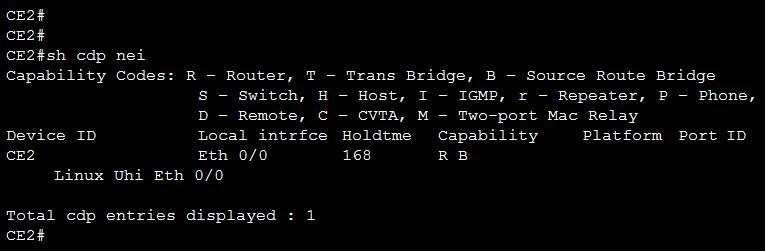
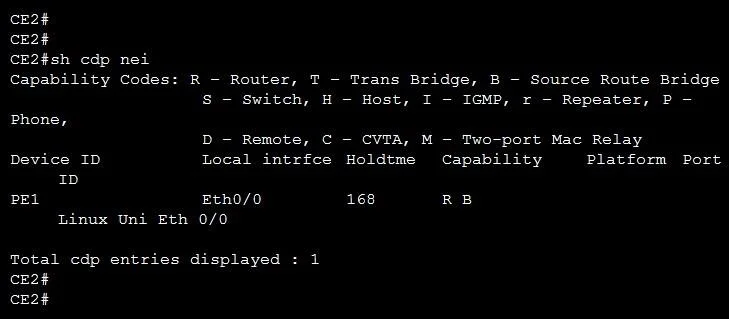
SIMULATION 1 Guidelines This is a lab item in which tasks will be performed on virtual devices. Refer to the Tasks tab to view the tasks for this lab item Refer to the Topology tab to access the device console(s) and perform the tasks. Console access is available for all required devices by clicking the device icon or using the tab(s) above the console window. All necessary pre-configurations have been applied. Do not remove any existing configurations from the devices, only those necessary to make the appropriate changes required to fulfill the listed tasks. Do not change the enable password or hostname for any device. Save your configurations to NVRAM before moving to the next item. Click Next at the bottom of the screen to submit this lab and move to the next question. When Next is clicked, the lab closes and cannot be reopened. Tasks CE1 and CE2 are customer premise equipment of the same customer that communicates with each other over L2VPN provider infrastructure comprising Provide Edge PE1, PE2, and P core routers. Configure the PE routers to choose the configured Loopback 0 as its LDP identifier persistently. Troubleshoot the PEs to establish a complete MPLS LSP path between them. Troubleshoot and modify PE2 to ensure the configured L2VPN VC is up and passing traffic. Initial configuration with IPv6 addressing has been completed. The candidate must not make any changes to the configurations except to fulfill the tasks listed above. Apply the solution with the minimum config. P PE1 PE2 CE1 CE2 Answer: To meet all three goals with the absolute minimum change, only add mpls ip to the pseudowire sub-interfaces on each PE. All LDP router-ID and PW-class work does not require for corrections. On PE1 and PE2: interface Ethernet0/0.100 mpls ip That single command under the dot1Q sub-interface: 1. Brings up LDP on the PW-facing interface, so you'll see the full LSP from PE to PE. 2. Enables the VC to go UP and carry customer frames.

Exhibits

300-515 question #116 exhibit 1
300-515 question #116 exhibit 2
300-515 question #116 exhibit 3
300-515 question #116 exhibit 4
300-515 question #116 exhibit 5
300-515 question #116 exhibit 6
300-515 question #116 exhibit 7
300-515 question #116 exhibit 8
300-515 question #116 exhibit 9
300-515 question #116 exhibit 10
300-515 question #116 exhibit 11
300-515 question #116 exhibit 12
300-515 question #116 exhibit 13
300-515 question #116 exhibit 14
300-515 question #116 exhibit 15
300-515 question #116 exhibit 16

Options

  • Aethernet oam ethernet oam min-rate 8 ethernet oam mode passive
  • Bethernet oam ethernet oam max-rate 8 ethernet oam mode passive
  • Cethernet oam ethernet oam max-rate 8 ethernet oam
  • Dethernet oam ethernet oam min-rate 8

How the community answered

(44 responses)
  • A
    32% (14)
  • B
    7% (3)
  • C
    43% (19)
  • D
    18% (8)

Explanation

Option C is correct because establishing Ethernet OAM on a link requires enabling it with ethernet oam and setting the max-rate (maximum OAMPDUs per second), not the min-rate - max-rate 8 controls the upper bound of OAM PDU transmission, which is the relevant rate parameter for link monitoring. Critically, C omits mode passive, leaving OAM in its default active mode, which is required so the device can initiate OAM discovery; at least one peer must be active for the handshake to complete.

Why the distractors fail:

  • A uses min-rate (wrong parameter) and adds mode passive, both of which are incorrect - you can't initiate OAM discovery in passive mode.
  • B correctly uses max-rate 8 but adds mode passive, which prevents this device from initiating OAM; if both peers are passive, discovery never completes.
  • D uses min-rate instead of max-rate and is incomplete - it's missing the required OAM enable statement in proper form.

Memory tip: Think "MAX and ACTIVE" - Ethernet OAM uses max-rate (upper bound on PDUs sent), and needs at least one active peer to drive discovery. If you see min-rate or passive in a standalone config, it's a trap.

Topics

#Ethernet OAM#max-rate#simulation lab#OAM configuration

Community Discussion

No community discussion yet for this question.

Full 300-515 Practice