
PL-300 · Question #175
Note: This question is a part of a series of questions that present the same scenario. For your convenience, the scenario is repeated in each question. Each question presents a different goal and…
The correct answer is D. Conditional Column. To add a new column that assigns 'NA' when the [Subcategory] column is null, the most direct and appropriate Power Query Editor transformation is to use a Conditional Column.
Question
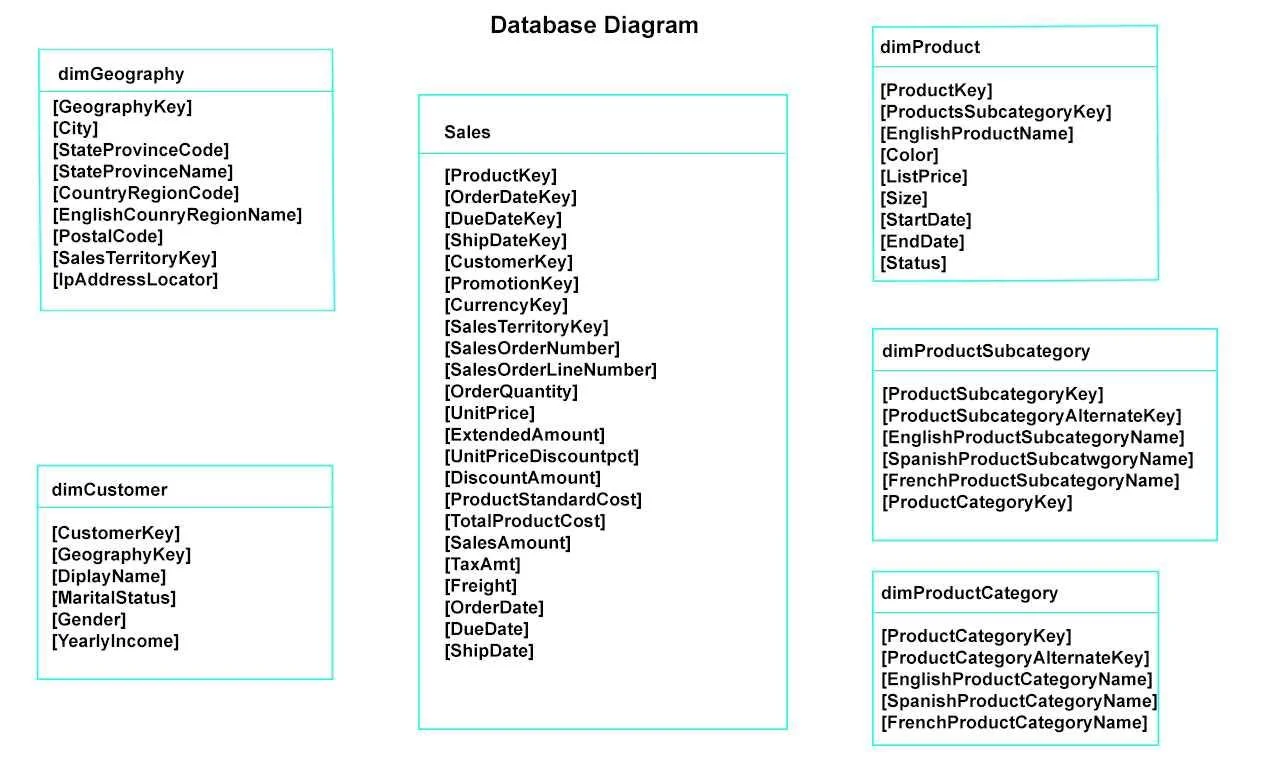
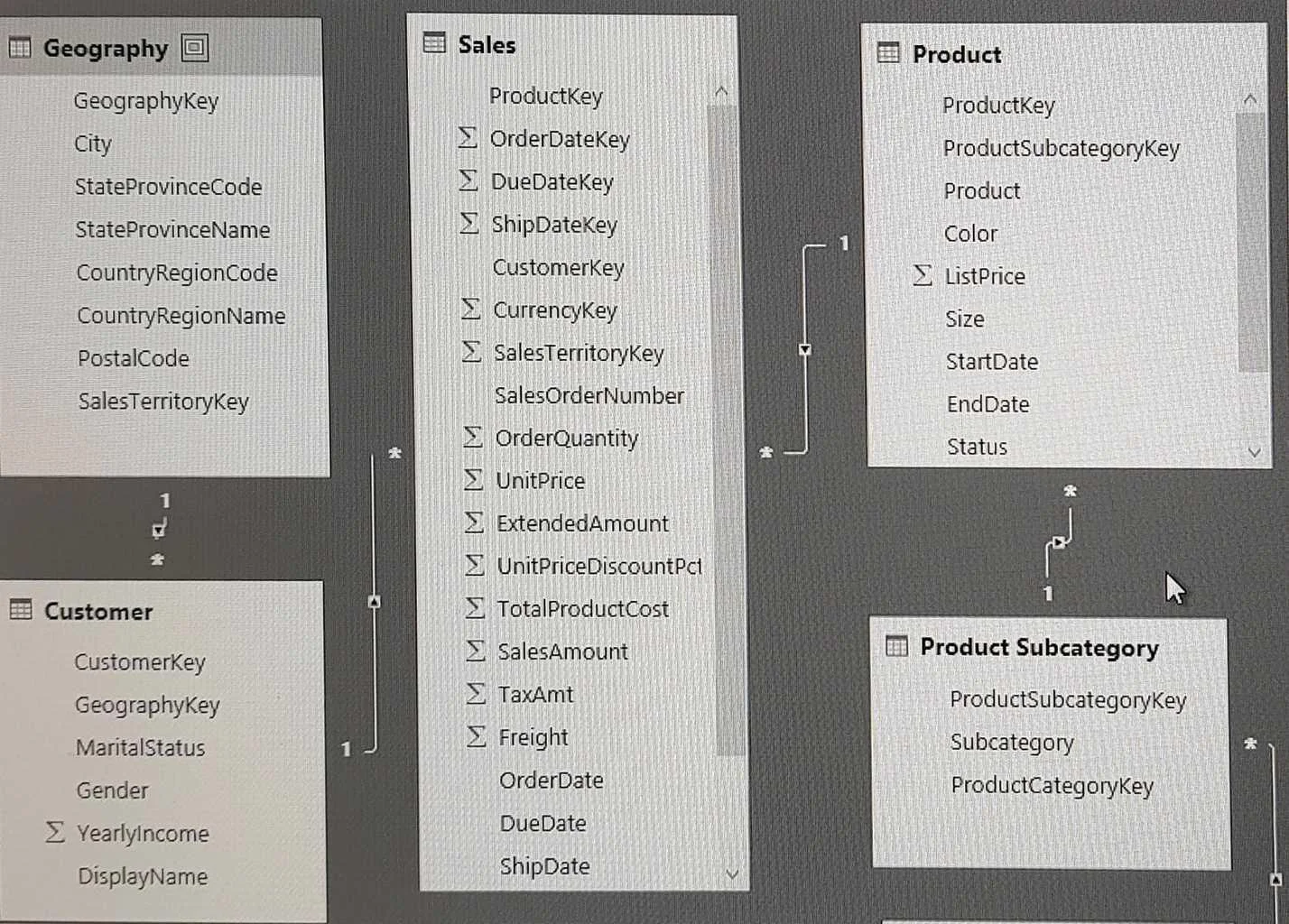
Note: This question is a part of a series of questions that present the same scenario. For your convenience, the scenario is repeated in each question. Each question presents a different goal and answer choices, but the text of the scenario is exactly the same in each question in this series. Start of repeated scenario You have a Microsoft SQL Server database that has the tables shown in the Database Diagram exhibit. You plan to develop a Power BI model as shown in the Power BI Model exhibit. You plan to use Power BI to import data from 2013 to 2015. Product Subcategory [Subcategory] contains NULL values. End of repeated scenario. You implement the Power BI model. You need to add a new column to the Product Subcategory table that uses the following formula. =if [Subcategory] =null then "NA" else [Subcategory] Which command should you use in Query Editor?
Exhibits
Options
- AColumn From Examples
- BCustom Column
- CInvoke Custom Function
- DConditional Column
How the community answered
(35 responses)- A9% (3)
- B17% (6)
- C3% (1)
- D71% (25)
Why each option
To add a new column that assigns 'NA' when the [Subcategory] column is null, the most direct and appropriate Power Query Editor transformation is to use a Conditional Column.
Column From Examples infers logic based on examples provided by the user, which is less direct and potentially less precise for a simple null check compared to a conditional column's explicit rules.
A Conditional Column in Power Query Editor provides a guided user interface to define a new column based on specified conditions, such as checking if another column's value is null and then returning a specific value like 'NA', directly matching the formula's intent.
Concept tested: Power Query conditional logic for column transformation
Source: https://learn.microsoft.com/en-us/power-query/add-conditional-column
Topics
Community Discussion
No community discussion yet for this question.