
AZ-104 · Question #388
Hotspot Question You have an Azure subscription named Subscription1. You enable Azure Active Directory (AD) Privileged Identity Management. From Azure AD Privileged Identity Management, you…
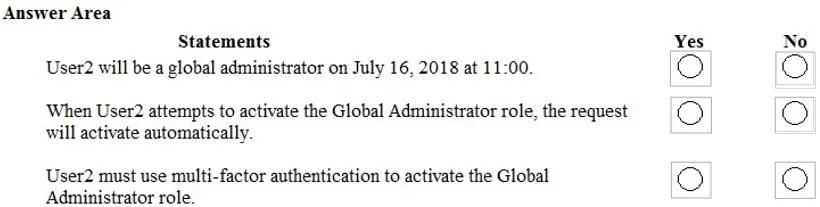
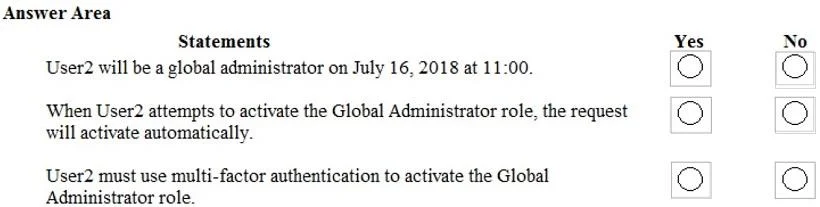
User2 will be active at 11:00 due to the 2-hour window, activation is not automatic because an MFA challenge must be completed interactively, and MFA is mandatorily enforced for the Global Administrator role.
Question
Exhibits


Answer Area
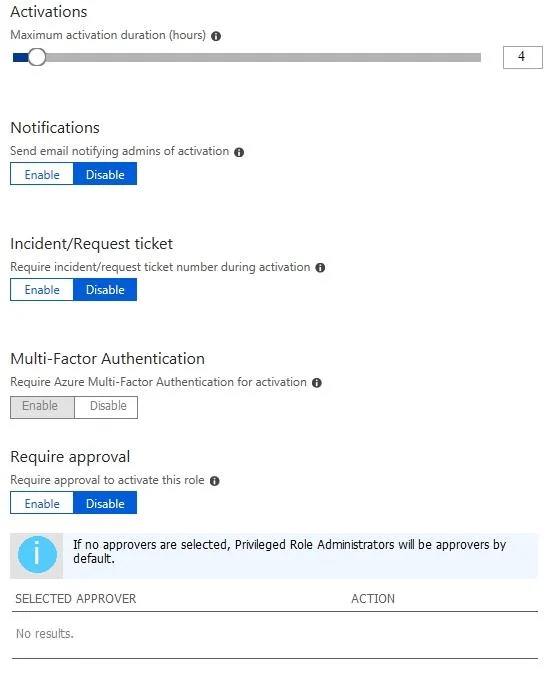
- Send email notifying admins of activation
- Require incident/request ticket number during activation
- Require Azure Multi-Factor Authentication for activation
- Require approval to activate this role
Explanation
User2 will be active at 11:00 due to the 2-hour window, activation is not automatic because an MFA challenge must be completed interactively, and MFA is mandatorily enforced for the Global Administrator role.
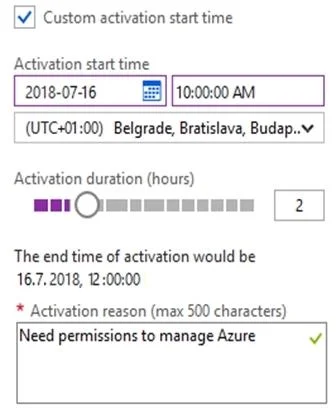
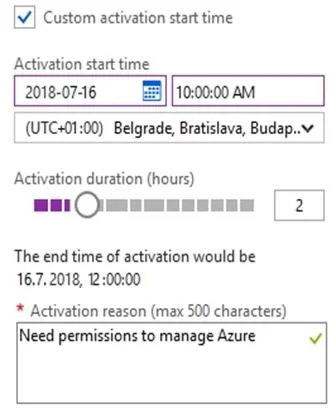
Approach. Statement 1 is Yes: User2 activates the role at 10:00 AM and sets a custom duration of 2 hours. The activation ends at 12:00 PM. Therefore, at 11:00 AM, User2 holds the Global Administrator role.
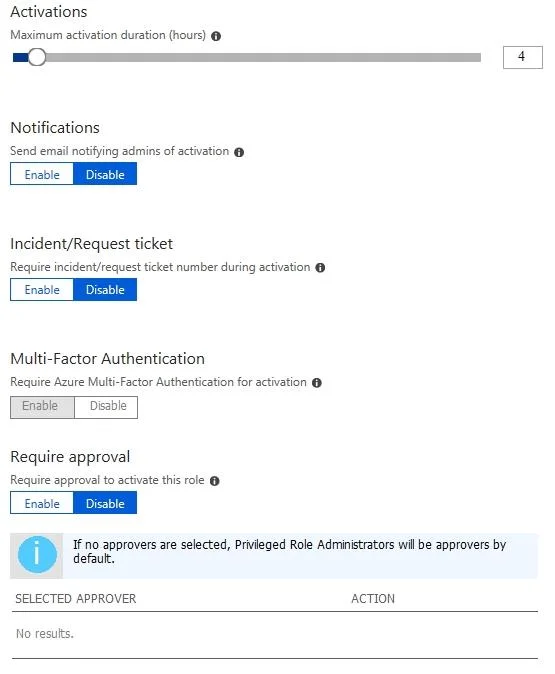
Statement 2 is No: While admin approval is not required ('Require approval' is disabled), the process is not fully 'automatic'. When User2 attempts to activate the role, they are interrupted by a mandatory Multi-Factor Authentication (MFA) prompt. The request will not activate automatically in the background; it requires interactive user fulfillment of the MFA challenge.
Statement 3 is Yes: The Role settings exhibit clearly shows that 'Require Azure Multi-Factor Authentication for activation' is enabled. For the Global Administrator role, Microsoft enforces this setting by default to secure the tenant.
Common mistakes.
- common_mistake. A common mistake is selecting 'Yes' for the second statement by assuming that because 'Require approval' is disabled, the role activates automatically without any friction. However, exam questions often distinguish between 'auto-approved' and 'activates automatically'; the mandatory MFA prompt makes the activation process interactive, not automatic.
Concept tested. Azure AD Privileged Identity Management (PIM) role settings, activation duration, and mandatory Multi-Factor Authentication (MFA) enforcement.
Topics
Community Discussion
No community discussion yet for this question.