
Microsoft
70-778 · Question #36
You plan to create a Power BI report. You have the schema model shown in the exhibit. (Click the exhibit). The model has the following relationships: Store the District based on DistrictID Sales to…
The correct answer is D. Change the Cross filter direction to Both. https://powerbi.microsoft.com/en-us/guided-learning/powerbi-admin-rls/
Model and Visualize Data by Using Power BI Desktop
Question
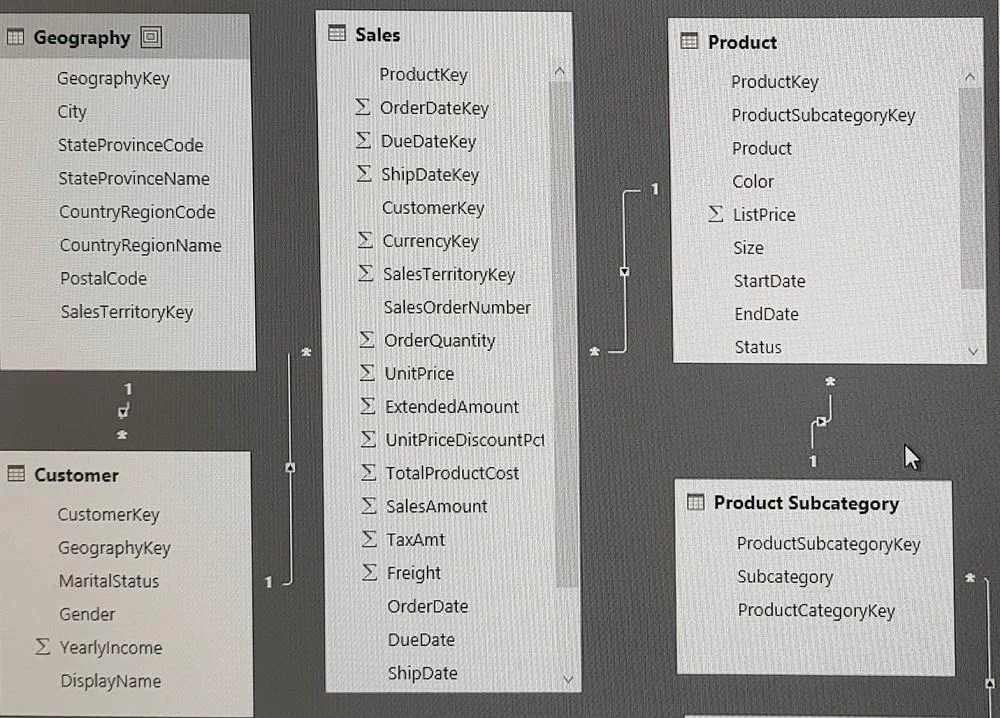
You plan to create a Power BI report. You have the schema model shown in the exhibit. (Click the exhibit). The model has the following relationships: Store the District based on DistrictID Sales to Store based on LocationID Sales to Date based on PeriodID Sales to Item based on ItemID You configure row-level security (RLS) so that the district managers of the stores only see the sales from the stores they manage. When the district managers view the sales report, they see Sales by Items for all stores. You need to ensure that the district managers can see Sales by items for the stores they manage only. How should you configure the relationship from Sales to Item?
Exhibit
Options
- AChange the Cardinality to One to one (1:1).
- BChange the Cardinality to One to Many (1.*).
- CSelect Assume Referential Integrity.
- DChange the Cross filter direction to Both.
How the community answered
(31 responses)- A3% (1)
- B10% (3)
- C3% (1)
- D84% (26)
Explanation
https://powerbi.microsoft.com/en-us/guided-learning/powerbi-admin-rls/
Topics
#row-level security#cross filter direction#bidirectional filtering#RLS relationships
Community Discussion
No community discussion yet for this question.