
350-401 · Question #788
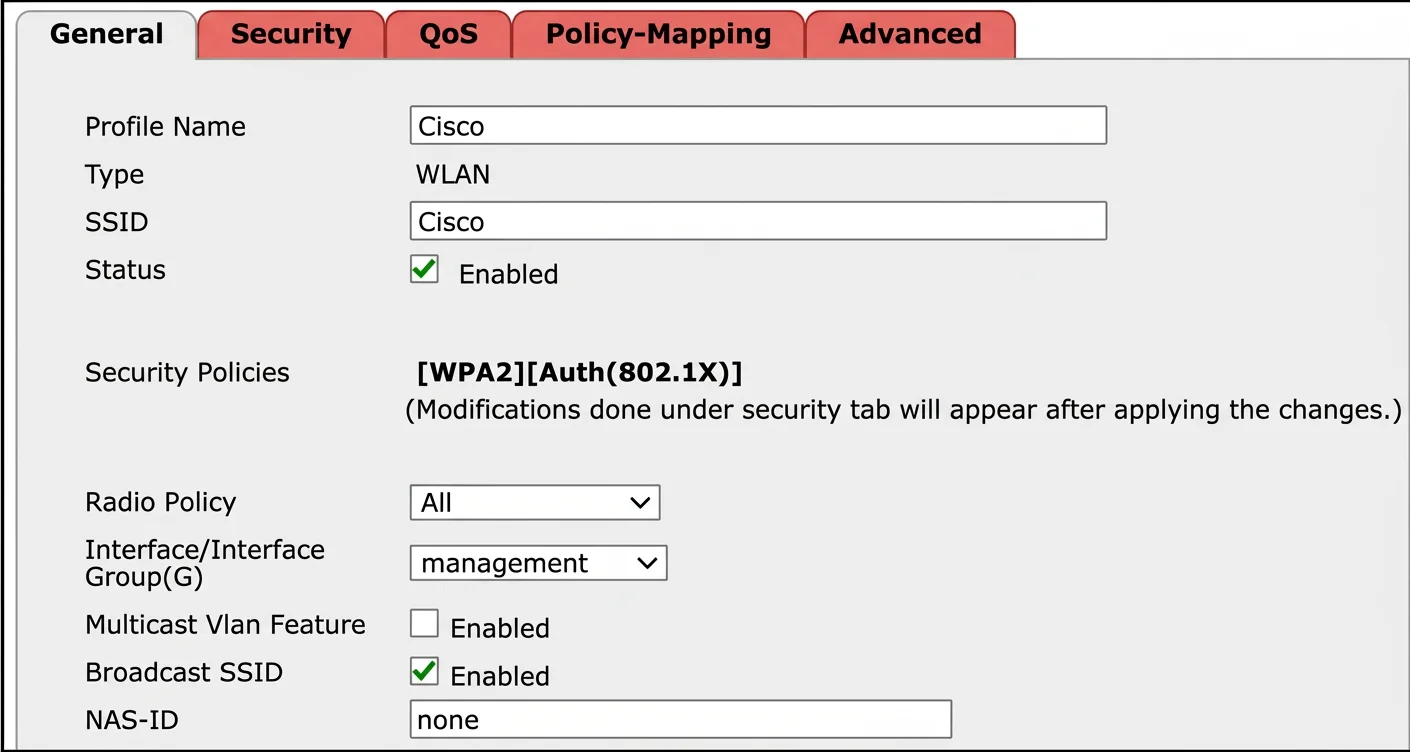
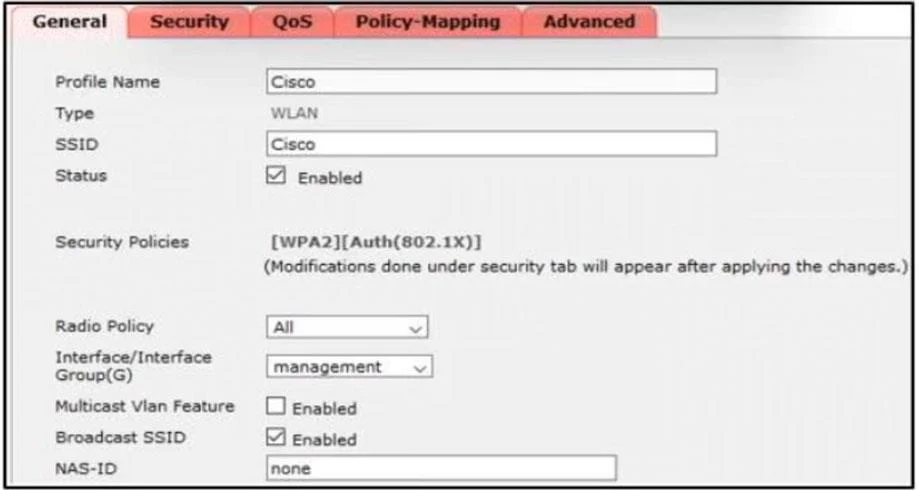
Refer to the exhibit. Clients report that they cannot connect to this SSID using the provided PSK. Which action will resolve this issue?
The correct answer is C. Select the PSK under authentication key management. Clients cannot connect to an SSID using a PSK because the PSK is not correctly selected under authentication key management settings for the WLAN.
Question
Refer to the exhibit. Clients report that they cannot connect to this SSID using the provided PSK. Which action will resolve this issue?
Exhibits
Options
- AApply the correct interface to this WLAN.
- BApply the changes this SSID.
- CSelect the PSK under authentication key management.
- DDefine the correct Radio Policy.
How the community answered
(63 responses)- A8% (5)
- B13% (8)
- C49% (31)
- D30% (19)
Why each option
Clients cannot connect to an SSID using a PSK because the PSK is not correctly selected under authentication key management settings for the WLAN.
An incorrect interface would prevent the WLAN from being broadcast or having connectivity, but the specific issue described is PSK authentication failure, not a general lack of connectivity.
Applying changes is a general step to save configurations, but it does not address the root cause of the PSK not being selected in the first place.
The exhibit likely shows that the Pre-Shared Key (PSK) is not properly selected or enabled under the authentication key management settings for the WLAN, preventing clients from authenticating successfully. Selecting the PSK under authentication key management ensures that the WLAN uses the configured PSK for client authentication, resolving the connection issue.
Radio Policy defines radio settings such as bands and data rates, but it does not directly control PSK authentication settings.
Concept tested: WLAN PSK authentication configuration
Source: https://www.cisco.com/c/en/us/td/docs/wireless/controller/8-5/config-guide/b_cg85/wlan_security.html
Topics
Community Discussion
No community discussion yet for this question.