
MS-700 · Question #256
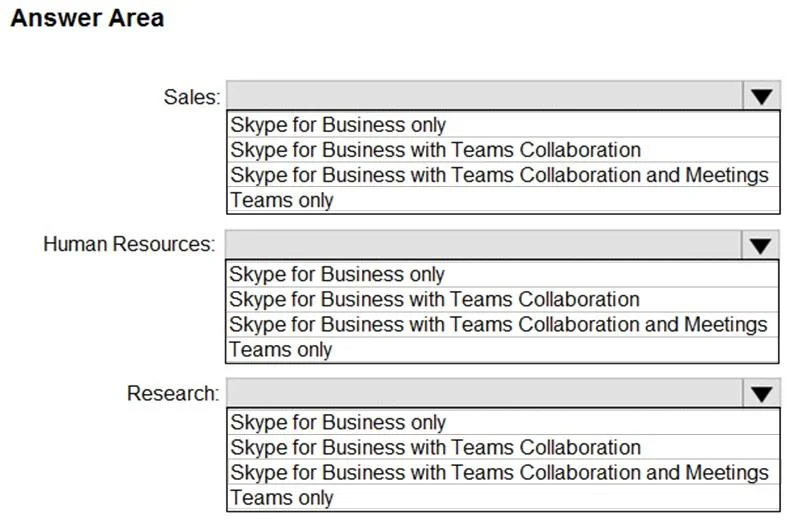
What should you do for each requirement? To answer, select the appropriate options in the answer area. NOTE: Each correct selection is worth one point. Requirements: Review Microsoft 365 network…
Box 1: From Microsoft 365 Admin Center, configure the Network Connectivity settings. Microsoft 365 Network Insights Network insights are actionable issues that might affect user experience when using Microsoft 365 apps. We detect insights based on network optics received from…
Question
Exhibit
Explanation
Box 1: From Microsoft 365 Admin Center, configure the Network Connectivity settings. Microsoft 365 Network Insights Network insights are actionable issues that might affect user experience when using Microsoft 365 apps. We detect insights based on network optics received from Microsoft 365 apps for your tenant users. Insights are available to view only by administrative users in your tenant. Insights can be viewed from Network Connectivity in Microsoft 365 Admin Center. Insights draw attention to both address issues at your network perimeter for your office locations. Each insight provides live details about a specific issue for each geographic location where users are accessing your tenant. Box 2: Network Planner Network Planner is a new tool that is available in the Teams admin center. It can be found by going to Planning > Network planner. In just a few steps, the Network Planner can help you determine and organize network requirements for connecting Microsoft Teams users across your organization. When you provide your network details and Teams usage, the Network Planner calculates your network requirements for deploying Teams and cloud voice across your organization's physical locations. Reference: https://learn.microsoft.com/en-us/microsoft365/enterprise/office-365-network-mac-perf-insights https://learn.microsoft.com/en-us/microsoftteams/network-planner
Topics
Community Discussion
No community discussion yet for this question.