
MB-280 · Question #117
Drag and Drop Question The product development team for a toy company creates a new remote-control toy. You need to create the necessary records and record relationships to sell the product for a…
The correct answer is unit groups; products; units; price lists; price list items. Dynamics 365 Sales: Product Catalog Setup - Explained The Core Concept In Dynamics 365 Sales, the product catalog has a strict dependency chain. You cannot create a record until its prerequisite records exist. The five required components form a dependency tree: `` Unit Groups…
Question
Exhibit
Answer Area
Drag items
Correct arrangement
- unit groups
- products
- units
- price lists
- price list items
Explanation
Dynamics 365 Sales: Product Catalog Setup - Explained
The Core Concept
In Dynamics 365 Sales, the product catalog has a strict dependency chain. You cannot create a record until its prerequisite records exist. The five required components form a dependency tree:
Unit Groups → (auto-creates default Unit)
    └── Products (need a unit group + unit)
        └── Units (additional units for the group)
            └── Price Lists (container for pricing)
                └── Price List Items (product + price list + price)
Step-by-Step Placement Reasoning
1. Unit Groups - Must Be First
A unit group is the root dependency for everything else. It defines how a product is measured (e.g., "Quantity," "Weight").
Critical behavior: Creating a unit group in Dynamics 365 automatically generates a default/primary unit inside it. This is why products can be created in the very next step without explicitly creating units first.
2. Products - Can Come Before Additional Units
A product requires a unit group and at least one unit - both now exist (the unit group + its auto-generated default unit). You can create the product record and associate it with that default unit immediately.
Common misconception: Many assume units must be explicitly created before products. They don't - the default unit created alongside the unit group is sufficient to define the product.
3. Units - Additional Units Added After Products
Additional units (e.g., "Pack of 6," "Case of 12") are added to the unit group here. These expand how the product can be sold in different quantities.
This step is effectively optional order-wise - units can be added to a group at any time. The question notes multiple correct orders are accepted, so placing units before or after products are both valid.
4. Price Lists - Container Required Before Pricing
A price list is the pricing container (e.g., "Retail Price List," "Wholesale Price List"). It must exist before you can attach product prices to it.
Price lists have no dependency on specific products - they're standalone containers. But price list items (step 5) depend on both, so price lists must come before price list items.
5. Price List Items - Last, Always
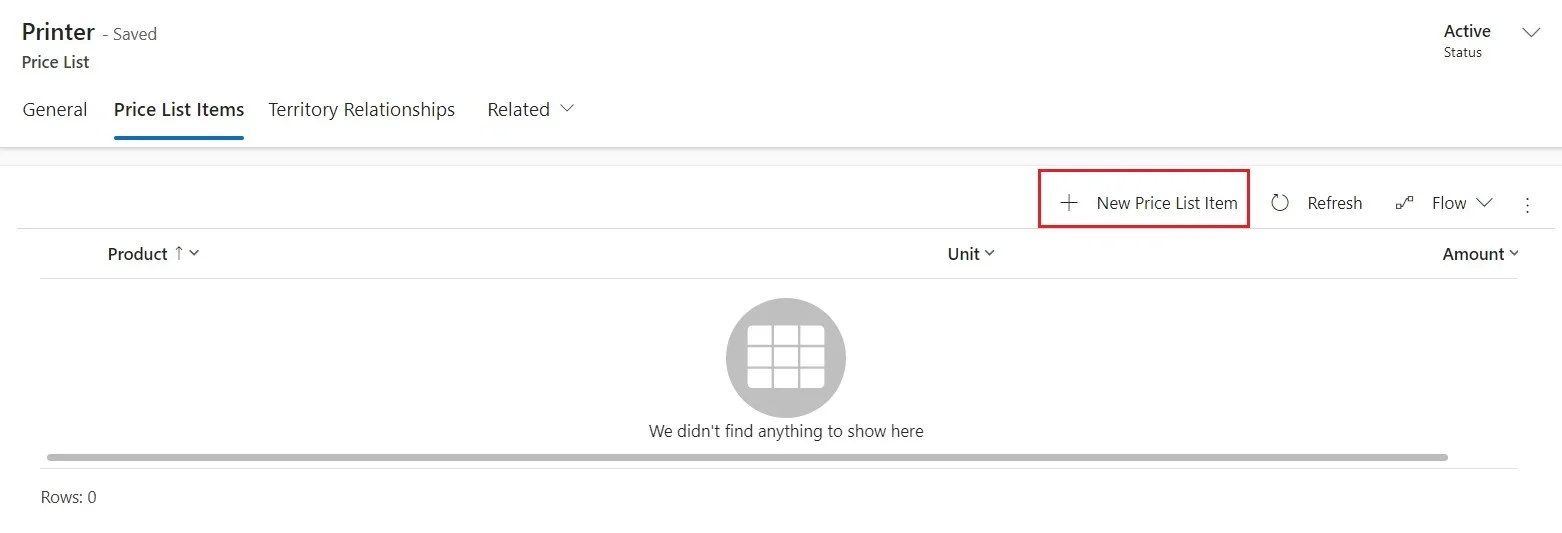
A price list item is the record that ties a specific product to a specific price list at a specific price. It requires both the product (step 2) and the price list (step 4) to already exist. This is always the final step.
Why the Other Items Were Excluded
| Item | Why Excluded |
|---|---|
| Product Families | Optional. Used to group products hierarchically, but not required to sell a product. |
| Discount Lists | Optional. Used for volume pricing tiers, but not needed for basic product sales. |
Key Misconceptions to Avoid
- "Units must come before Products" - False. The unit group auto-creates a default unit, so products can be set up in step 2.
- "Discount lists are required for pricing" - False. Discount lists are optional. Price list items handle the core pricing.
- "Product families are the starting point" - False. They're an organizational feature, not a dependency.
- "Price lists and price list items are the same thing" - False. Price lists are containers; price list items are the individual product-price records inside them.
Topics
Community Discussion
No community discussion yet for this question.