
AZ-500 · Question #94
Hotspot Question You create a new Azure subscription that is associated to a new Azure Active Directory (Azure AD) tenant. You create one active conditional access policy named Portal Policy. Portal…
The correct answer is Configure: Yes; Include: Selected locations. This question tests understanding of Azure AD Conditional Access policies, specifically how conditions (such as Sign-in risk, Device platforms, Locations) and Grant controls (such as requiring MFA or compliant device) interact to allow or block access to the Microsoft Azure…
Question
Exhibits
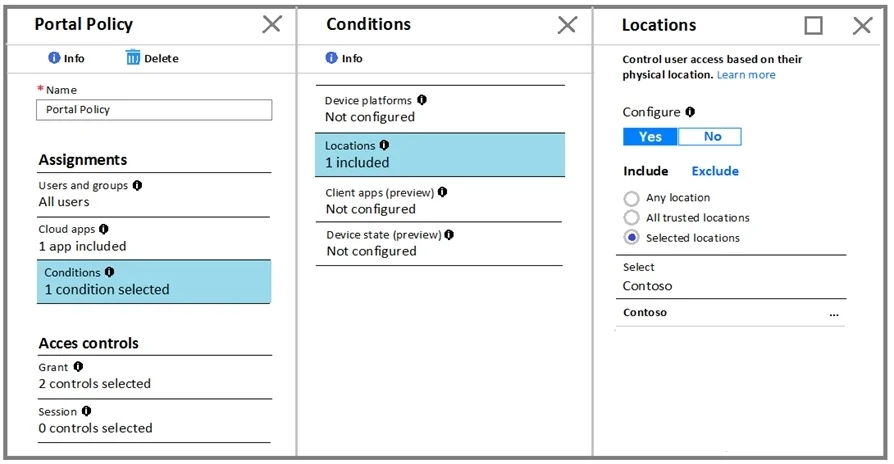
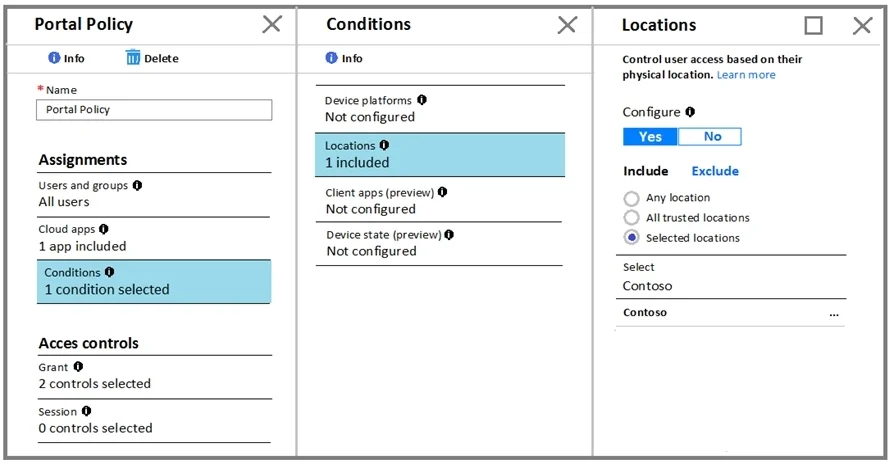
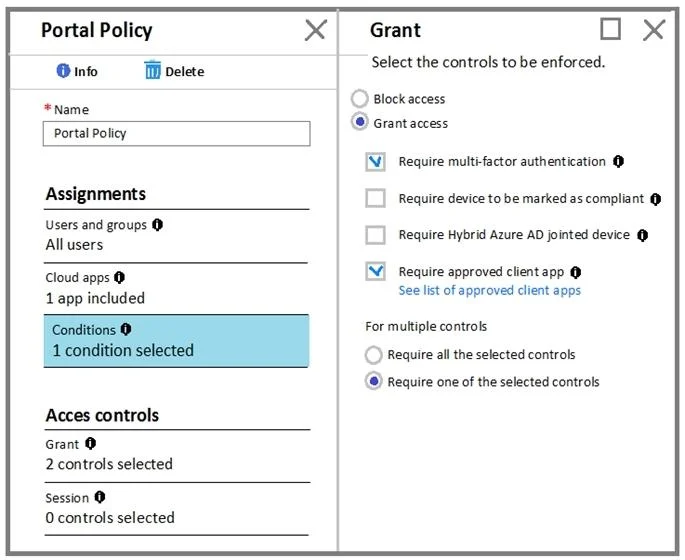
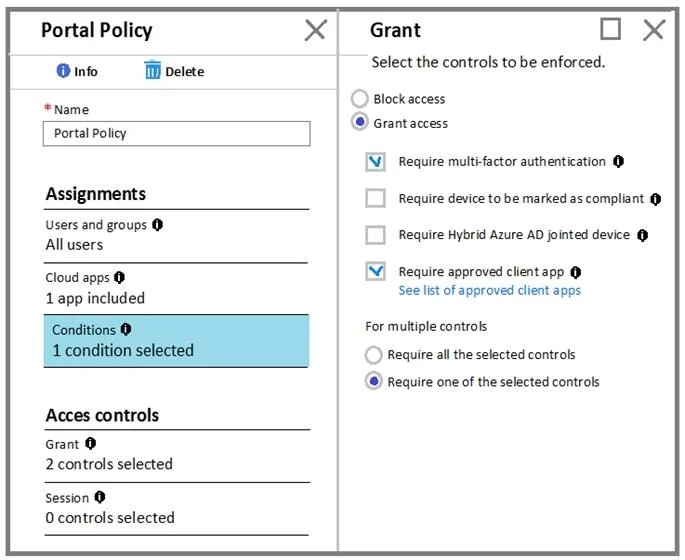
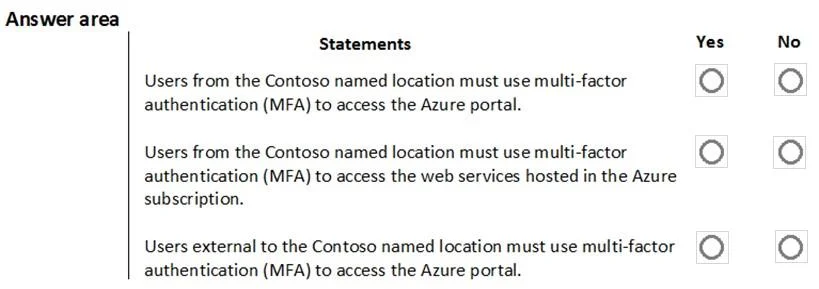
Answer Area
- ConfigureYesYesNo
- IncludeSelected locationsAny locationAll trusted locationsSelected locations
Explanation
This question tests understanding of Azure AD Conditional Access policies, specifically how conditions (such as Sign-in risk, Device platforms, Locations) and Grant controls (such as requiring MFA or compliant device) interact to allow or block access to the Microsoft Azure Management cloud app.
Approach. To evaluate each statement, you must analyze the Conditions exhibit (which typically filters by sign-in risk level, device platform, or named locations) and the Grant exhibit (which typically requires multi-factor authentication or a compliant/hybrid-joined device). A user is subject to the policy only if ALL configured conditions match their sign-in context; if any condition does not match, the policy does not apply and access proceeds without those grant controls. For example, if the policy conditions exclude a specific platform or location, users signing in from that platform/location are not affected by the policy. The grant control (e.g., 'Require MFA') only applies to users/sign-ins that satisfy all the configured conditions, so you must trace each scenario through both the conditions and grant settings to determine the correct Yes/No answer.
Concept tested. Azure AD Conditional Access policy evaluation: how Conditions (sign-in risk, device platform, location, client apps) filter which sign-ins are subject to the policy, and how Grant controls (MFA, compliant device, etc.) determine what is required for access when the policy applies.
Topics
Community Discussion
No community discussion yet for this question.