
AZ-305 · Question #124
Case Study 1 - Litware Existing Environment Azure Environment Litware has 10 Azure subscriptions that are linked to the Litware.com tenant and five Azure subscriptions that are linked to the…
The question tests the ability to select the appropriate Azure SQL Database deployment option and service tier for migrating multiple on-premises databases without explicit performance or compatibility requirements.
Question
Exhibits
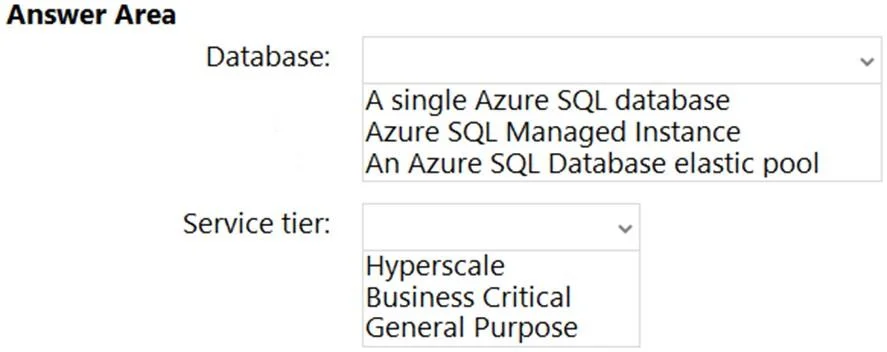
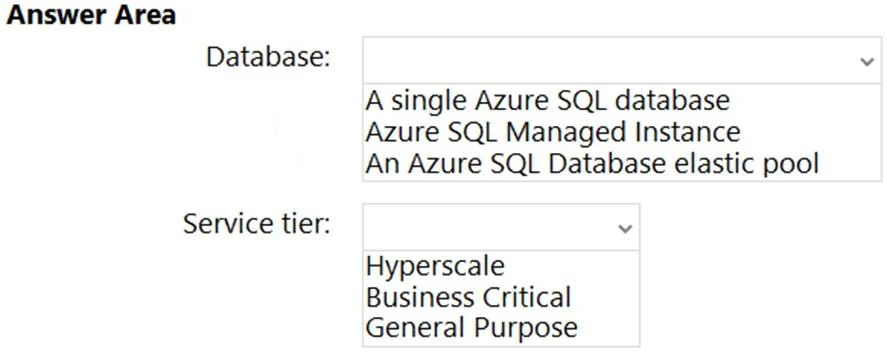
Answer Area
- Database:A single Azure SQL databaseAzure SQL Managed InstanceAn Azure SQL Database elastic pool
- Service tier:HyperscaleBusiness CriticalGeneral Purpose
Explanation
The question tests the ability to select the appropriate Azure SQL Database deployment option and service tier for migrating multiple on-premises databases without explicit performance or compatibility requirements.
Approach. Based on the case study, Litware plans to 'Migrate DB1 and DB2 to Azure.'
-
Database: An Azure SQL Database elastic pool
- Reasoning: An elastic pool is the most suitable choice when migrating multiple databases (like DB1 and DB2) that are likely part of the same application or have varying and unpredictable workloads. Elastic pools allow these databases to share a common pool of resources (e.g., eDTUs or vCores), which is more cost-effective and efficient than running them as separate single databases, especially if their individual resource demands fluctuate. The case study doesn't specify any unique instance-level features requiring Azure SQL Managed Instance, making the elastic pool a logical choice for consolidation and resource sharing.
-
Service tier: Business Critical
- Reasoning: The case study does not provide explicit performance, latency, or availability requirements for DB1 and DB2. However, for enterprise-level applications (implied by Litware's setup with multiple subscriptions, ExpressRoute, etc.), the Business Critical service tier is often the preferred choice when high performance, low latency, and maximum availability are desired or expected. It offers multiple isolated replicas for high resilience, faster recovery times, and includes features like in-memory OLTP. Without specific constraints to optimize for cost or minimal performance, Business Critical provides a robust and reliable solution suitable for most critical business workloads.
Common mistakes.
- common_mistake. Selecting 'A single Azure SQL database' would be less optimal for migrating two databases, as it would require managing two separate resource allocations, potentially leading to higher costs or less efficient resource utilization compared to an elastic pool where resources are shared. Selecting 'Azure SQL Managed Instance' is incorrect because the case study does not mention any requirements for SQL Server instance-level compatibility (e.g., cross-database queries, SQL Agent jobs, CLR, Service Broker, or strict virtual network isolation) that would necessitate a Managed Instance, which is generally more expensive. Opting for the 'Hyperscale' service tier would be overkill, as it's designed for extremely large databases (up to 100 TB) and very high throughput requirements, which are not indicated in the case study. Choosing 'General Purpose' for the service tier might be cheaper, but without explicit cost optimization requirements or an indication that the databases have low performance/availability needs, 'Business Critical' is generally a safer and more robust choice for critical enterprise applications.
Concept tested. This question tests the understanding of Azure SQL Database deployment options (Single Database, Elastic Pool, Managed Instance) and their respective use cases, as well as the characteristics and suitability of different service tiers (General Purpose, Business Critical, Hyperscale) based on general application requirements and best practices for migrating multiple databases.
Topics
Community Discussion
No community discussion yet for this question.