
MS-700 · Question #184
You have a Microsoft 365 E5 subscription that includes Teams. You need to ensure that only existing guest user accounts can access Teams files. New guest users must be restricted from accessing…
The correct answer is C. From the SharePoint admin center, configure the Sharing settings. To control file access for new guest users in Teams while allowing existing guests to retain access, you must configure the sharing settings in the SharePoint admin center.
Question
Exhibits
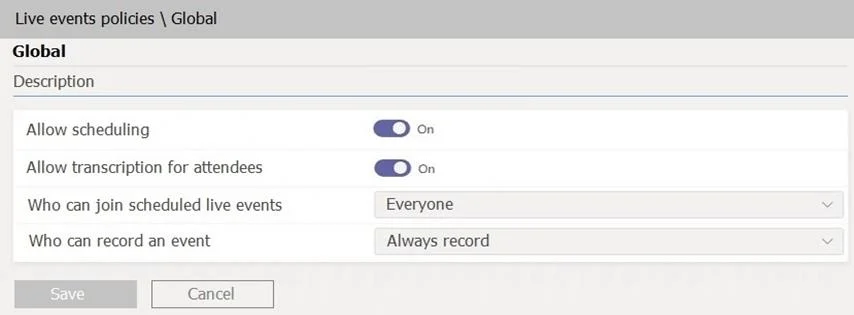
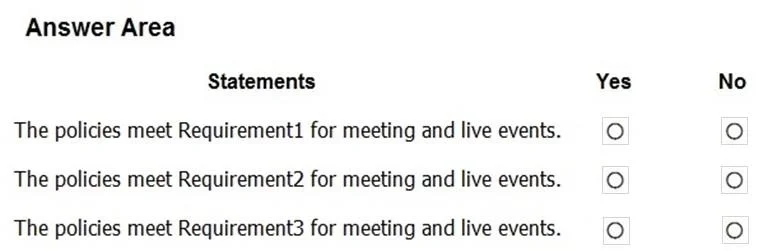
Options
- AFrom the Microsoft Teams admin center, configure the Guest access settings.
- BFrom the Microsoft Teams admin center, configure the External access settings.
- CFrom the SharePoint admin center, configure the Sharing settings.
- DFrom the Microsoft Entra admin center, configure the External collaboration settings.
How the community answered
(36 responses)- A3% (1)
- B8% (3)
- C75% (27)
- D14% (5)
Why each option
To control file access for new guest users in Teams while allowing existing guests to retain access, you must configure the sharing settings in the SharePoint admin center.
Guest access settings in the Teams admin center primarily control whether guests can join teams and channels, make calls, or use messaging features, but not the granular file sharing policies driven by SharePoint.
External access settings in the Teams admin center control communication (chat, calls) with external users outside the organization, not file access for guests.
Files in Microsoft Teams are stored in SharePoint Online. Therefore, to control how guest users access these files, the sharing settings in the SharePoint admin center must be configured. Adjusting these settings allows administrators to prevent new guest users from being able to share or access files, while existing guest access can remain unaffected based on the specific policy changes.
External collaboration settings in the Microsoft Entra admin center control the overall ability for guest users to be invited into the tenant and their general permissions, but SharePoint's sharing settings provide the specific control over file access for guests within Teams.
Concept tested: Managing guest file access in Teams via SharePoint settings
Source: https://learn.microsoft.com/en-us/sharepoint/turn-external-sharing-on-or-off
Topics
Community Discussion
No community discussion yet for this question.