
GPEN · Question #437
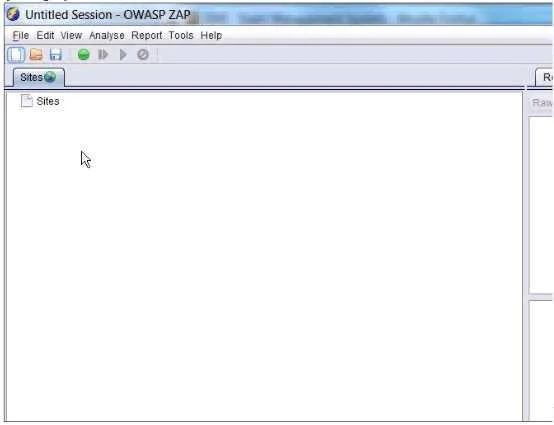
In the screen shot below, which selections would you need click in order to intercept and alter all http traffic passing through OWASP ZAP?
The correct answer is B. Set Break and Continue. In OWASP ZAP, the 'Break' feature allows you to intercept live HTTP/HTTPS requests and responses mid-flight. 'Set Break' places a breakpoint so ZAP pauses each request or response before forwarding it, giving you the ability to inspect and modify headers, parameters, or body…
Question
In the screen shot below, which selections would you need click in order to intercept and alter all http traffic passing through OWASP ZAP?
Exhibit
Options
- ATrap response and continue
- BSet Break and Continue
- CTrap request and continue
- DContinue and drop
How the community answered
(23 responses)- A4% (1)
- B78% (18)
- C4% (1)
- D13% (3)
Explanation
In OWASP ZAP, the 'Break' feature allows you to intercept live HTTP/HTTPS requests and responses mid-flight. 'Set Break' places a breakpoint so ZAP pauses each request or response before forwarding it, giving you the ability to inspect and modify headers, parameters, or body content. Once edits are made, clicking 'Continue' sends the modified traffic to its destination. This is the correct workflow for active man-in-the-middle interception and alteration of all HTTP traffic passing through ZAP's proxy. Simply trapping a request (C) or response (A) alone only covers one direction, and 'Drop' (D) discards traffic rather than forwarding it.
Topics
Community Discussion
No community discussion yet for this question.