
CKA · Question #14
Check to see how many worker nodes are ready (not including nodes tainted noSchedule) and write the number to /opt/KUCC00104/kucc00104.txt.
The user must execute a kubectl command in the web terminal to identify and count ready worker nodes that are not tainted NoSchedule, then redirect the numerical count to the specified file.
Question
Exhibits
Explanation
The user must execute a kubectl command in the web terminal to identify and count ready worker nodes that are not tainted NoSchedule, then redirect the numerical count to the specified file.
Approach. The core task requires identifying 'worker nodes' that are 'ready' and 'not tainted noSchedule', then writing the count to /opt/KUCC00104/kucc00104.txt. This is a command-line task in the provided web terminal.
- List all nodes and their status/roles: Use
kubectl get nodesto get a summary of all nodes in the cluster, their status, and roles. - Filter for 'Ready' status: The
STATUScolumn inkubectl get nodesoutput indicates if a node is 'Ready'. - Filter for 'worker nodes' and exclude 'nodes tainted noSchedule': Worker nodes typically do not have 'master' or 'control-plane' roles listed. Master nodes, by default, have the
node-role.kubernetes.io/master:NoScheduletaint. Therefore, excluding nodes with the 'master' role usually satisfies the 'not tainted noSchedule' condition for healthy worker nodes. - Count the filtered nodes: Use
wc -lto count the resulting lines (node names). - Redirect output: Save the final count to
/opt/KUCC00104/kucc00104.txt.
The most effective command for this in a standard Kubernetes environment is:
kubectl get nodes --no-headers | awk '$2 == "Ready" && !/master/ {print $1}' | wc -l > /opt/KUCC00104/kucc00104.txt
kubectl get nodes --no-headers: Lists all nodes without the initial header row, making text processing easier.awk '$2 == "Ready" && !/master/ {print $1}': Thisawkcommand processes each line ofkubectl get nodesoutput:$2 == "Ready": Selects lines where the second field (STATUS column) is 'Ready'.!/master/: Excludes lines that contain 'master' (typically in the ROLES column), effectively filtering out master nodes. This implicitly excludes nodes with the defaultNoScheduletaint. For healthy clusters, worker nodes are 'Ready' and usually not taintedNoScheduleunless explicitly done so for specific maintenance.{print $1}: Prints the first field (NAME column) of the matching lines.
wc -l: Counts the number of lines (which correspond to the names of the filtered nodes).> /opt/KUCC00104/kucc00104.txt: Redirects the final count to the specified file.
Common mistakes.
- common_mistake. Common mistakes include:
- Not filtering out master nodes: Failing to use
!/master/or similar logic would lead to an incorrect count, as master nodes are typically taintedNoSchedule. - Not filtering for 'Ready' status: Counting nodes that are
NotReadywould be incorrect. - Forgetting to count or redirect: Not using
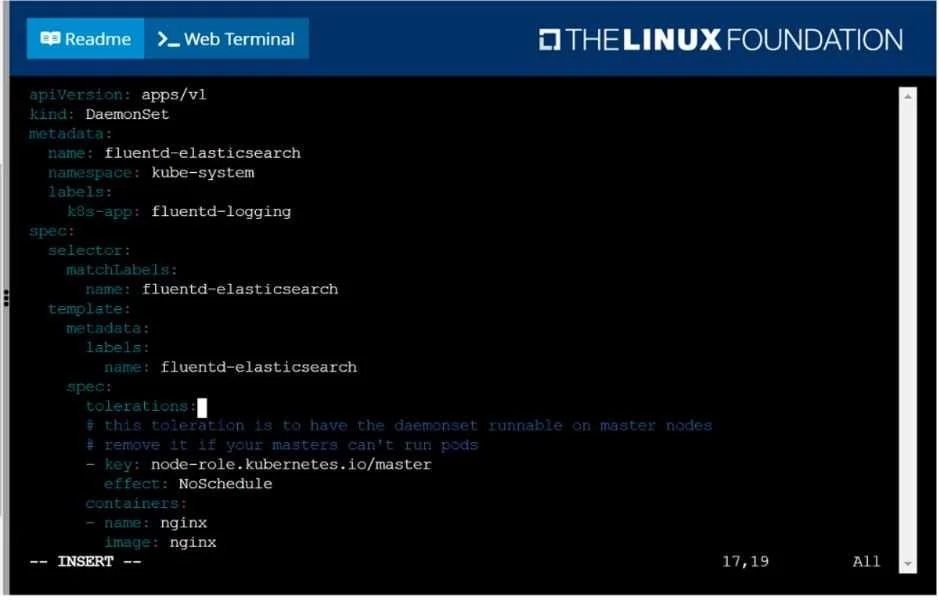
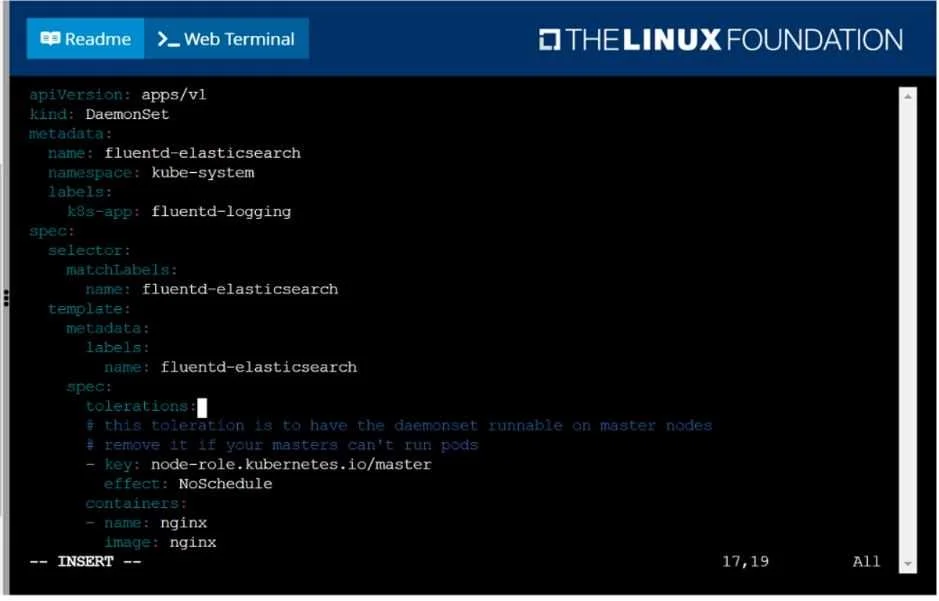
| wc -lor not redirecting the output with> /opt/KUCC00104/kucc00104.txtwill fail to meet the task requirements. - Interacting with the YAML file: The YAML shown in the terminal is a visual distraction, intended to provide context about taints and tolerations, but the question does not ask to modify or apply it.
- Using overly complex commands: While
jsonpathorjqcould achieve a highly precise filter for taints, theawksolution is simpler, more commonly expected in certification exams for this type of task, and sufficiently addresses the problem's intent for typical cluster configurations.
Concept tested. This question tests the candidate's understanding of:
- Kubernetes Node management: Listing and inspecting cluster nodes (
kubectl get nodes). - Node Status: Interpreting the
Readystatus of a node. - Node Roles: Distinguishing between master and worker nodes.
- Kubernetes Taints and Tolerations: Understanding the concept of taints, particularly
NoScheduleand its default application on master nodes, and how it impacts pod scheduling. - Command-line text processing: Using tools like
awkandwcto filter and count output fromkubectlcommands, and shell redirection (>).
Topics
Community Discussion
No community discussion yet for this question.