
AZ-500 · Question #187
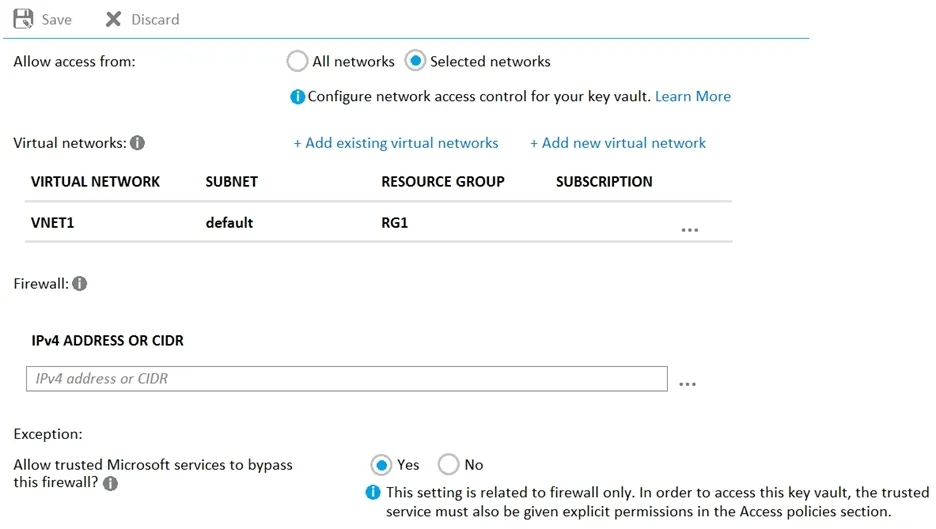
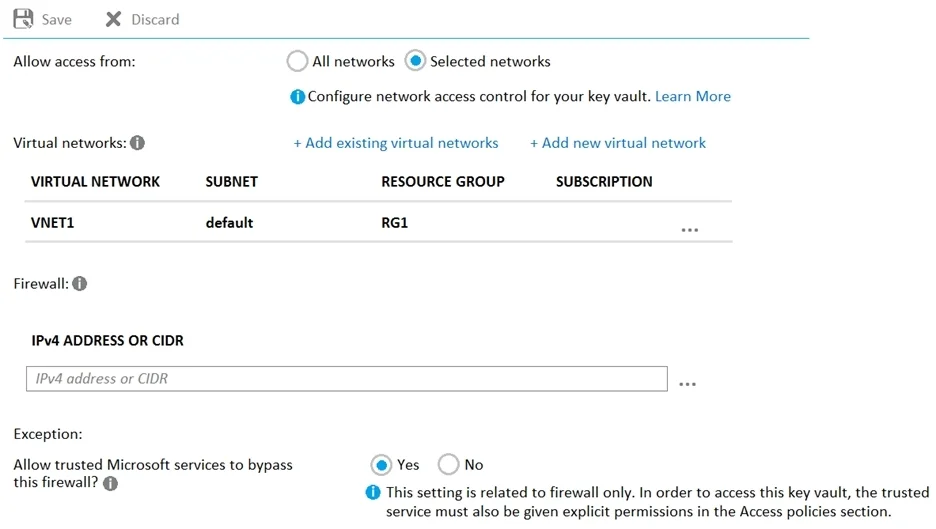
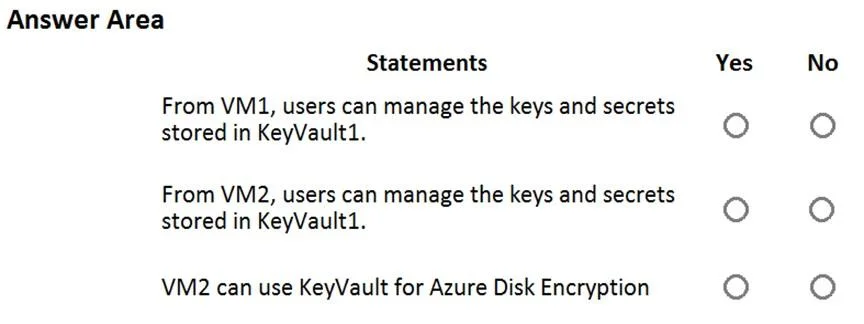
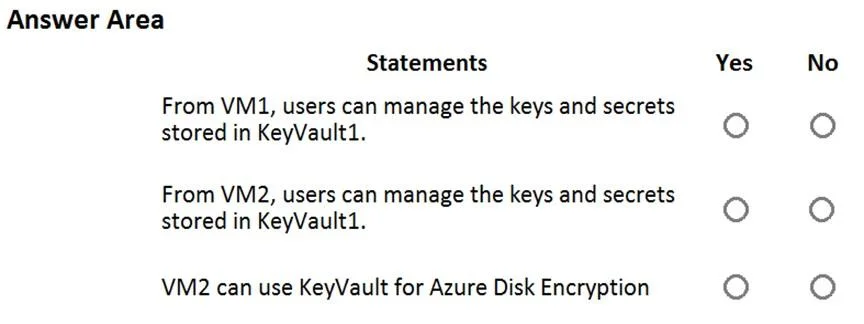
Hotspot Question You have an Azure subscription that contains an Azure key vault named KeyVault1 and the virtual machines shown in the following table. You set the Key Vault access policy to Enable…
The correct answer is Allow trusted Microsoft services to bypass this firewall? = Yes. This question tests knowledge of Azure Disk Encryption (ADE) requirements, specifically which VM configurations are compatible with Azure Key Vault encryption policies based on OS type, VM generation, and Key Vault settings.
Question
Exhibits
Answer Area
- Allow trusted Microsoft services to bypass this firewall?Yes
Explanation
This question tests knowledge of Azure Disk Encryption (ADE) requirements, specifically which VM configurations are compatible with Azure Key Vault encryption policies based on OS type, VM generation, and Key Vault settings.
Approach. Azure Disk Encryption has specific requirements: it supports Windows Server 2008 R2 and later, and Linux VMs with supported distributions, but does NOT support Generation 2 (Gen2) VMs for ADE. ADE also requires the Key Vault and VM to be in the same region. When KeyVault1 has 'Enable access to Azure Disk Encryption for volume encryption' set, only Generation 1 VMs with supported OS versions can be encrypted using ADE. VM1 (Windows Gen1) = Yes, VM2 (Linux Gen1 supported distro) = Yes, VM3 (Gen2 VM) = No - Azure Disk Encryption does not support Generation 2 VMs; you must use EncryptionAtHost or server-side encryption instead for Gen2 VMs.
Concept tested. Azure Disk Encryption (ADE) compatibility requirements including VM generation support (Gen1 vs Gen2), supported operating systems, and Key Vault access policy configuration for volume encryption.
Reference. https://learn.microsoft.com/en-us/azure/virtual-machines/windows/disk-encryption-overview - Azure Disk Encryption does not support Generation 2 VMs and requires specific OS versions and Key Vault configurations.
Topics
Community Discussion
No community discussion yet for this question.