
AZ-500 · Question #170
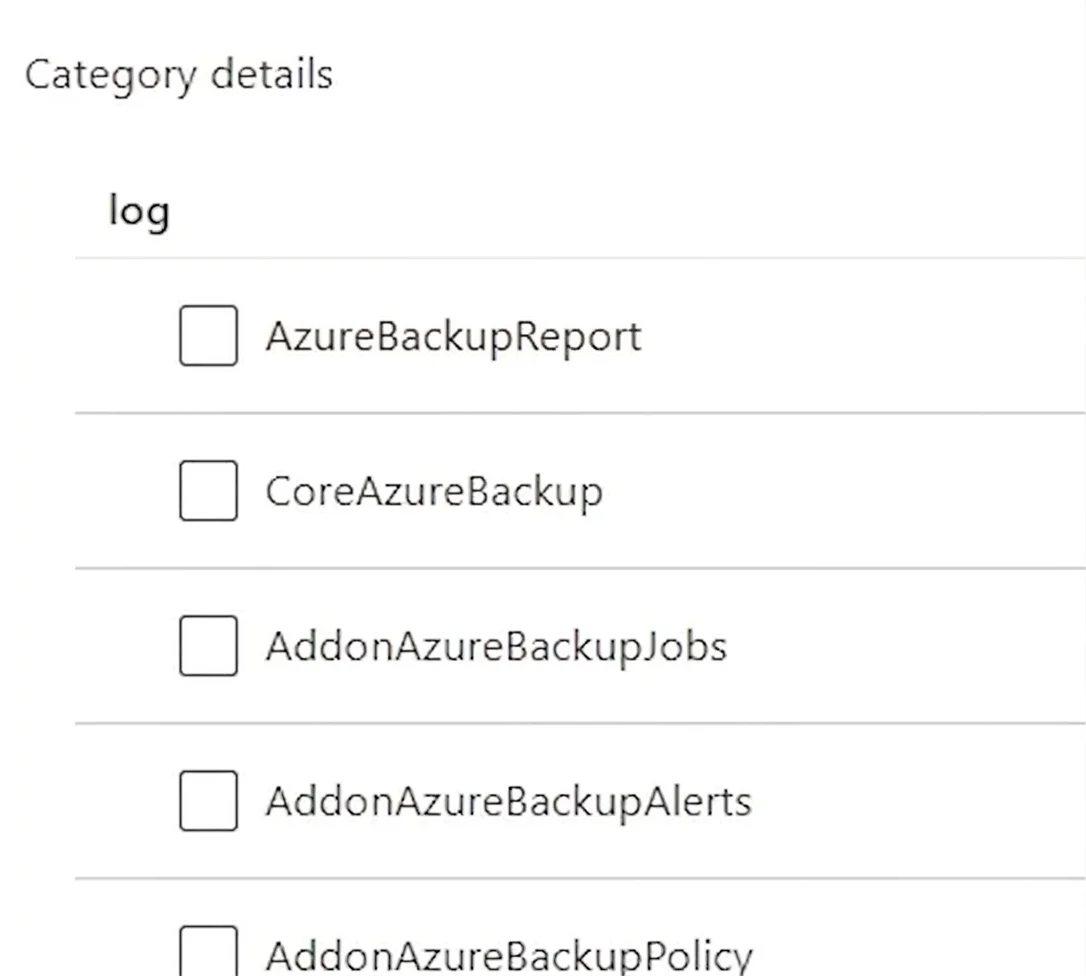
SIMULATION You need to ensure that the AzureBackupReport log for the Vault1 Recovery Services vault is stored in the WS11641655 Azure Log Analytics workspace. To complete this task, sign in to the…
The correct solution follows the precise Azure portal workflow for configuring diagnostic settings on a Recovery Services vault. By navigating to Vault1's Diagnostic Settings under the Monitoring section, adding a new diagnostic setting, selecting the AzureBackupReport log…
Question
Exhibit
Explanation
The correct solution follows the precise Azure portal workflow for configuring diagnostic settings on a Recovery Services vault. By navigating to Vault1's Diagnostic Settings under the Monitoring section, adding a new diagnostic setting, selecting the AzureBackupReport log category, and directing output to the WS11641655 Log Analytics workspace, you establish the data pipeline that stores backup telemetry in the specified workspace. This is the only supported Azure-native method to route vault diagnostic logs to Log Analytics for analysis and alerting.
Topics
Community Discussion
No community discussion yet for this question.