nerdexam
MicrosoftMicrosoft

AZ-500 · Question #169

AZ-500 Question #169: Real Exam Question with Answer & Explanation

The correct approach navigates to the Log Analytics workspace's Advanced Settings > Data > Windows Event Logs, then explicitly adds 'System' as the event log source by typing the name and clicking the plus sign. This is the required configuration path in the Azure portal to enabl

Submitted by anna_se· Mar 6, 2026Monitor and Back Up Azure Resources - Configure monitoring for Azure resources using Azure Monitor and Log Analytics workspaces, including data collection from connected Windows servers.

Question

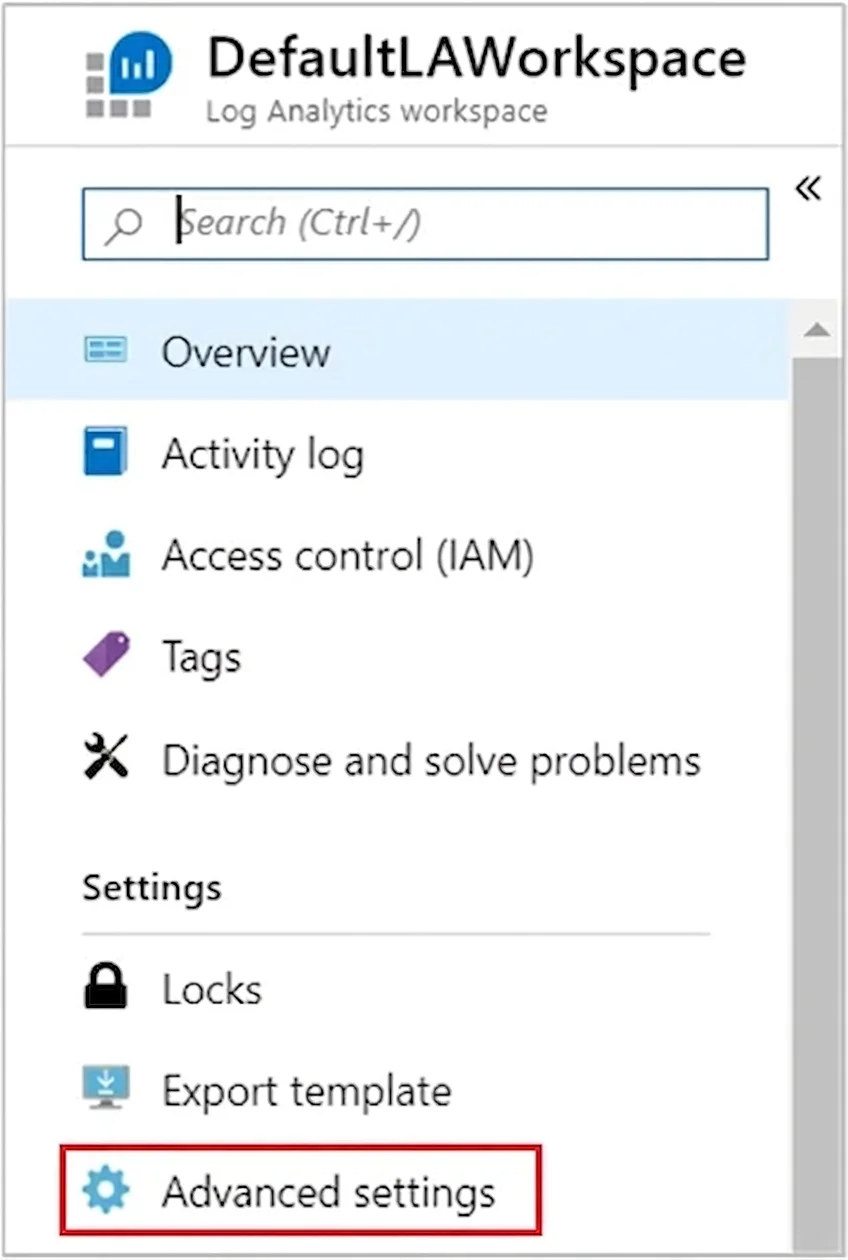
SIMULATION You plan to connect several Windows servers to the WS11641655 Azure Log Analytics workspace. You need to ensure that the events in the System event logs are collected automatically to the workspace after you connect the Windows servers. To complete this task, sign in to the Azure portal and modify the Azure resources. Answer: Azure Monitor can collect events from the Windows event logs or Linux Syslog and performance counters that you specify for longer term analysis and reporting, and take action when a particular condition is detected. Follow these steps to configure collection of events from the Windows system log and Linux Syslog, and several common performance counters to start with. Data collection from Windows VM 1. In the Azure portal, locate the WS11641655 Azure Log Analytics workspace then select Advanced settings. 2. Select Data, and then select Windows Event Logs. 3. You add an event log by typing in the name of the log. Type System and then select the plus sign +. 4. In the table, check the severities Error and Warning. (for this question, select all severities to ensure that ALL logs are collected). 5. Select Save at the top of the page to save the configuration.

Options

  • taskConfigure the WS11641655 Azure Log Analytics workspace to automatically collect System event logs from connected Windows servers.
  • prerequisitesAzure portal access

Explanation

The correct approach navigates to the Log Analytics workspace's Advanced Settings > Data > Windows Event Logs, then explicitly adds 'System' as the event log source by typing the name and clicking the plus sign. This is the required configuration path in the Azure portal to enable automatic collection of Windows System event logs from any connected servers, as the workspace does not collect any event logs by default. Selecting the appropriate severity levels (Error, Warning, Information) ensures the desired events are forwarded to the workspace once agents are installed on the Windows servers.

Topics

#Azure Monitor#Log Analytics Workspace#Windows Event Logs#Data Collection Configuration

Community Discussion

No community discussion yet for this question.

Full AZ-500 PracticeBrowse All AZ-500 Questions