
AZ-500 · Question #147
Your company has a resource group that contains Virtual Machines, Virtual Networks and storage accounts. You have to delegate access to a user with the following privileges to the resource group…
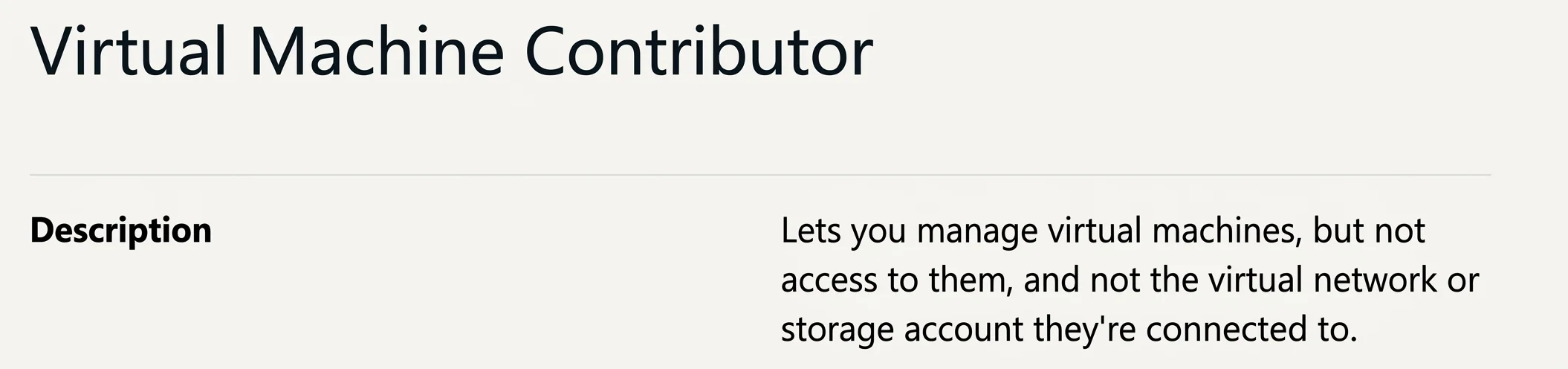
The correct answer is C. Virtual Machine Contributor. Virtual Machine Contributor (Option C) is the ideal role here because it grants the ability to manage virtual machines (create, resize, restart, etc.) without providing access to the VMs themselves (no RDP/SSH login rights), and crucially, it does not extend permissions to…
Question
Exhibit
Options
- AOwner
- BContributor
- CVirtual Machine Contributor
- DVirtual Machine Administrator Login
How the community answered
(26 responses)- A15% (4)
- B8% (2)
- C73% (19)
- D4% (1)
Explanation
Virtual Machine Contributor (Option C) is the ideal role here because it grants the ability to manage virtual machines (create, resize, restart, etc.) without providing access to the VMs themselves (no RDP/SSH login rights), and crucially, it does not extend permissions to virtual networks or storage accounts - perfectly matching all three requirements.
Why the other options are wrong:
- Owner (A) grants full control over all resources in the resource group, including virtual networks and storage accounts, violating the least-privilege principle.
- Contributor (B) also grants broad access to manage all resource types in the group, including virtual networks and storage accounts - too permissive.
- Virtual Machine Administrator Login (D) does the opposite of what's needed - it allows users to log into the VM as an administrator but doesn't grant the ability to manage (configure or administer) the virtual machines themselves.
Memory Tip: Think of the roles as a spectrum - "Administrator Login" = access inside the VM, "VM Contributor" = manage the VM resource from Azure, "Contributor/Owner" = manage everything. Match the role name to the task: managing VMs → VM Contributor.
Topics
Community Discussion
No community discussion yet for this question.