nerdexam
MicrosoftMicrosoft

AZ-500 · Question #139

AZ-500 Question #139: Real Exam Question with Answer & Explanation

Enabling 'Secure transfer required' on an Azure Storage account forces all requests to use HTTPS, effectively blocking any HTTP connections to the storage account. This setting is found under the Configuration blade of the storage account in the Azure Portal and acts as an enforc

Submitted by minji_kr· Mar 6, 2026Implement and manage storage accounts security - specifically configuring secure transfer requirements to enforce encrypted connections (HTTPS/SMB) and prevent unencrypted HTTP traffic, aligning with the AZ-104 'Implement and manage storage' and AZ-500 'Secure data and applications' domain objectives.

Question

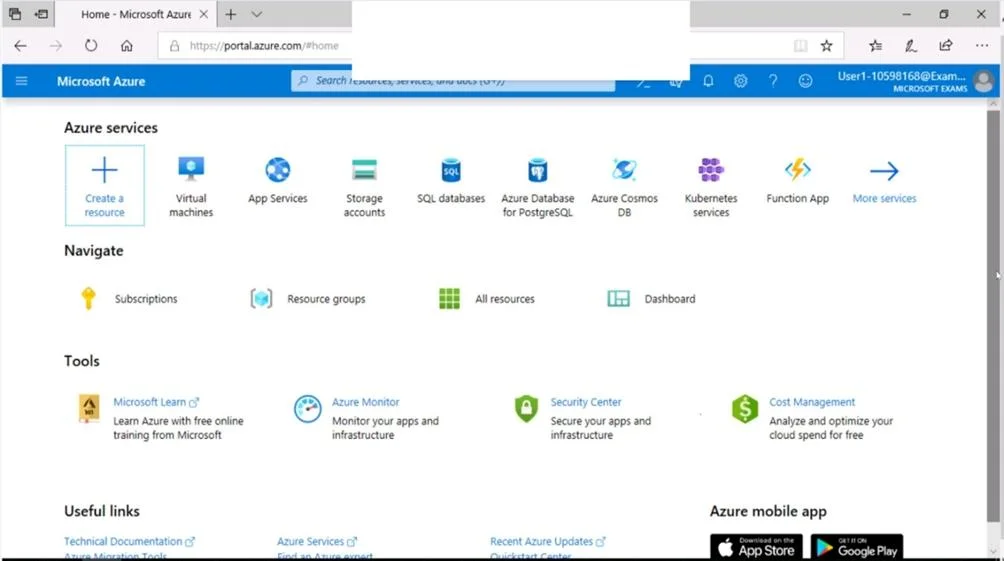
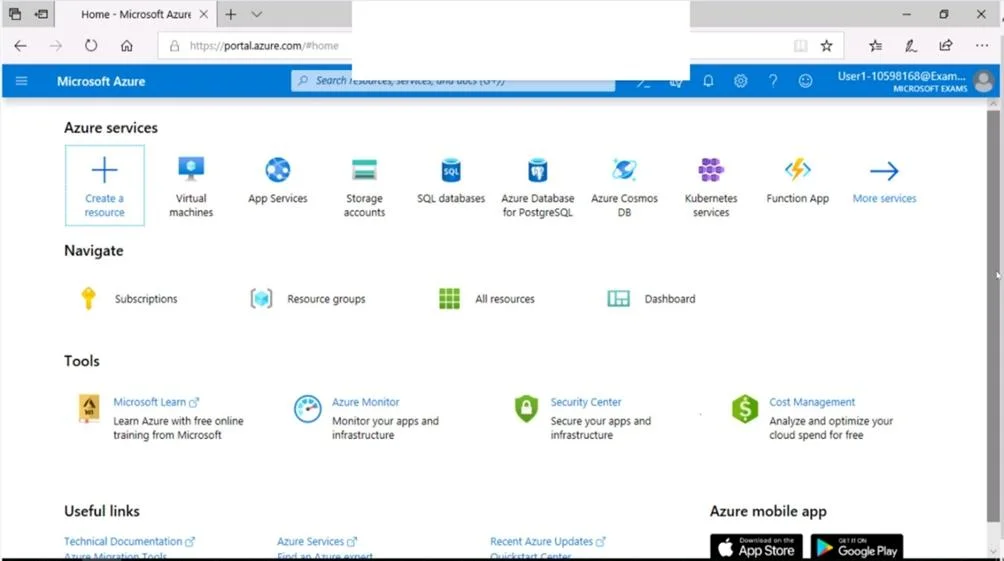
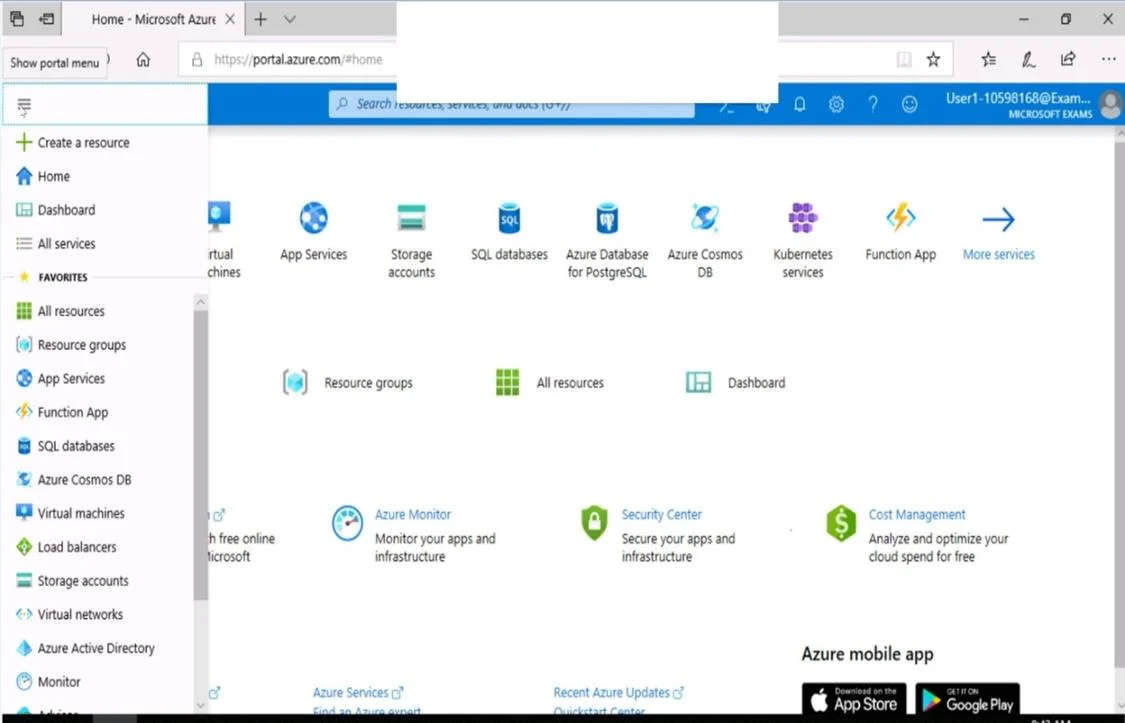
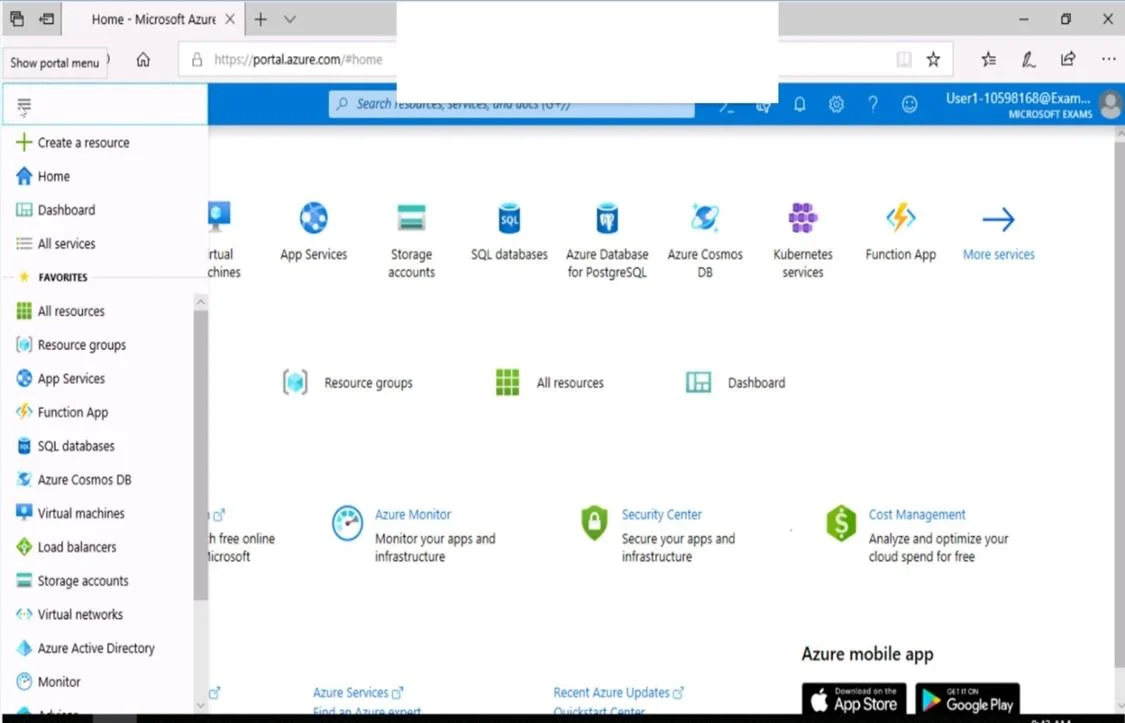
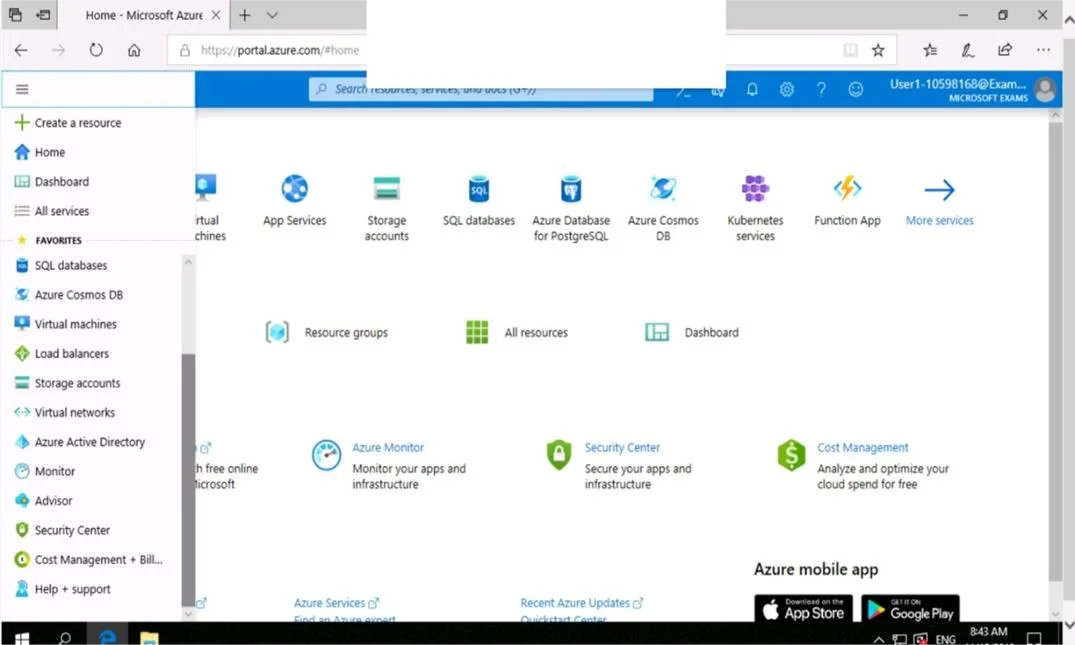
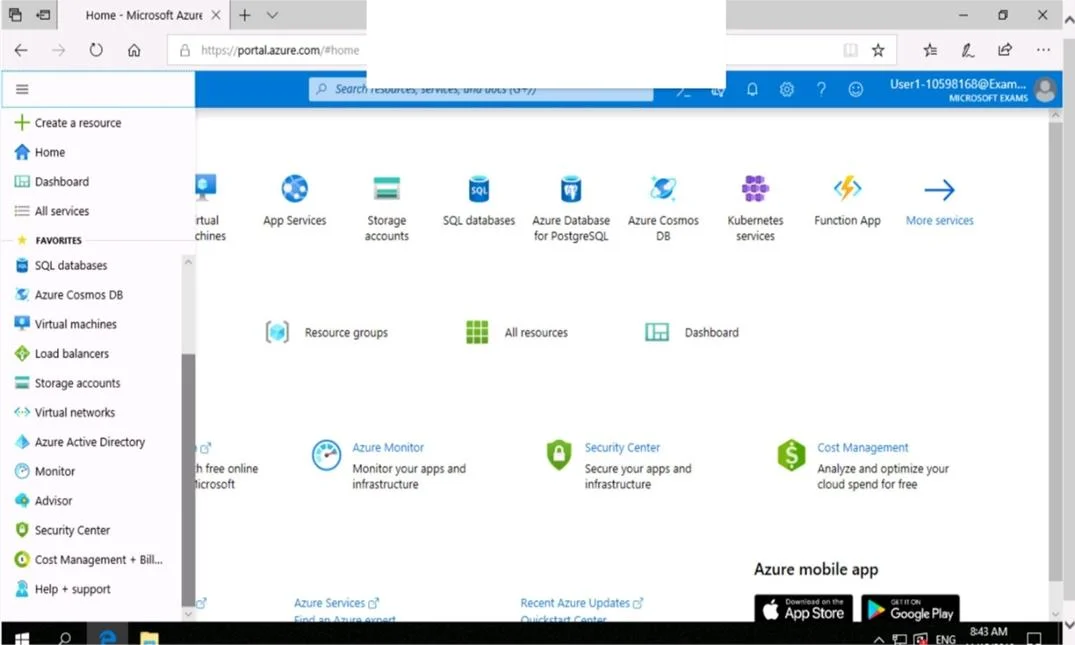
SIMULATION Use the following login credentials as needed: To enter your username, place your cursor in the Sign in box and click on the username below. To enter your password, place your cursor in the Enter password box and click on the password below. Azure Username: [email protected] Azure Password: Ag1Bh9!#Bd The following information is for technical support purposes only: Lab Instance: 10598168 You need to prevent HTTP connections to the rg1lod10598168n1 Azure Storage account. To complete this task, sign in to the Azure portal. Answer: The "Secure transfer required" feature is now supported in Azure Storage account. This feature enhances the security of your storage account by enforcing all requests to your account through a secure connection. This feature is disabled by default. 1. In Azure Portal select you Azure Storage account rg1lod10598168n1. 2. Select Configuration, and Secure Transfer required. Reference: https://techcommunity.microsoft.com/t5/Azure/quot-Secure-transfer-required-quot-is-available-in- Azure- Storage/m-p/82475

Options

  • taskPrevent HTTP connections to the rg1lod10598168n1 Azure Storage account.
  • prerequisitesAzure Username: [email protected] Azure Password: Ag1Bh9!#Bd

Explanation

Enabling 'Secure transfer required' on an Azure Storage account forces all requests to use HTTPS, effectively blocking any HTTP connections to the storage account. This setting is found under the Configuration blade of the storage account in the Azure Portal and acts as an enforcement mechanism at the storage account level. When enabled, any HTTP-based requests will be rejected with a 403 error, ensuring data in transit is always encrypted via TLS.

Topics

#Azure Storage Security#Secure Transfer Required#HTTPS Enforcement#Storage Account Configuration

Community Discussion

No community discussion yet for this question.

Full AZ-500 PracticeBrowse All AZ-500 Questions