
AZ-500 · Question #140
SIMULATION Use the following login credentials as needed: To enter your username, place your cursor in the Sign in box and click on the username below. To enter your password, place your cursor in…
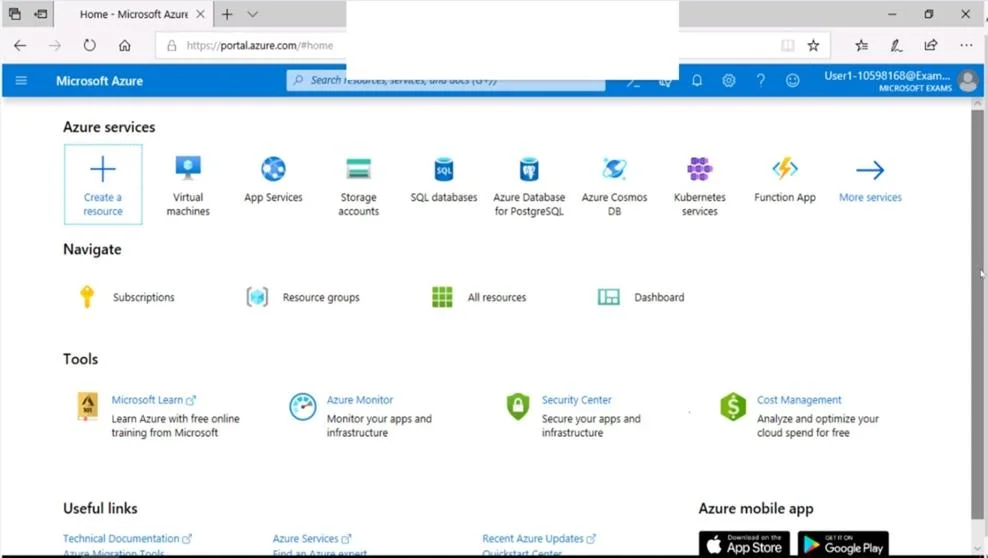
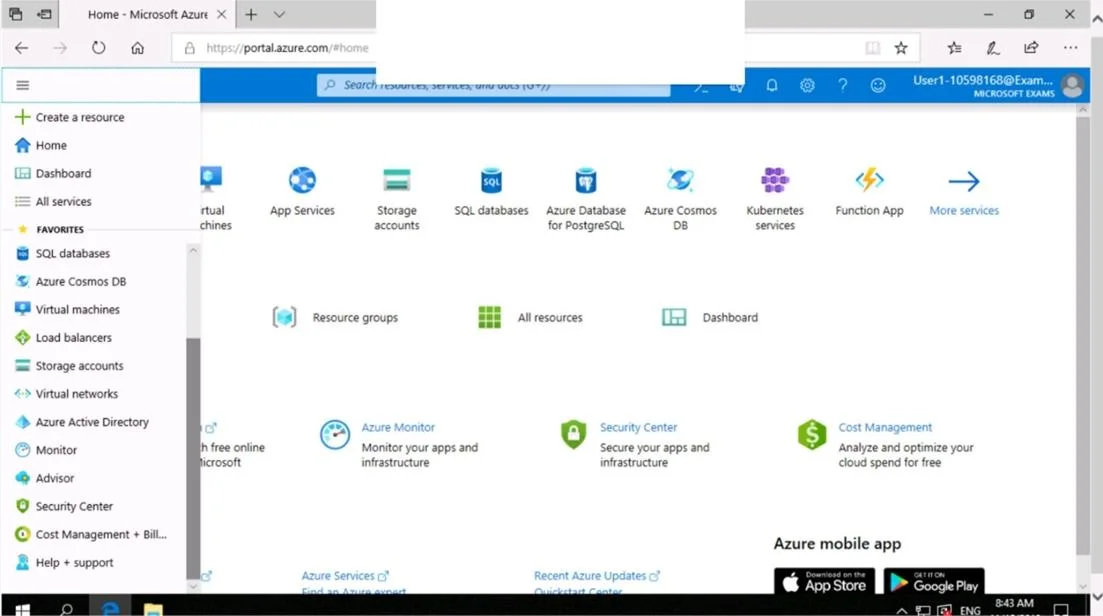
To encrypt an Azure Storage account using a customer-managed key (CMK) stored in Azure Key Vault, you must navigate to the Storage account's Encryption settings and select 'Customer-managed keys' (Use your own key), then specify the Key Vault and key to use. This leverages…
Question
Exhibits
Explanation
To encrypt an Azure Storage account using a customer-managed key (CMK) stored in Azure Key Vault, you must navigate to the Storage account's Encryption settings and select 'Customer-managed keys' (Use your own key), then specify the Key Vault and key to use. This leverages Azure Key Vault integration with Storage Service Encryption (SSE), giving the customer control over the encryption keys rather than relying on Microsoft-managed keys. The Key Vault must have soft-delete and purge protection enabled, and the storage account must be granted access to the Key Vault via a managed identity or access policy.
Topics
Community Discussion
No community discussion yet for this question.