
AZ-500 · Question #131
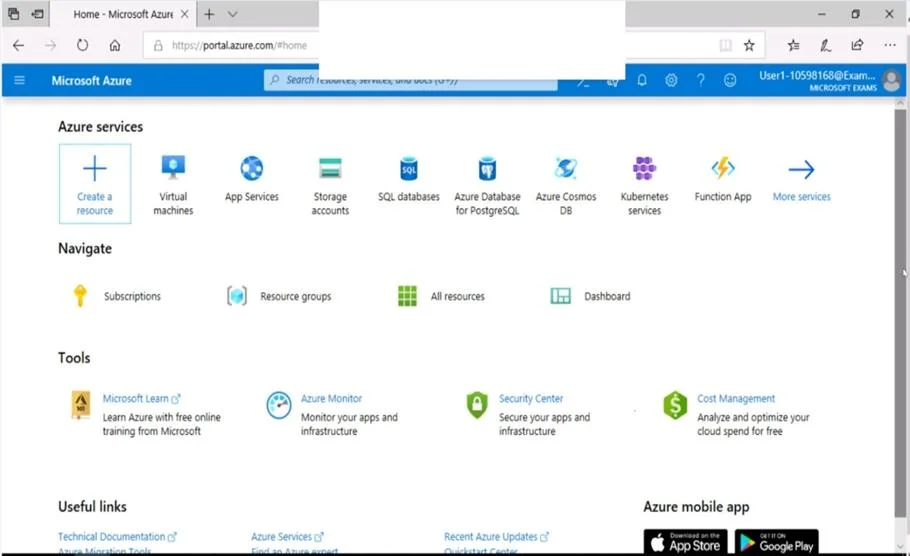
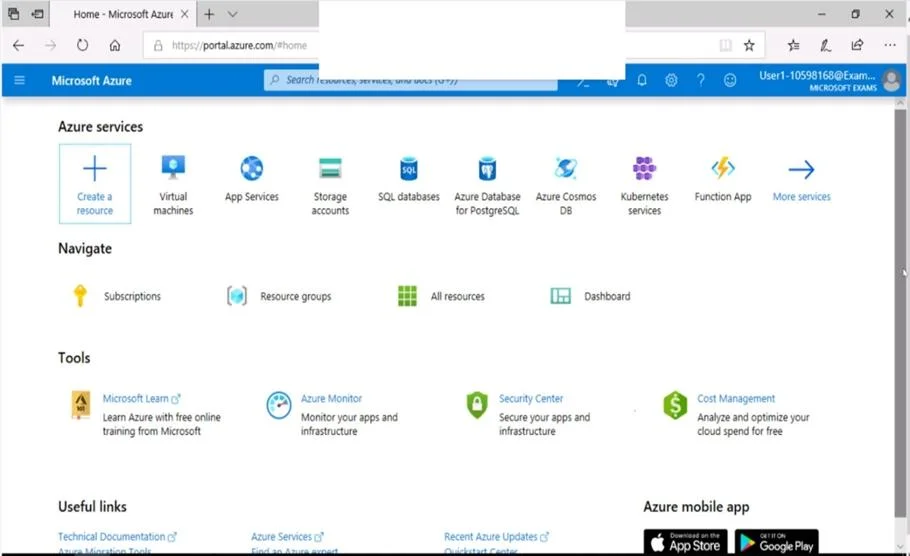
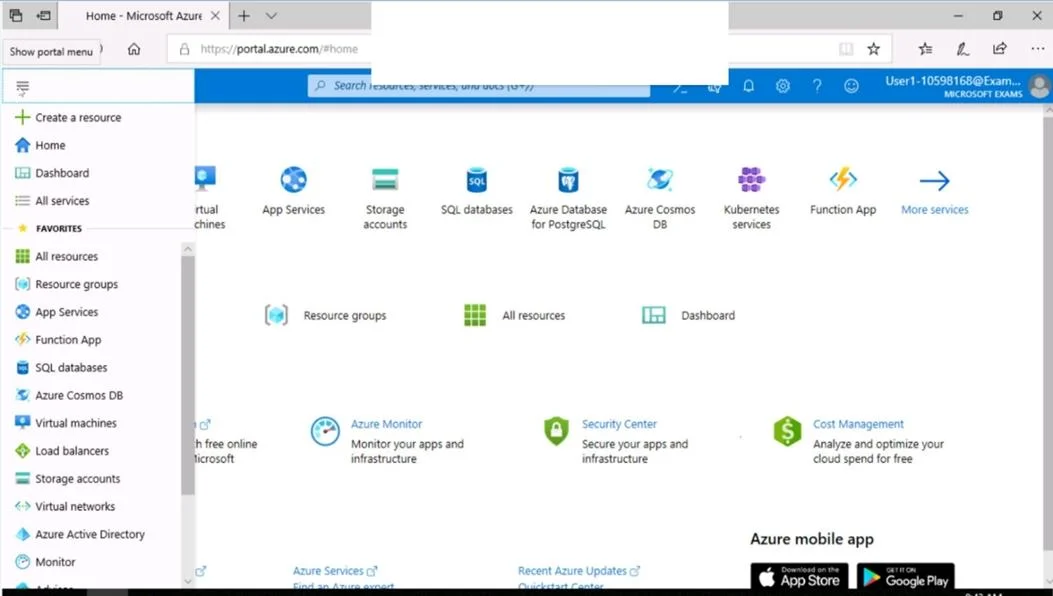
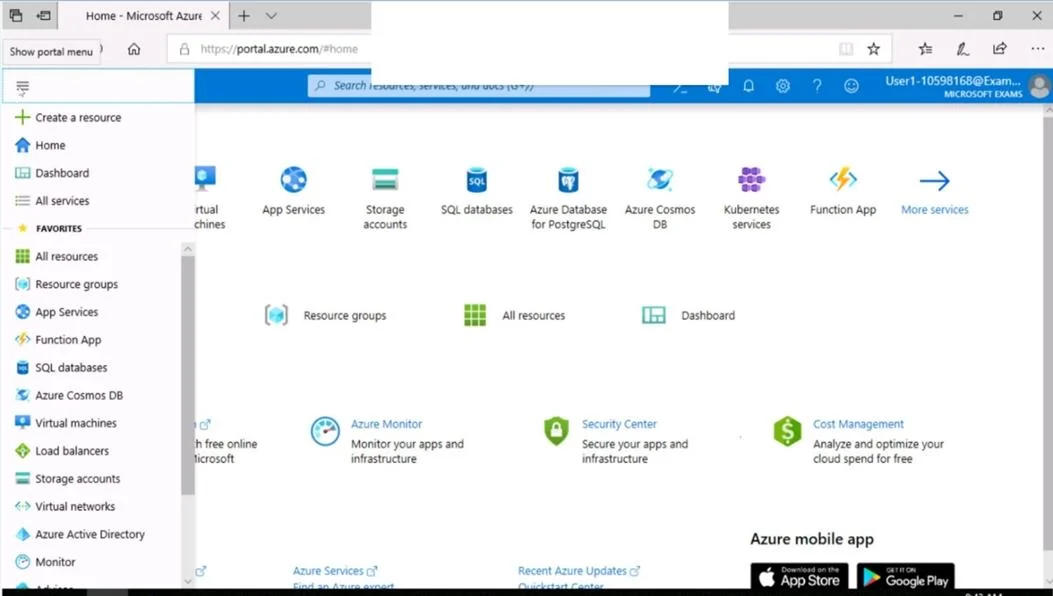
SIMULATION Use the following login credentials as needed: To enter your username, place your cursor in the Sign in box and click on the username below. To enter your password, place your cursor in…
The correct approach is to deploy the Microsoft Antimalware extension directly on VM1 through the Azure Portal by navigating to the VM's Extensions blade, adding the Microsoft Antimalware extension, and configuring it with scheduled scanning enabled, scan type set to 'Full'…
Question
Exhibits
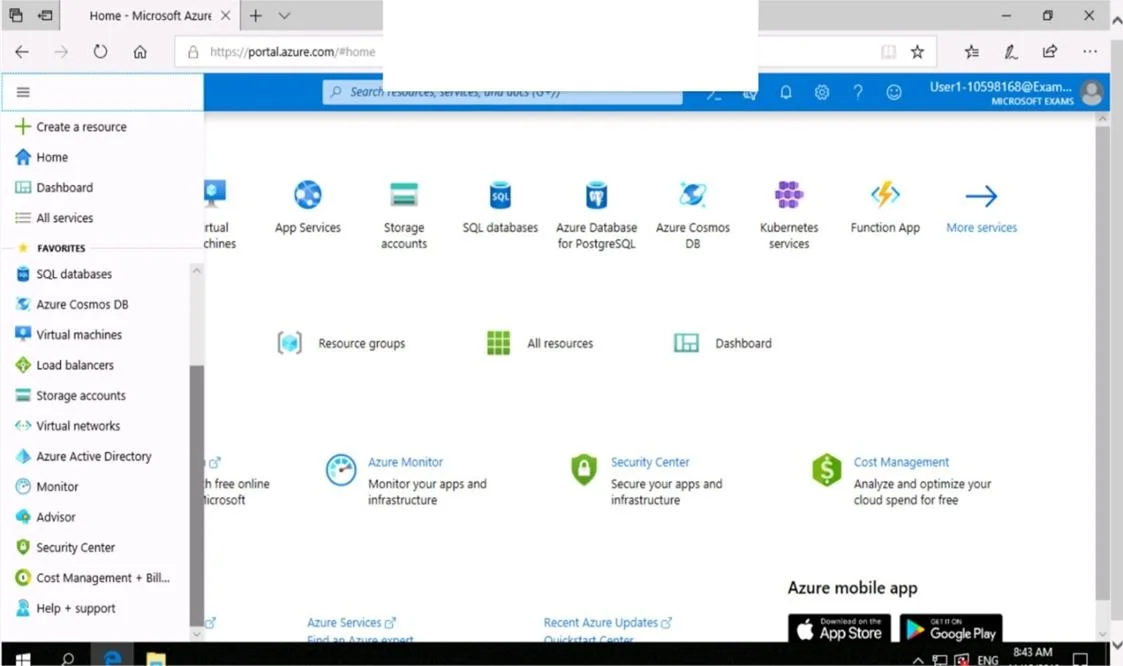
Explanation
The correct approach is to deploy the Microsoft Antimalware extension directly on VM1 through the Azure Portal by navigating to the VM's Extensions blade, adding the Microsoft Antimalware extension, and configuring it with scheduled scanning enabled, scan type set to 'Full', scan day set to 'Sunday', and scan time set to '120' (representing 02:00 in minutes or the hour value of 2). This is the native Azure mechanism for enabling endpoint protection on IaaS VMs, and the extension integrates with Windows Defender/Microsoft Antimalware to enforce scheduled scans. The configuration must explicitly set the scheduled scan parameters - without enabling the schedule and specifying 'Full' scan type on 'Sunday' at the correct time, the task would not meet the requirements.
Topics
Community Discussion
No community discussion yet for this question.