
Microsoft
AZ-500 · Question #132
SIMULATION Use the following login credentials as needed: To enter your username, place your cursor in the Sign in box and click on the username below. To enter your password, place your cursor in…
This task requires applying a resource lock to VNET1 to prevent its accidental deletion by administrative users, while still permitting them to modify its configuration settings.
Submitted by cyberguy42· Mar 6, 2026Secure networking
Question
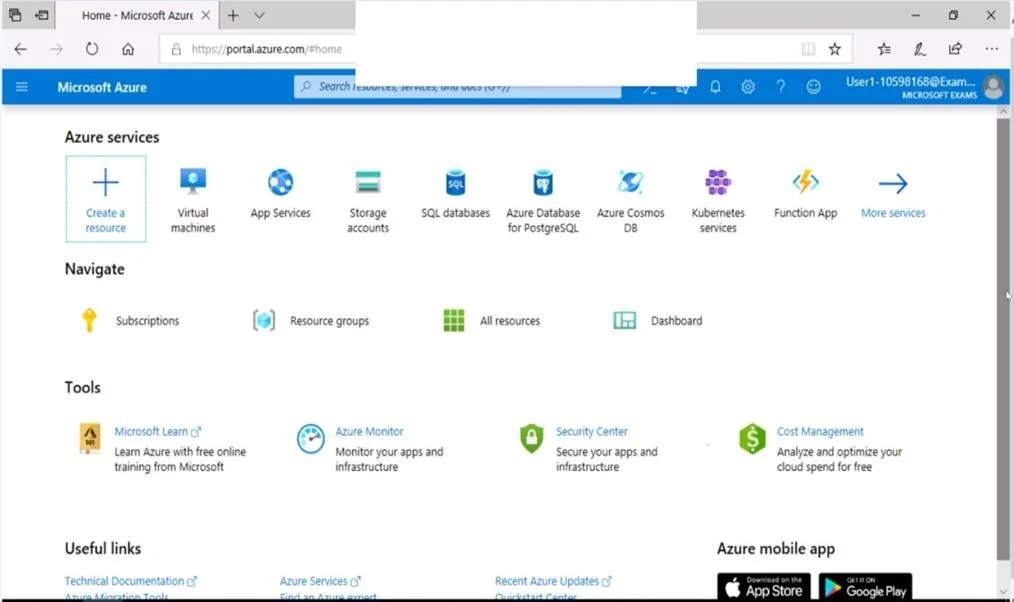
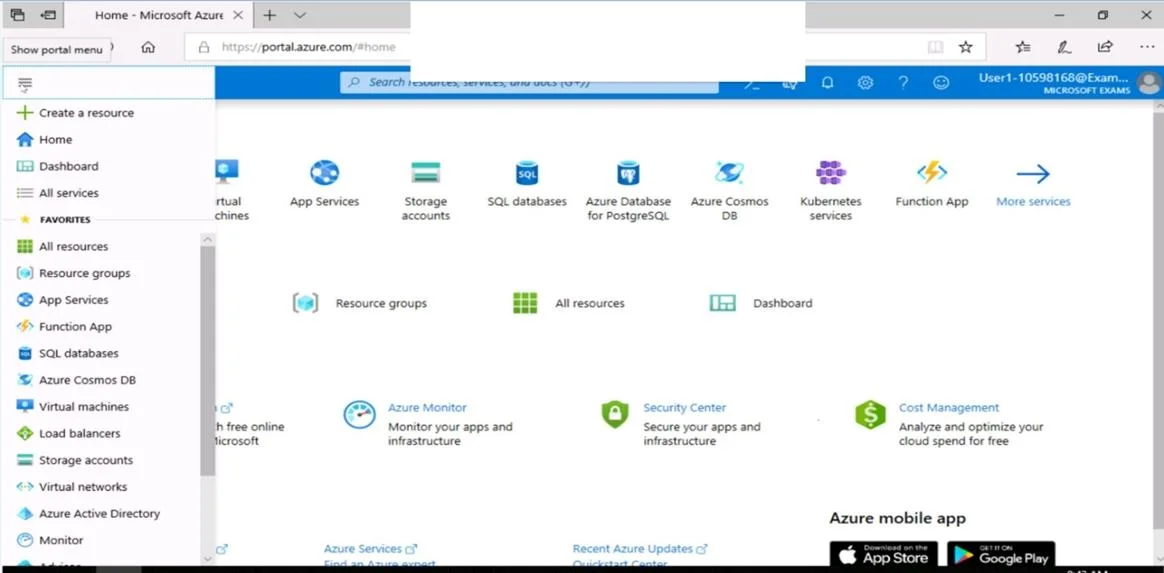
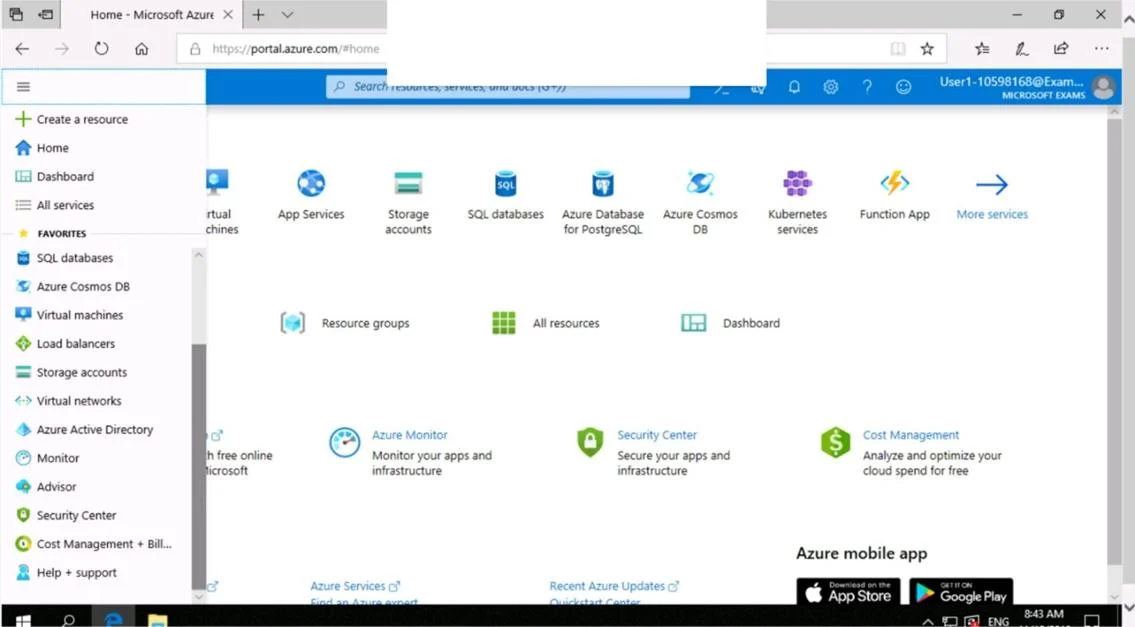
SIMULATION Use the following login credentials as needed: To enter your username, place your cursor in the Sign in box and click on the username below. To enter your password, place your cursor in the Enter password box and click on the password below. Azure Username: [email protected] Azure Password: Ag1Bh9!#Bd The following information is for technical support purposes only: Lab Instance: 10598168 You need to prevent administrative users from accidentally deleting a virtual network named VNET1. The administrative users must be allowed to modify the settings of VNET1. To complete this task, sign in to the Azure portal. Answer: Locking prevents other users in your organization from accidentally deleting or modifying critical resources, such as Azure subscription, resource group, or resource. Note: In Azure, the term resource refers to an entity managed by Azure. For example, virtual machines, virtual networks, and storage accounts are all referred to as Azure resources. 1. In the Settings blade for virtual network VNET, select Locks. 2. To add a lock, select Add. 3. For Lock type select Delete lock, and click OK Reference: https://docs.microsoft.com/en-us/azure/azure-resource-manager/resource-group-lock-resources
Exhibits
Explanation
This task requires applying a resource lock to VNET1 to prevent its accidental deletion by administrative users, while still permitting them to modify its configuration settings.
Concept tested. Azure Resource Locks (CanNotDelete)
Reference. https://learn.microsoft.com/en-us/azure/azure-resource-manager/management/lock-resources
Community Discussion
No community discussion yet for this question.