
AZ-500 · Question #130
SIMULATION Use the following login credentials as needed: To enter your username, place your cursor in the Sign in box and click on the username below. To enter your password, place your cursor in…
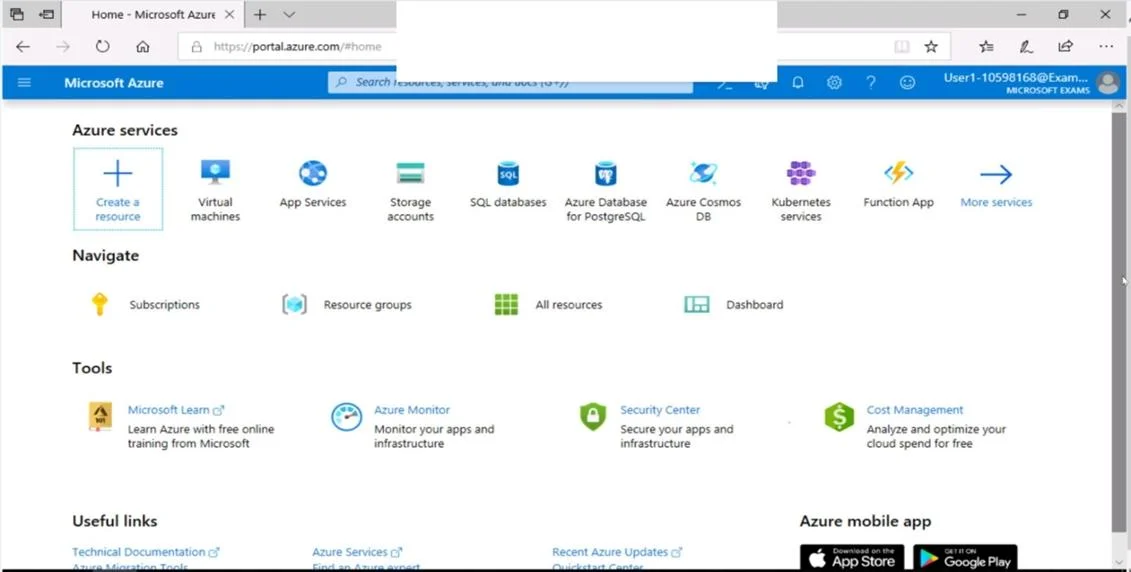
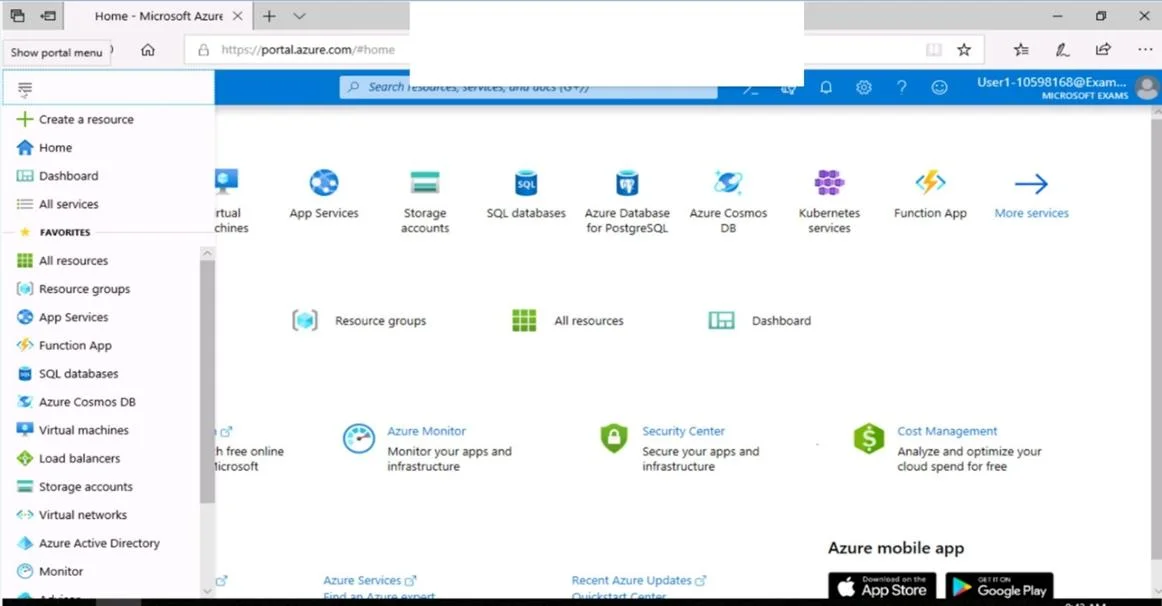
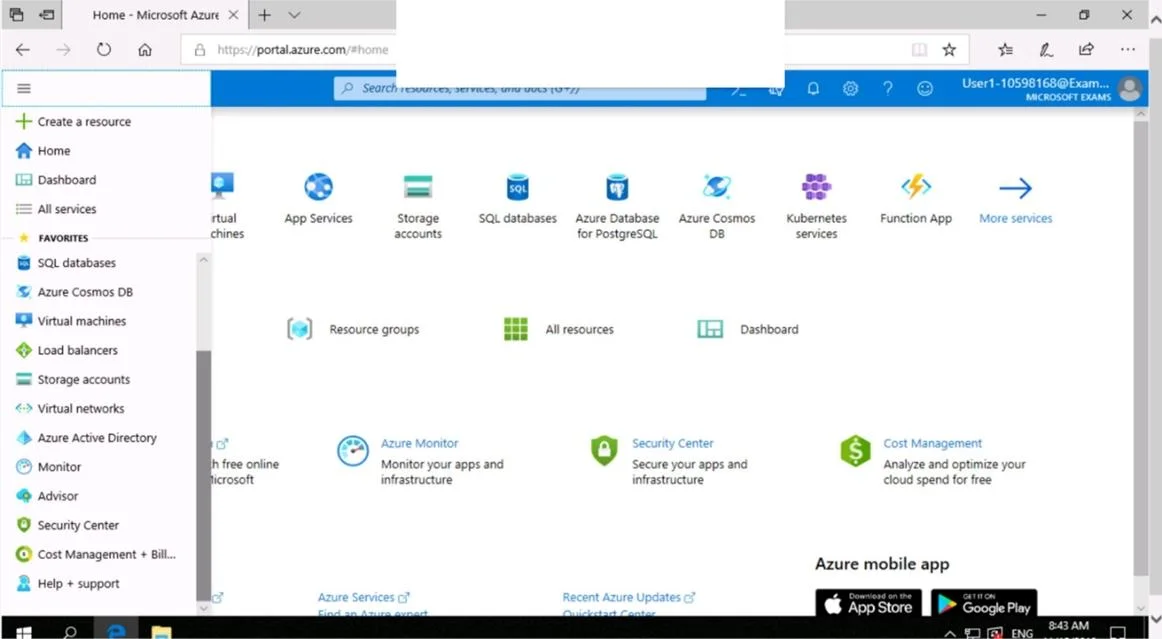
The correct approach navigates directly to the VM1 resource in the Azure portal, then accesses the Networking settings where Application Security Group (ASG) membership can be configured via 'Configure the application security groups' option. This is the proper Azure portal…
Question
Exhibits
Explanation
The correct approach navigates directly to the VM1 resource in the Azure portal, then accesses the Networking settings where Application Security Group (ASG) membership can be configured via 'Configure the application security groups' option. This is the proper Azure portal workflow because ASGs are associated at the network interface level through the VM's Networking blade, allowing you to group VMs logically for use in NSG rules without managing individual IP addresses. The steps follow the exact portal UI flow: Search → Select VM → Networking → Configure ASGs → Select ASG1 → Save.
Topics
Community Discussion
No community discussion yet for this question.