
AZ-500 · Question #129
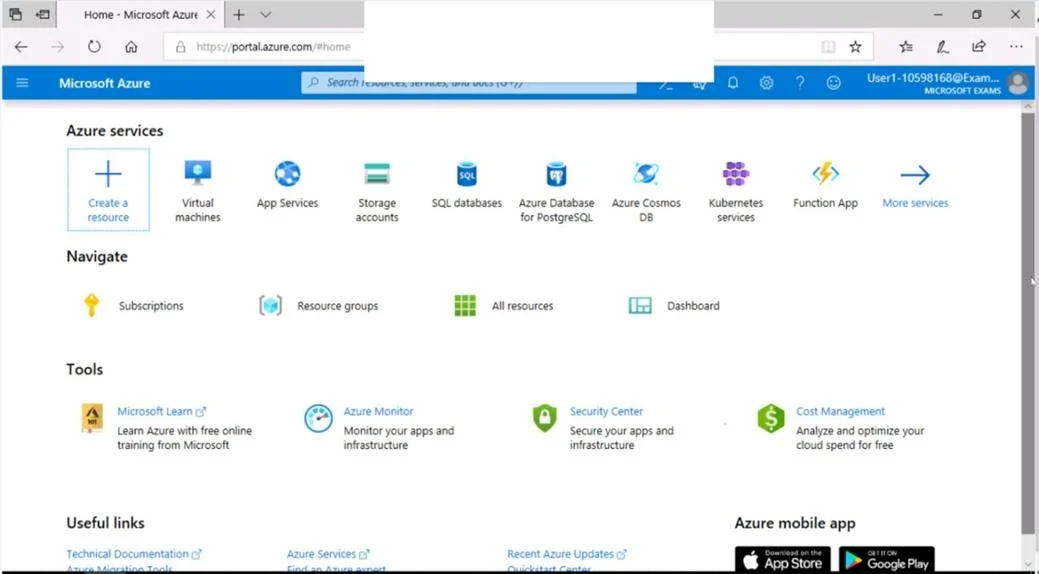
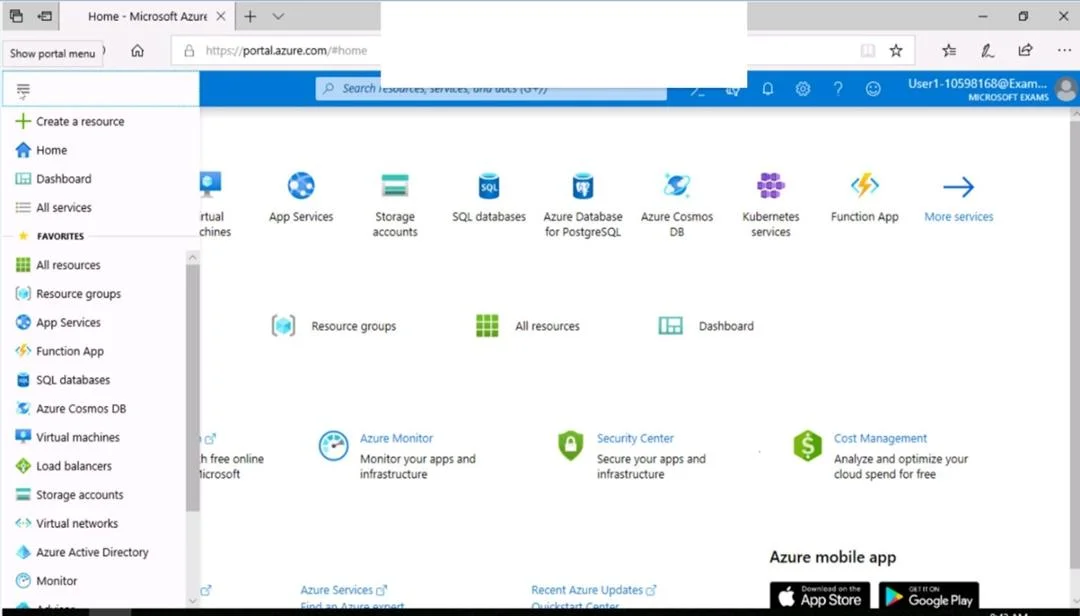
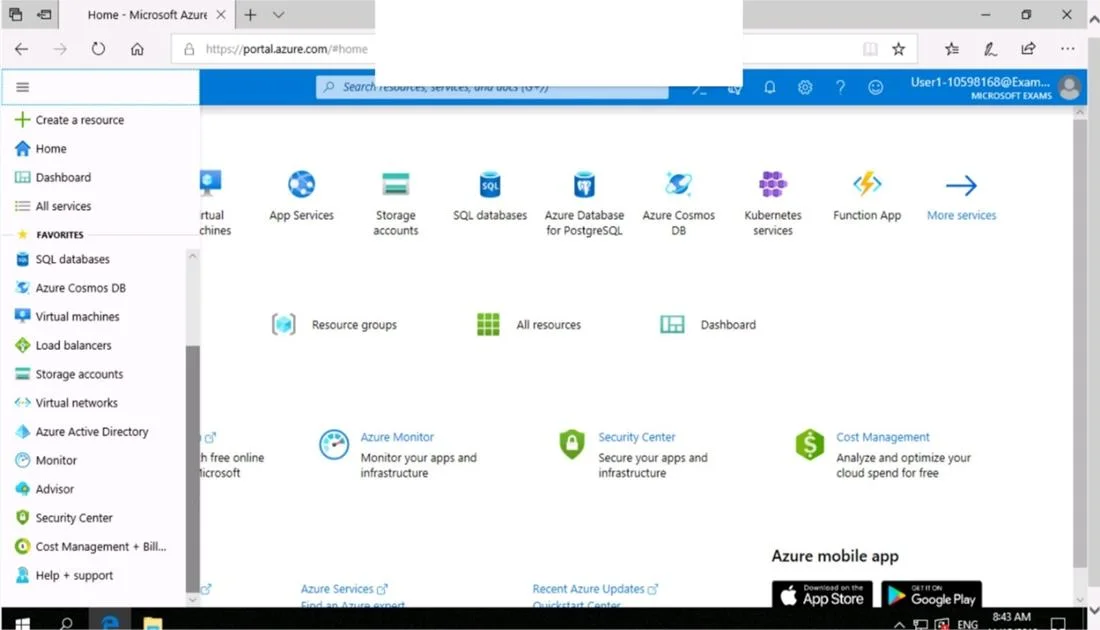
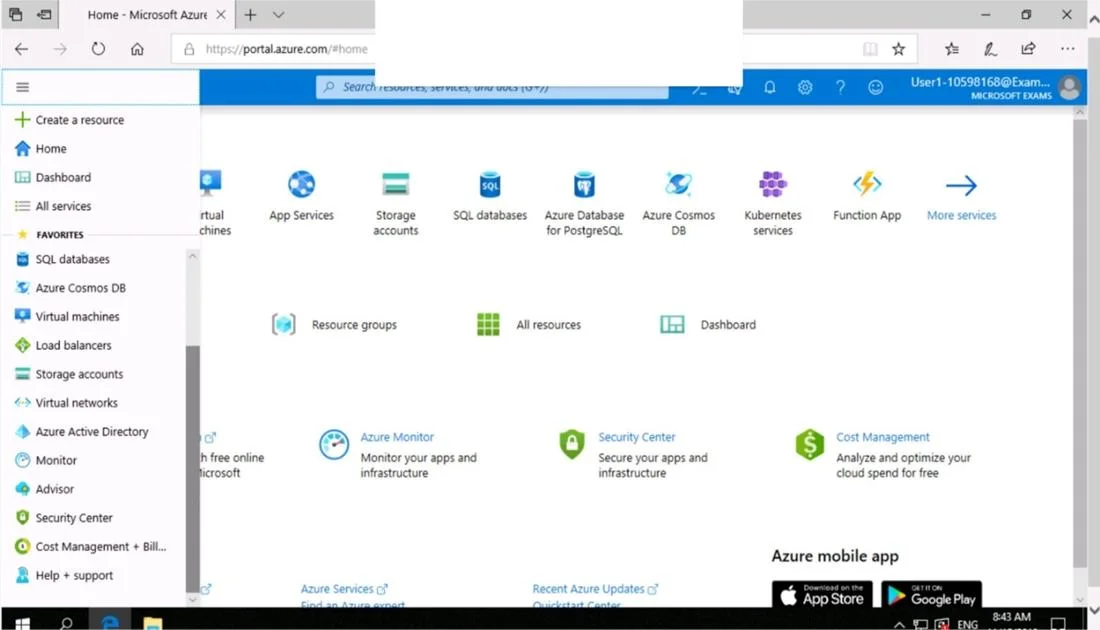
SIMULATION Use the following login credentials as needed: To enter your username, place your cursor in the Sign in box and click on the username below. To enter your password, place your cursor in…
The correct solution uses Azure's Network Security Group (NSG) to create an inbound security rule allowing TCP port 3389 (RDP) from the Internet, which is the standard Microsoft-recommended approach for enabling RDP access. Configuring this at the NSG level rather than directly…
Question
Exhibits
Explanation
The correct solution uses Azure's Network Security Group (NSG) to create an inbound security rule allowing TCP port 3389 (RDP) from the Internet, which is the standard Microsoft-recommended approach for enabling RDP access. Configuring this at the NSG level rather than directly on the VM minimizes attack surface by providing a centralized, manageable network-layer firewall without exposing unnecessary ports or services. The specific configuration (Priority 300, TCP, port 3389, Source: Any) ensures the rule is processed correctly while keeping other ports closed.
Topics
Community Discussion
No community discussion yet for this question.