
AZ-400 · Question #566
SIMULATION Initialize the default main branch, if it does not exist already. In Project1, you need to create a new Azure Pipelines YAML pipeline by using the ASP.NET template. The pipeline must use…
The correct procedure requires navigating to Azure DevOps Pipelines, selecting 'New Pipeline', choosing 'Azure Repos Git' as the source (not GitHub or other platforms), selecting the ASP.NET template, and then saving the pipeline to a new branch named 'azure-pipelines' rather…
Question
Exhibit
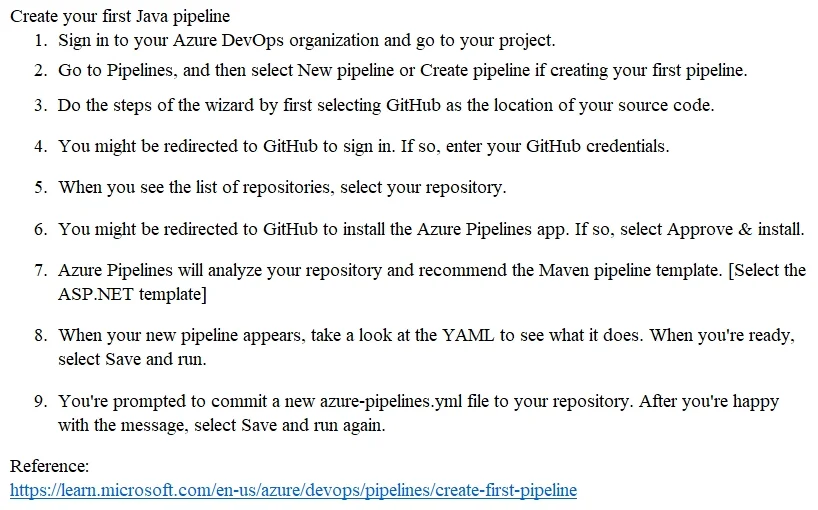
Explanation
The correct procedure requires navigating to Azure DevOps Pipelines, selecting 'New Pipeline', choosing 'Azure Repos Git' as the source (not GitHub or other platforms), selecting the ASP.NET template, and then saving the pipeline to a new branch named 'azure-pipelines' rather than committing directly to main. Additionally, initializing the default main branch first ensures the repository has a base branch before the new pipeline branch is created from it. This workflow ensures the pipeline is YAML-based, uses Azure Repos as the hosting platform, and isolates the pipeline definition in its own branch as required.
Topics
Community Discussion
No community discussion yet for this question.