
AZ-400 · Question #193
SIMULATION You plan to implement a CI/CD strategy for an Azure Web App named az400-11566895-main. You need to configure a staging environment for az400-11566895-main. To complete this task, sign in…
Adding a deployment slot in Azure App Service is the correct approach to configure a staging environment because deployment slots are isolated instances of the web app that allow you to deploy and test code before swapping it into production. This enables a CI/CD pipeline to…
Question
Exhibit
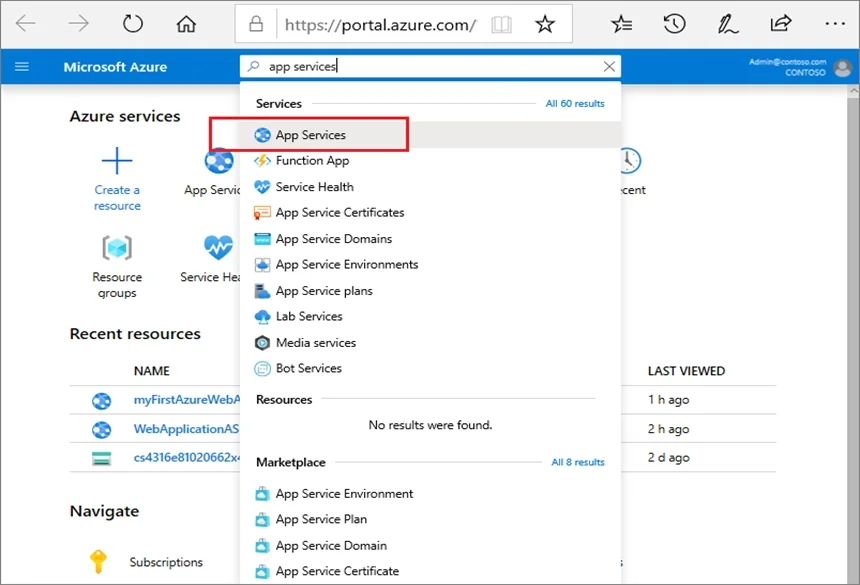
Explanation
Adding a deployment slot in Azure App Service is the correct approach to configure a staging environment because deployment slots are isolated instances of the web app that allow you to deploy and test code before swapping it into production. This enables a CI/CD pipeline to push builds to the staging slot first, validate them, and then perform a zero-downtime swap to production. The steps outlined - navigating to Deployment slots, adding a named slot, and optionally cloning configuration - follow the exact Azure portal workflow for this feature.
Topics
Community Discussion
No community discussion yet for this question.