
AZ-104 · Question #44
Hotspot Question You have Azure subscription that includes following Azure file shares: You have the following on-premises servers: You create a Storage Sync Service named Sync1 and an Azure File…
A sync group can only have one cloud endpoint, and server endpoints must be located on an NTFS-formatted volume.
Question
Exhibits
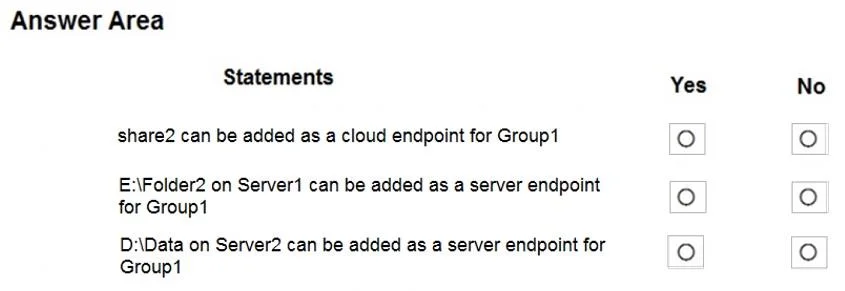
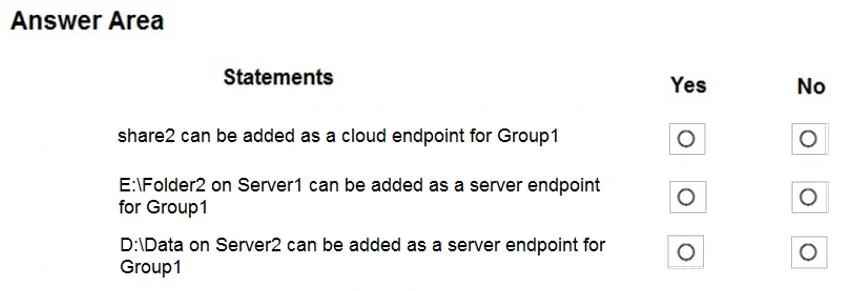
Answer Area
- share2 can be added as a cloud endpoint for Group1
- E:\Folder2 on Server1 can be added as a server endpoint for Group1
- D:\Data on Server2 can be added as a server endpoint for Group1
Explanation
A sync group can only have one cloud endpoint, and server endpoints must be located on an NTFS-formatted volume.
Approach. 1. 'share2 can be added as a cloud endpoint for Group1': No. An Azure File Sync group can contain exactly ONE cloud endpoint. Because Group1 already uses share1 as its cloud endpoint, you cannot add share2 to the same sync group. 2. 'E:\Folder2 on Server1 can be added as a server endpoint...': No. Azure File Sync server endpoints must be hosted on an NTFS-formatted volume. In this specific exam scenario's data table (which indicates Server1's E: drive is formatted as FAT32), the E: drive is not supported. Only local NTFS volumes are supported for server endpoints. 3. 'D:\Data on Server2 can be added as a server endpoint...': Yes. Server2 is registered to the Storage Sync Service (Sync1), and its D: drive is a supported NTFS data volume. It is fully eligible to be added as a server endpoint to Group1.
Common mistakes.
- common_mistake. Selecting 'Yes' for the first statement is a common mistake that ignores the architectural limitation of one cloud endpoint per sync group. Selecting 'Yes' for the second statement ignores the strict prerequisite that Azure File Sync server endpoints do not support FAT32, exFAT, or ReFS filesystems; they require NTFS.
Concept tested. Azure File Sync architecture and prerequisites, specifically Sync Group limitations (maximum of one cloud endpoint) and Server Endpoint storage requirements (must use an NTFS volume).
Reference. https://learn.microsoft.com/en-us/azure/storage/file-sync/file-sync-planning
Topics
Community Discussion
No community discussion yet for this question.