
AZ-104 · Question #129
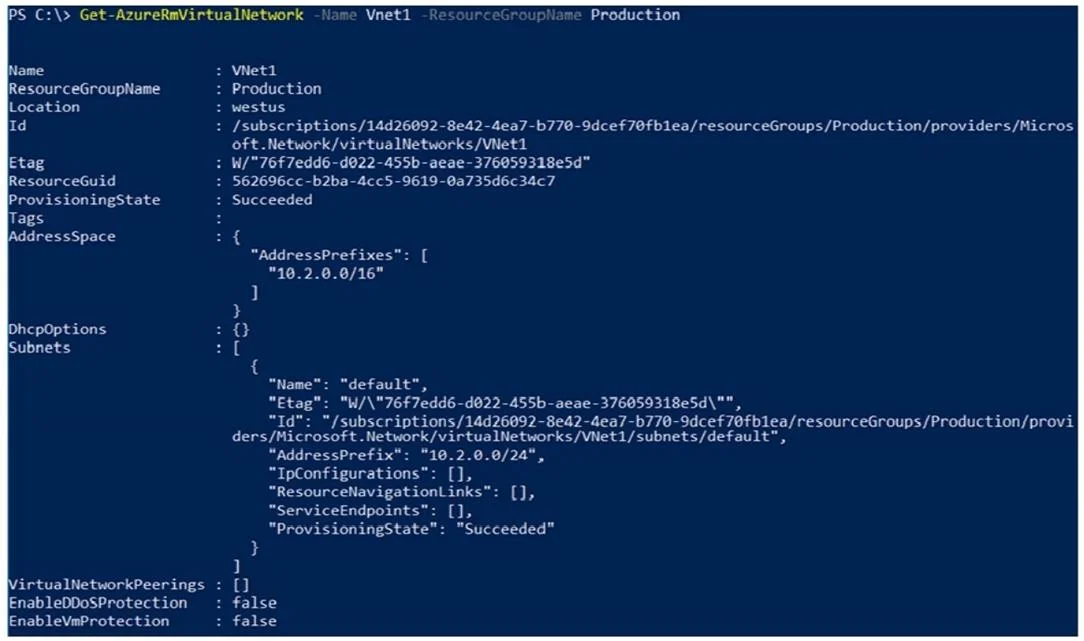
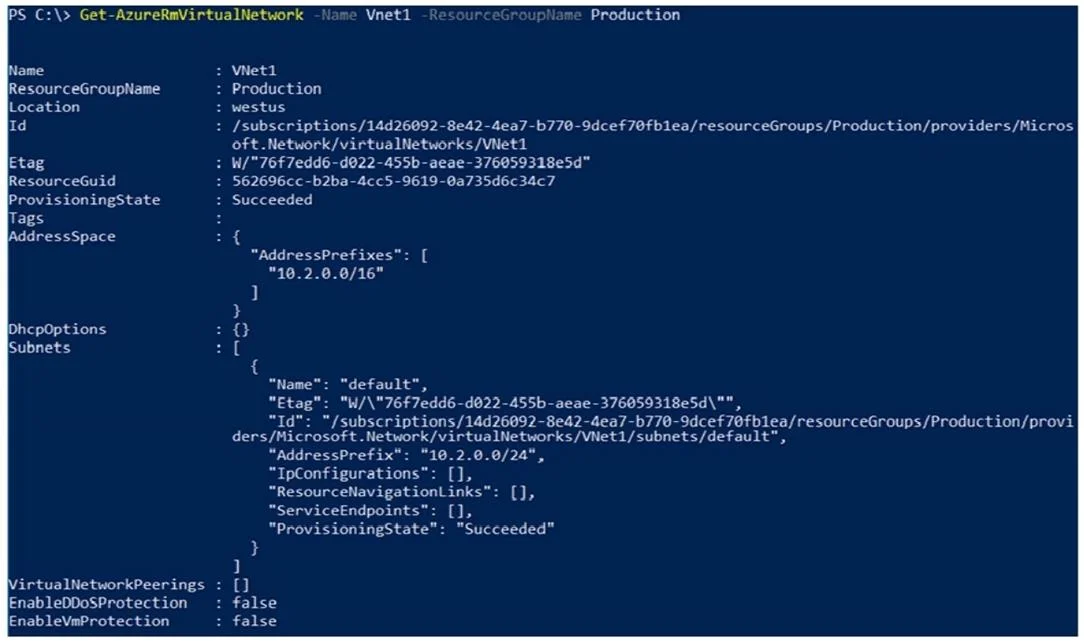
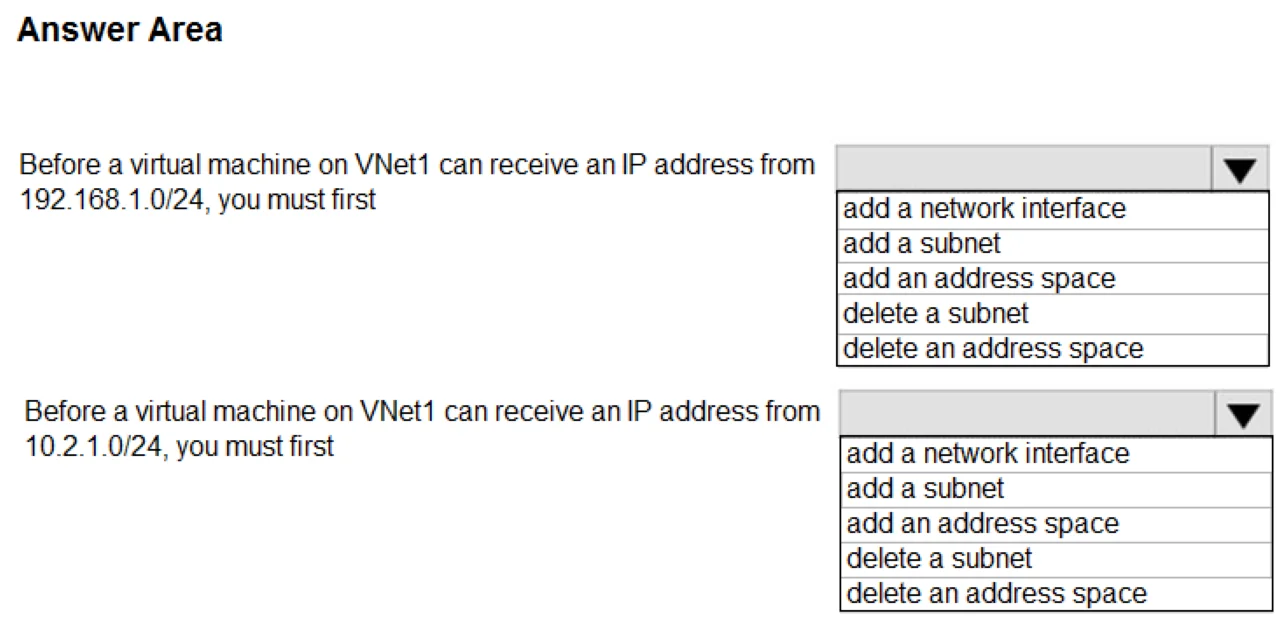
Hotspot Question You have a virtual network named VNet1 that has the configuration shown in the following exhibit. Use the drop-down menus to select the answer choice that completes each statement…
This is a hotspot question that references a network configuration exhibit which was not provided in the prompt. Without the actual exhibit showing VNet1's configuration details (such as address space, subnets, connected devices, or peering settings), it is not possible to…
Question
Exhibits
Explanation
This is a hotspot question that references a network configuration exhibit which was not provided in the prompt. Without the actual exhibit showing VNet1's configuration details (such as address space, subnets, connected devices, or peering settings), it is not possible to accurately determine the correct answers for the drop-down statements. To properly answer this question, the exhibit showing VNet1's IP address ranges, subnet configurations, DNS settings, or any other relevant network parameters would need to be visible.
Topics
Community Discussion
No community discussion yet for this question.