
AI-102 · Question #188
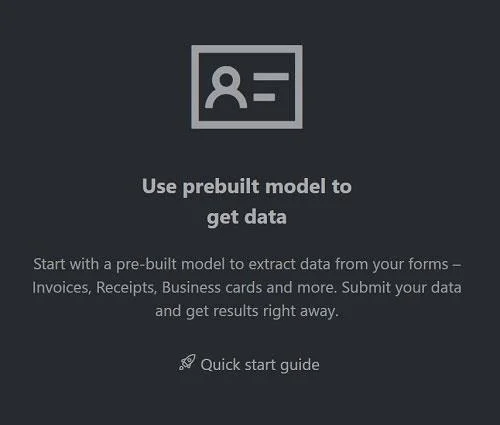
SIMULATION You need to create a Azure AI Document Intelligence resource named fr12345678. Use the Azure AI Document Intelligence sample labeling tool at https://fott-2-1.azurewebsites.net/ to…
The correct answer follows the precise workflow required to use Azure AI Document Intelligence's prebuilt invoice model: first creating the resource in Azure Portal, then navigating to the FOTT sample labeling tool, selecting the prebuilt model option, specifying the invoice…
Question
Exhibit
Explanation
The correct answer follows the precise workflow required to use Azure AI Document Intelligence's prebuilt invoice model: first creating the resource in Azure Portal, then navigating to the FOTT sample labeling tool, selecting the prebuilt model option, specifying the invoice file from the local directory, running the analysis, and saving the JSON output. This sequence is mandatory because the FOTT tool must connect to an existing Azure AI Document Intelligence resource endpoint and key before it can process documents, and the prebuilt invoice model must be selected to correctly identify invoice-specific fields without custom training.
Topics
Community Discussion
No community discussion yet for this question.