
AI-102 · Question #187
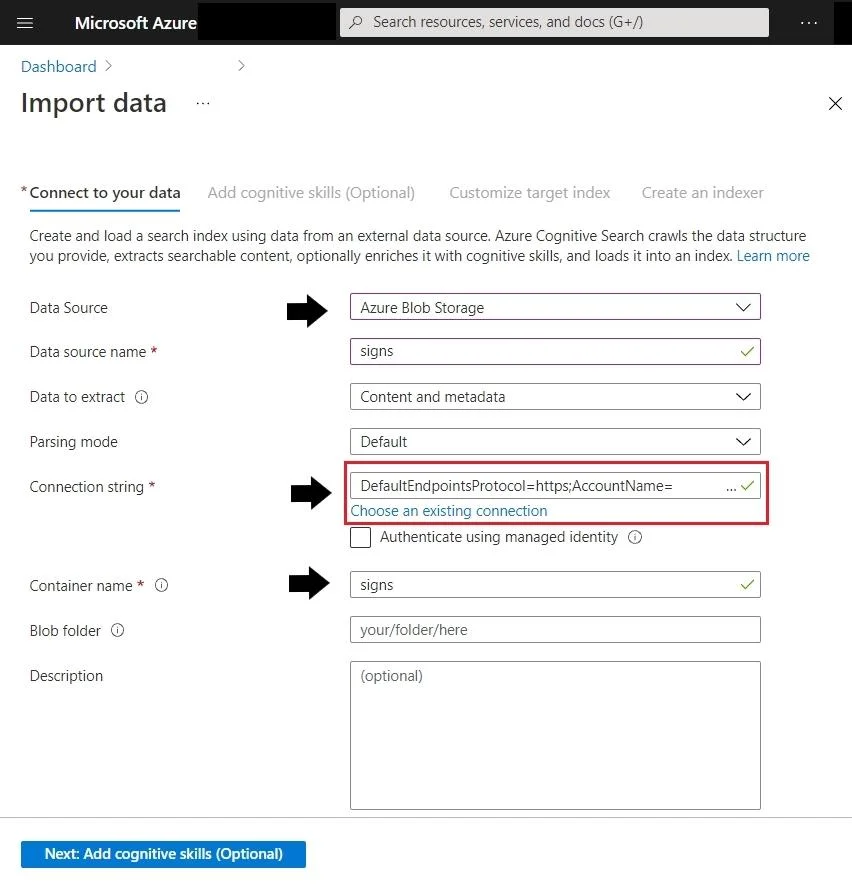
SIMULATION You plan to create a solution to generate captions for images that will be read from Azure Blob Storage. You need to create a service in Azure AI Services for the solution. The service…
To generate captions for images stored in Azure Blob Storage, you need an Azure AI Services (Cognitive Services) multi-service resource, which provides access to Azure Computer Vision - the service responsible for image captioning capabilities. The resource must be named…
Question
Exhibit
Explanation
To generate captions for images stored in Azure Blob Storage, you need an Azure AI Services (Cognitive Services) multi-service resource, which provides access to Azure Computer Vision - the service responsible for image captioning capabilities. The resource must be named 'captions12345678' and use the Free pricing tier, which is created via the Azure portal by navigating to 'Create a resource' > 'Azure AI Services' and filling in the required fields (Name, Pricing tier) before clicking 'Review + create'. The Free tier is appropriate for development/testing scenarios and satisfies the requirement without incurring costs.
Topics
Community Discussion
No community discussion yet for this question.