
70-692 · Question #73
A company has 10 client computers that run Windows 8. You are responsible for technical support. You purchase a support tool from the Windows Store while logged in with your Microsoft account. You…
Sign in or unlock 70-692 to reveal the answer and full explanation for question #73. The question stem and answer options stay visible for context.
Question
A company has 10 client computers that run Windows 8. You are responsible for technical support. You purchase a support tool from the Windows Store while logged in with your Microsoft account. You install the support tool on several client computers. Three months later, you attempt to install the support tool on another client computer. The installation fails. You need to ensure that you can install the support tool on the client computer. What should you do?
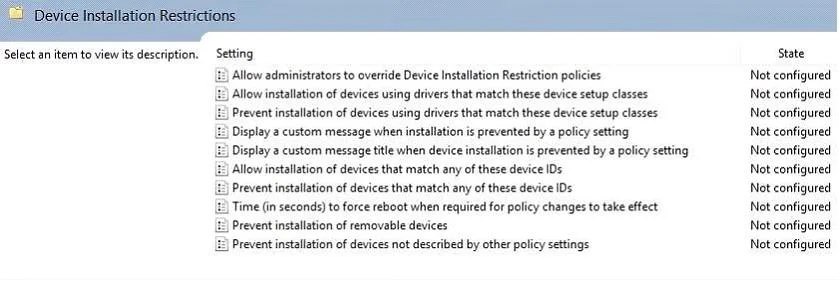
Exhibit
Options
- AOn the computer on which you want to install the tool, synchronize the Windows Store
- BDisassociate your Microsoft account from the computer on which you want to install the tool.
- CReset your Microsoft account password.
- DLog in with your Microsoft account and remove a computer from the Windows Store device list.
Unlock 70-692 to see the answer
You've previewed enough free 70-692 questions. Unlock 70-692 for full answers, explanations, the timed quiz mode, progress tracking, and the master PDF. Question stem and options stay visible so you can still see what's on the exam.