
350-501 · Question #551
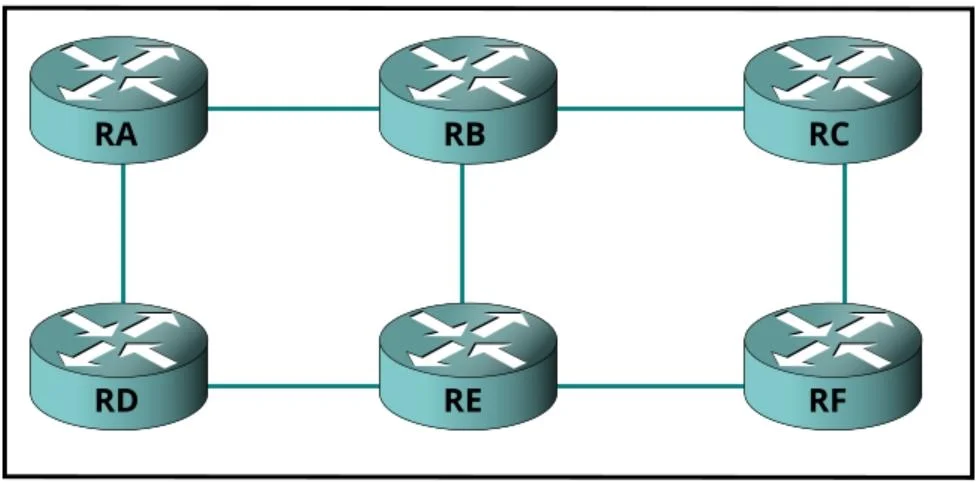
Refer to the exhibit. A network engineer working for a private service provider with an employee ID 4234:67:945 is implementing LDP protocol changes on the client's network. What must an engineer do…
The correct answer is C. Enable LDP GR. To maintain LDP sessions on routers during LDP protocol changes, the engineer must enable LDP Graceful Restart (GR).
Question
Refer to the exhibit. A network engineer working for a private service provider with an employee ID 4234:67:945 is implementing LDP protocol changes on the client's network. What must an engineer do on the routers to maintain the LDP sessions?
Exhibit
Options
- AEnable LDP remote bindings
- BEnable LDP FRR
- CEnable LDP GR
- DEnable LDP convergence
How the community answered
(42 responses)- A2% (1)
- B12% (5)
- C79% (33)
- D7% (3)
Why each option
To maintain LDP sessions on routers during LDP protocol changes, the engineer must enable LDP Graceful Restart (GR).
LDP remote bindings refer to the ability of LDP to establish sessions with non-directly connected peers, which is not directly related to maintaining sessions during protocol changes.
LDP FRR (Fast Reroute) is used for quickly diverting traffic around a failed link or node, improving convergence time, but it does not directly maintain existing LDP sessions during a local protocol restart.
Enabling LDP Graceful Restart (GR) allows an LDP speaker to maintain its LDP state, labels, and forwarding information during a restart or unplanned outage, such as protocol changes. This ensures that existing LDP sessions and their associated LSPs are preserved, preventing traffic disruption and maintaining reachability while the LDP process restarts or updates.
LDP convergence refers to the process of LDP establishing sessions and advertising labels, but 'LDP convergence' itself is not a configuration to maintain sessions during changes; Graceful Restart is the specific feature for this.
Concept tested: LDP Graceful Restart for session maintenance
Source: https://www.cisco.com/c/en/us/td/docs/routers/asr9000/software/asr9k-r5-2/mpls/configuration/guide/b-mpls-cg-asr9000-52x/b-mpls-cg-asr9000-52x_chapter_010.html
Topics
Community Discussion
No community discussion yet for this question.