nerdexam
Cisco

350-401 · Question #1252

Lab Simulation 34 Guidelines This is a lab item in which tasks will be performed on virtual devices. - Refer to the Tasks tab to view the tasks for this lab item. - Refer to the Topology tab to access

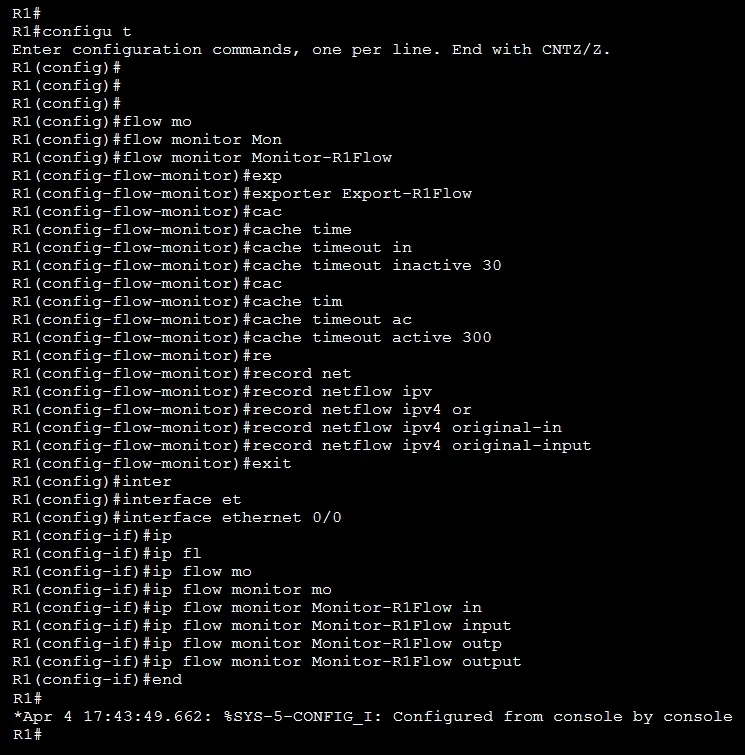
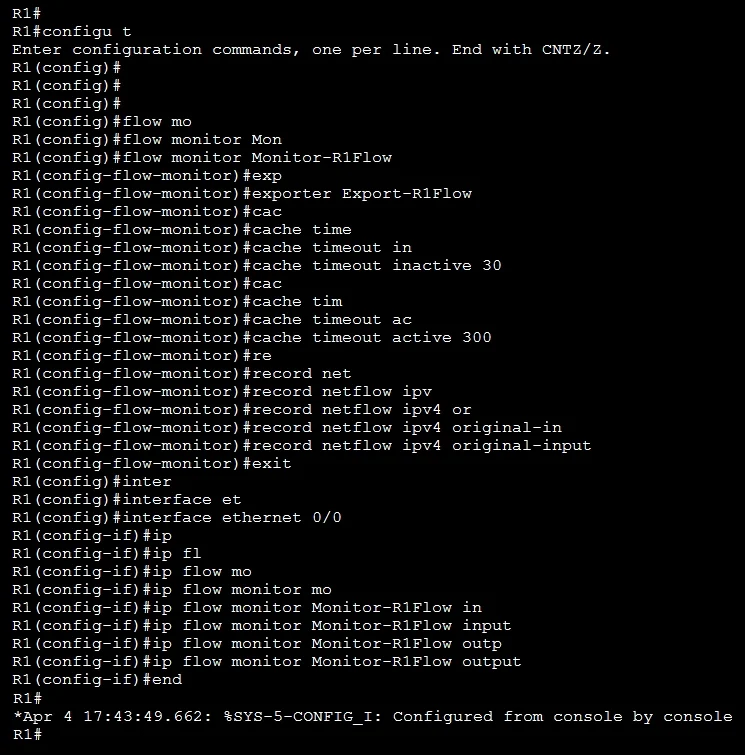
This lab simulation tests the ability to configure three distinct network monitoring technologies on Cisco devices. For Task 1, Flexible NetFlow is enabled on R1's E0/0 interface by applying the pre-configured flow monitor in both the 'input' and 'output' directions using the 'ip

Submitted by jakub_pl· Mar 6, 2026Infrastructure Management and Network Monitoring - This question maps to the CCNP ENCOR (350-401) domain covering network management technologies including NetFlow for traffic analysis, SPAN for traffic mirroring/capture, and IP SLA for proactive network performance monitoring and troubleshooting. These are also relevant to CCNA (200-301) under the 'Network Management' and 'Automation and Programmability' domains.

Question

Lab Simulation 34 Guidelines This is a lab item in which tasks will be performed on virtual devices. - Refer to the Tasks tab to view the tasks for this lab item. - Refer to the Topology tab to access the device console(s) and perform the tasks. - Console access is available for all required devices by clicking the device icon or using the tab(s) above the console window. - All necessary preconfigurations have been applied. - Do not change the enable password or hostname for any device. - Save your configurations to NVRAM before moving to the next item. - Click Next at the bottom of the screen to submit this lab and move to the next question. - When Next is clicked, the lab closes and cannot be reopened. Topology Tasks The Operations team started configuring several monitoring activities. Complete the configurations for the tasks below. 1. Enable Flexible NetFlow on R1 E0/0 in both directions using the pre-configured flow monitor. 2. Configure the switch port analyzer on Sw1 and mirror all VLAN 12 traffic to interface E1/3 using session number 12. 3. Configure a basic IP SLA ICMP echo operation on R1 to ping PC1 every 300 seconds. R1 Answer:

Exhibits

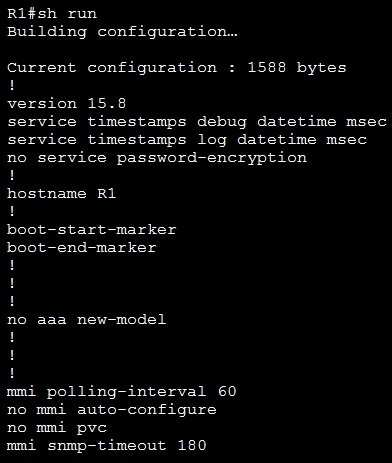
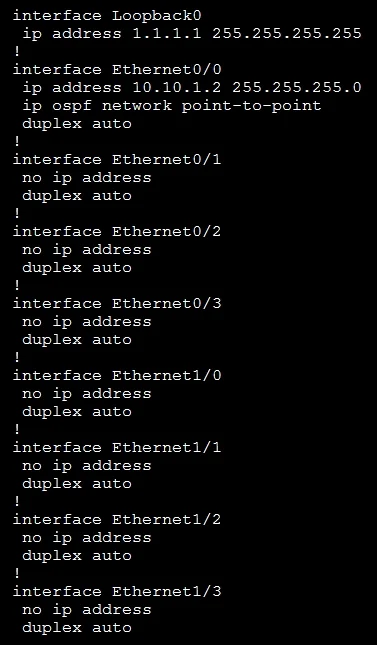
350-401 question #1252 exhibit 1
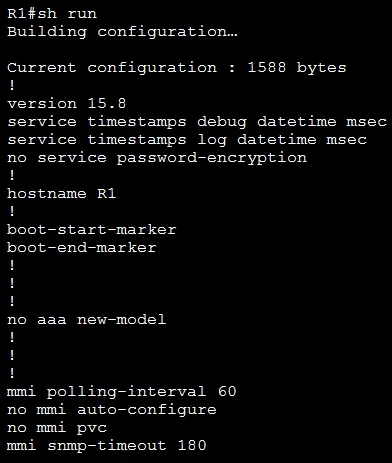
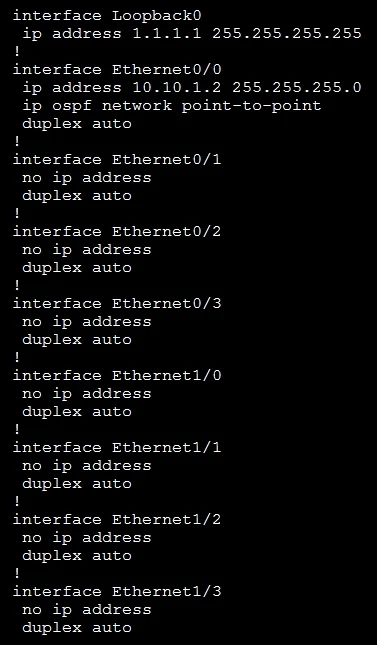
350-401 question #1252 exhibit 2
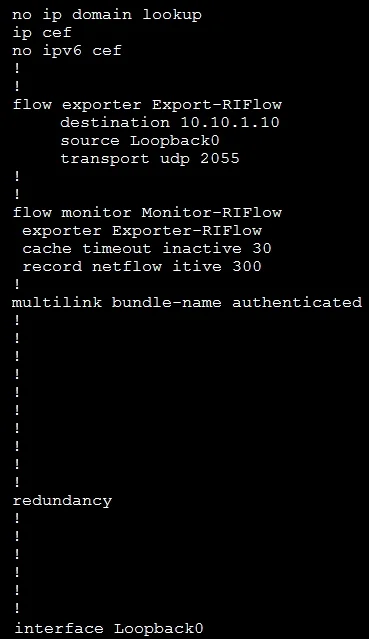
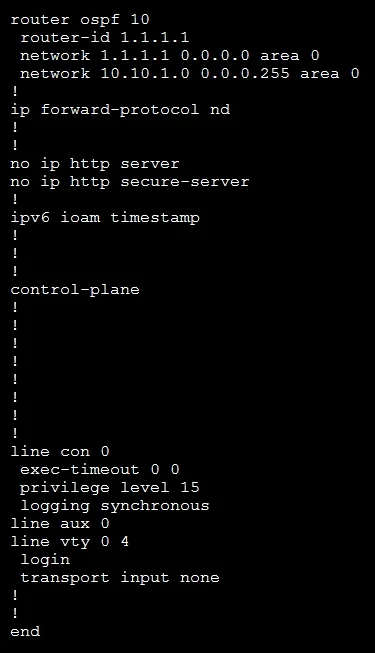
350-401 question #1252 exhibit 3
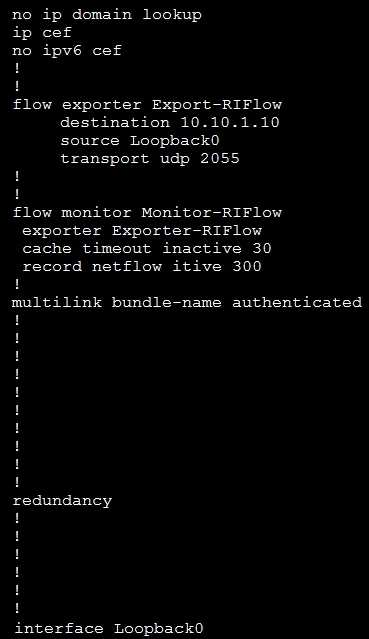
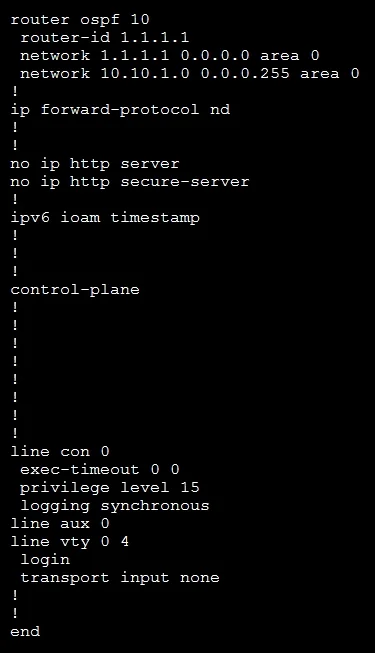
350-401 question #1252 exhibit 4
350-401 question #1252 exhibit 5
350-401 question #1252 exhibit 6
350-401 question #1252 exhibit 7
350-401 question #1252 exhibit 8
350-401 question #1252 exhibit 9
350-401 question #1252 exhibit 10
350-401 question #1252 exhibit 11
350-401 question #1252 exhibit 12
350-401 question #1252 exhibit 13
350-401 question #1252 exhibit 14

Explanation

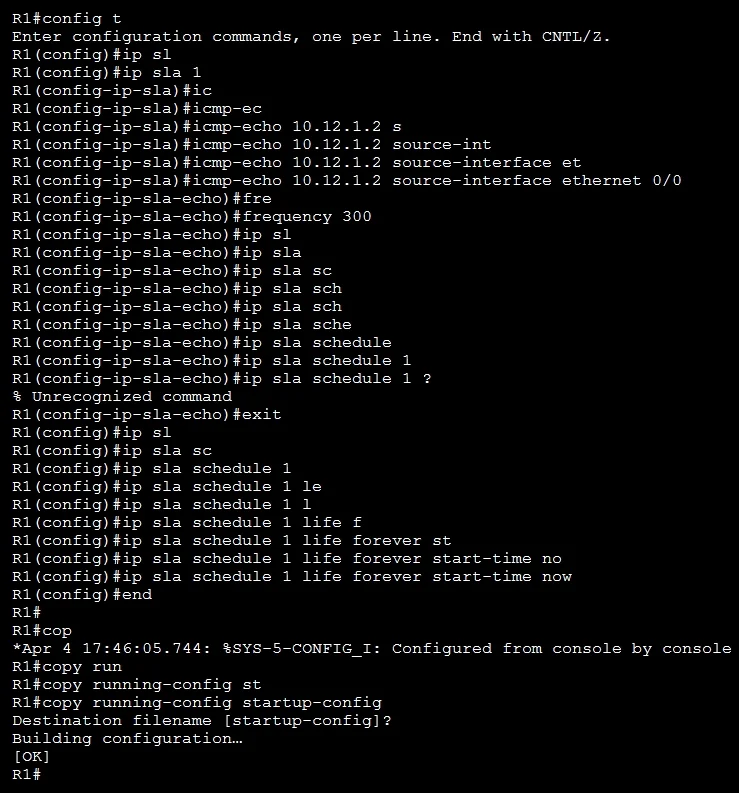
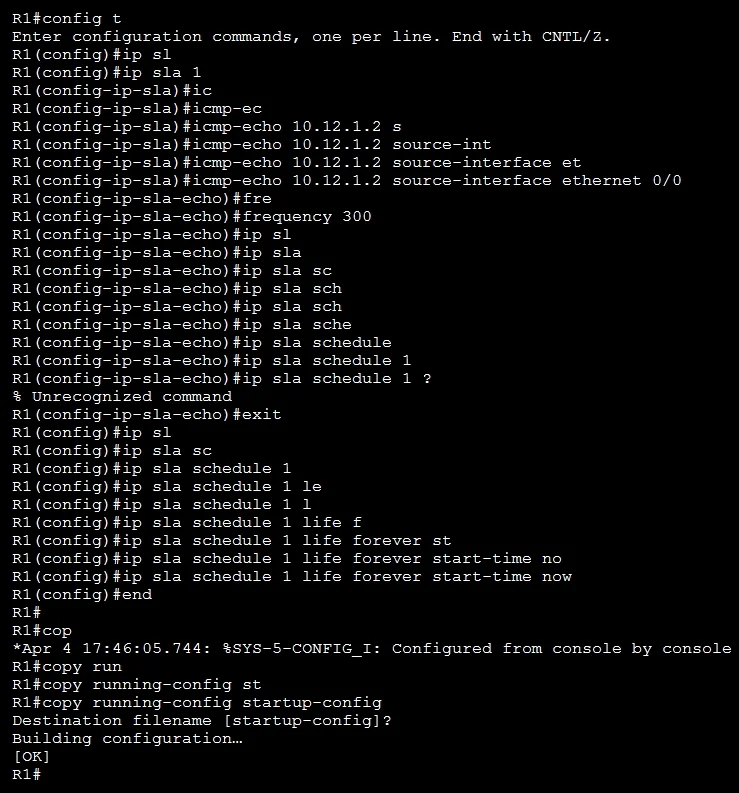
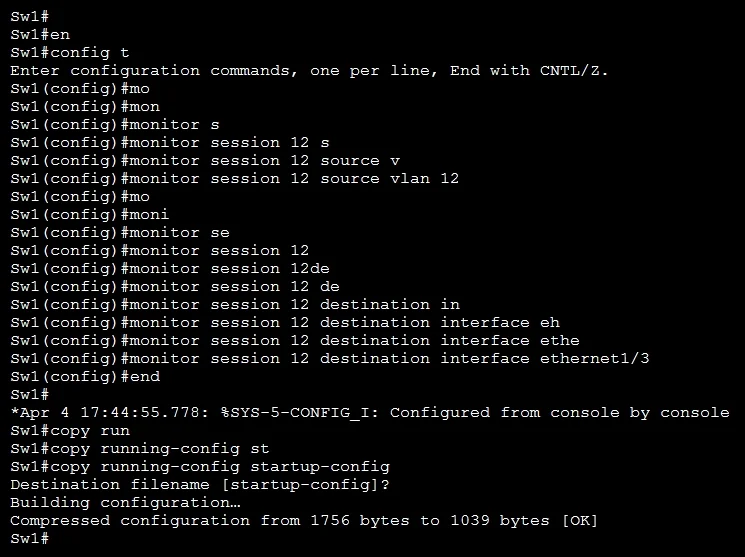
This lab simulation tests the ability to configure three distinct network monitoring technologies on Cisco devices. For Task 1, Flexible NetFlow is enabled on R1's E0/0 interface by applying the pre-configured flow monitor in both the 'input' and 'output' directions using the 'ip flow monitor [monitor-name] input' and 'ip flow monitor [monitor-name] output' interface-level commands. For Task 2, SPAN (Switch Port Analyzer) is configured on Sw1 using 'monitor session 12 source vlan 12' and 'monitor session 12 destination interface e1/3' to mirror all VLAN 12 traffic to the designated analyzer port. For Task 3, IP SLA is configured on R1 using 'ip sla 1', then 'icmp-echo [PC1-IP]', followed by 'frequency 300', and activated with 'ip sla schedule 1 start-time now life forever' to continuously ping PC1 every 300 seconds - all configurations must be saved with 'write memory' or 'copy run start' before proceeding.

Topics

#Flexible NetFlow#SPAN/RSPAN#IP SLA#Network Monitoring

Community Discussion

No community discussion yet for this question.

Full 350-401 Practice