
300-835 · Question #32
When should the Webex Team Oauth access token be used when configuring AuthenticateUser
The correct answer is A. Single-sign-on enabled webex site. Option A is correct because when a Webex site has Single Sign-On (SSO) enabled, users authenticate through an external identity provider (such as Okta or Azure AD) rather than with native Webex credentials - the OAuth access token is the mechanism that carries that…
Question
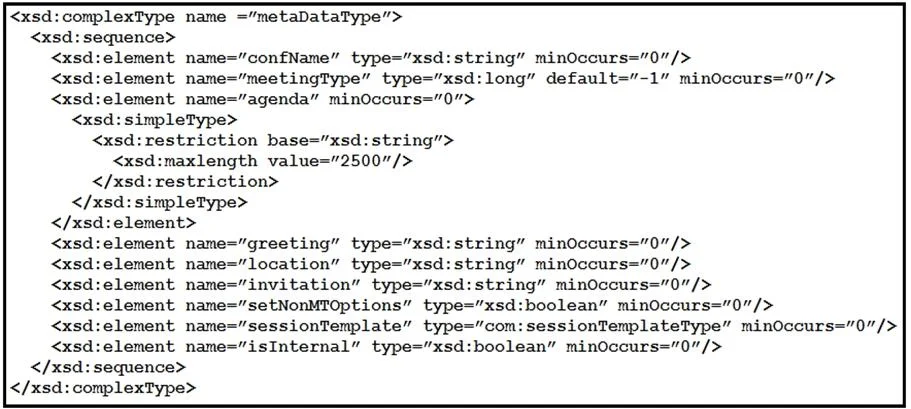
Exhibit
Options
- ASingle-sign-on enabled webex site
- BMulti-factor authentication for webex site
- CChatBot configuration for webex site
- Dusername/password requirements for webex site
How the community answered
(58 responses)- A72% (42)
- B3% (2)
- C9% (5)
- D16% (9)
Explanation
Option A is correct because when a Webex site has Single Sign-On (SSO) enabled, users authenticate through an external identity provider (such as Okta or Azure AD) rather than with native Webex credentials - the OAuth access token is the mechanism that carries that authenticated identity into the Webex platform for the AuthenticateUser action.
Option B (MFA) is wrong because multi-factor authentication is an additional verification layer, not an authentication protocol - it doesn't change the underlying credential mechanism to token-based OAuth. Option C is wrong because ChatBot configurations use dedicated bot tokens, not user OAuth access tokens. Option D is wrong because username/password authentication uses native Webex credentials directly, making OAuth tokens unnecessary - in fact, OAuth exists specifically to replace the need for passwords.
Memory tip: Think "SSO = no password = needs a token." When a site delegates login to another provider (SSO), there's no Webex password to pass, so you substitute an OAuth access token to prove the user's identity.
Topics
Community Discussion
No community discussion yet for this question.