
300-835 · Question #30
How can admin users include BroadCloud user details in the response when creating a new user in Cisco Webex teams?
The correct answer is C. callingInfo as true. When creating a new user via the Cisco Webex Teams API, admins can append callingInfo=true as a query parameter to instruct the API to include BroadCloud user details in the response - this is the designated flag for surfacing calling-service data alongside the standard user…
Question
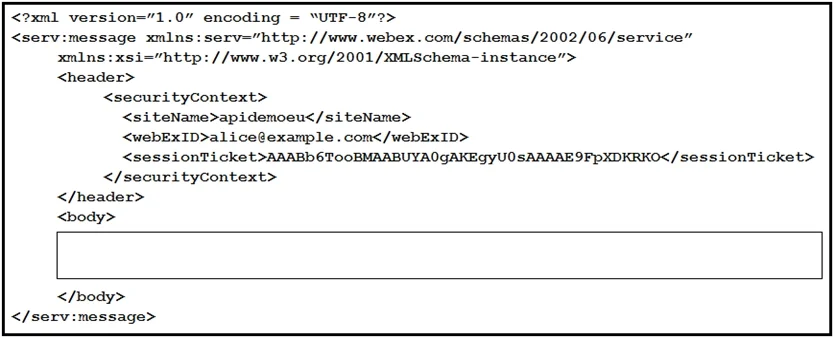
Exhibit
Options
- ALocationId
- BdisplayName as true
- CcallingInfo as true
- DlastName as true
How the community answered
(51 responses)- A6% (3)
- B4% (2)
- C80% (41)
- D10% (5)
Explanation
When creating a new user via the Cisco Webex Teams API, admins can append callingInfo=true as a query parameter to instruct the API to include BroadCloud user details in the response - this is the designated flag for surfacing calling-service data alongside the standard user payload.
Why the distractors are wrong:
- A (LocationId) is a request body field used to assign the user to a specific location, not a flag for retrieving BroadCloud details.
- B (displayName as true) -
displayNameis a standard user attribute (a string value like "Jane Doe"), not a boolean toggle that controls response content. - D (lastName as true) - same issue as B;
lastNameis a plain string field, not a query parameter that expands the response.
Memory tip: BroadCloud is Cisco's calling platform, so the parameter that surfaces its data is logically named callingInfo. When you see "BroadCloud," think "calling" → callingInfo=true.
Topics
Community Discussion
No community discussion yet for this question.