
MS-900 · Question #315
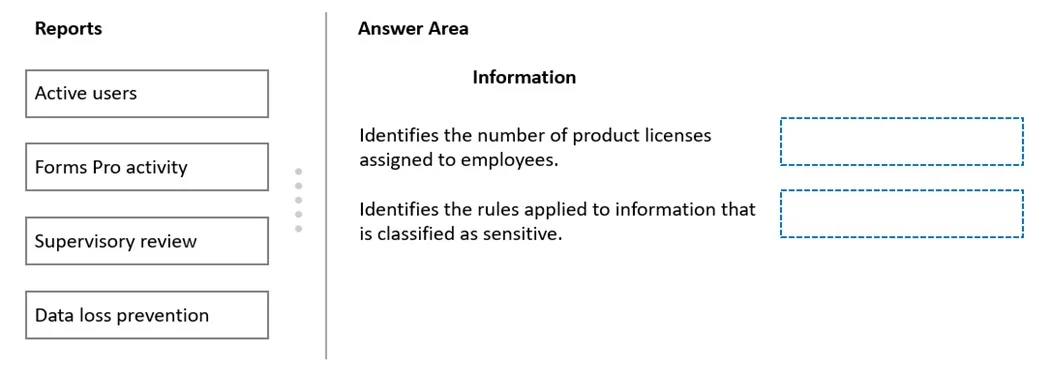
Drag and Drop Question You need to identify which reports provide the information that the company requests. Which reports should you select? To answer, drag the appropriate reports to the correct…
The correct answer is Active users; Data loss prevention. The 'Active users' report provides information about which users are actively using Microsoft 365 services, making it the correct choice for identifying user activity and adoption metrics. The 'Data loss prevention' (DLP) report provides details about policy matches, overrides…
Question
Exhibit
Answer Area
Drag items
Correct arrangement
- Active users
- Data loss prevention
Explanation
The 'Active users' report provides information about which users are actively using Microsoft 365 services, making it the correct choice for identifying user activity and adoption metrics. The 'Data loss prevention' (DLP) report provides details about policy matches, overrides, and false positives related to sensitive data, making it the correct choice for compliance and data protection reporting. These two reports directly address the specific informational needs described in the scenario, while the other options serve different administrative purposes.
Topics
Community Discussion
No community discussion yet for this question.