
Microsoft
MO-100 · Question #26
Set the line spacing to 1.4 lines for the entire document.
Explanation: Select the paragraphs you want to change. Go to Home > Line and Paragraph Spacing. Choose the number of line spaces you want or select Line Spacing Options, and then select the options you want under Spacing.
Insert and format text, paragraphs, and sections
Question
Set the line spacing to 1.4 lines for the entire document.
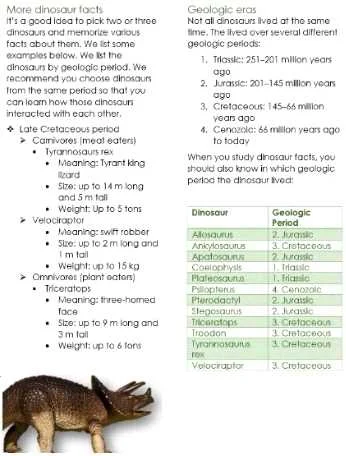
Exhibit
Explanation
Explanation: Select the paragraphs you want to change. Go to Home > Line and Paragraph Spacing. Choose the number of line spaces you want or select Line Spacing Options, and then select the options you want under Spacing.
Topics
#Line spacing#Paragraph formatting#Document formatting
Community Discussion
No community discussion yet for this question.