
Microsoft
MB-500 · Question #328
A company uses Dynamics 365 finance and operations apps. The company must implement the Excel Add-in to allow for data modification outside of Dynamics 365 finance and operations apps. The company…
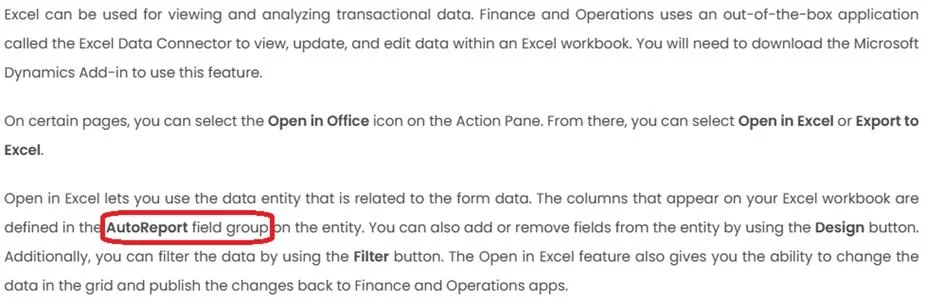
The correct answer is A. AutoReport. Create and modify reports by using Excel Go to fields field groups AutoReport field group. Here you can see all the fields which are already showing in Excel. Now you can add or remove or change the order of the fields you want…
Implement data and application integration
Question
A company uses Dynamics 365 finance and operations apps. The company must implement the Excel Add-in to allow for data modification outside of Dynamics 365 finance and operations apps. The company must modify the standard fields displayed for a particular entity to include additional columns. You need to add the additional columns. Which field group should you add the columns to?
Exhibit
Options
- AAutoReport
- BAutoBrowse
- CAutoSummary
- DAutoLookup
How the community answered
(40 responses)- A88% (35)
- B3% (1)
- C3% (1)
- D8% (3)
Explanation
Create and modify reports by using Excel Go to fields field groups AutoReport field group. Here you can see all the fields which are already showing in Excel. Now you can add or remove or change the order of the fields you want. https://community.dynamics.com/blogs/post/?postid=0a18e64d-577d-4bd1-8bfa-27308b6af3bc
Topics
#Excel Add-in#field groups#AutoReport#data entities
Community Discussion
No community discussion yet for this question.