
D-PE-OE-23 · Question #28
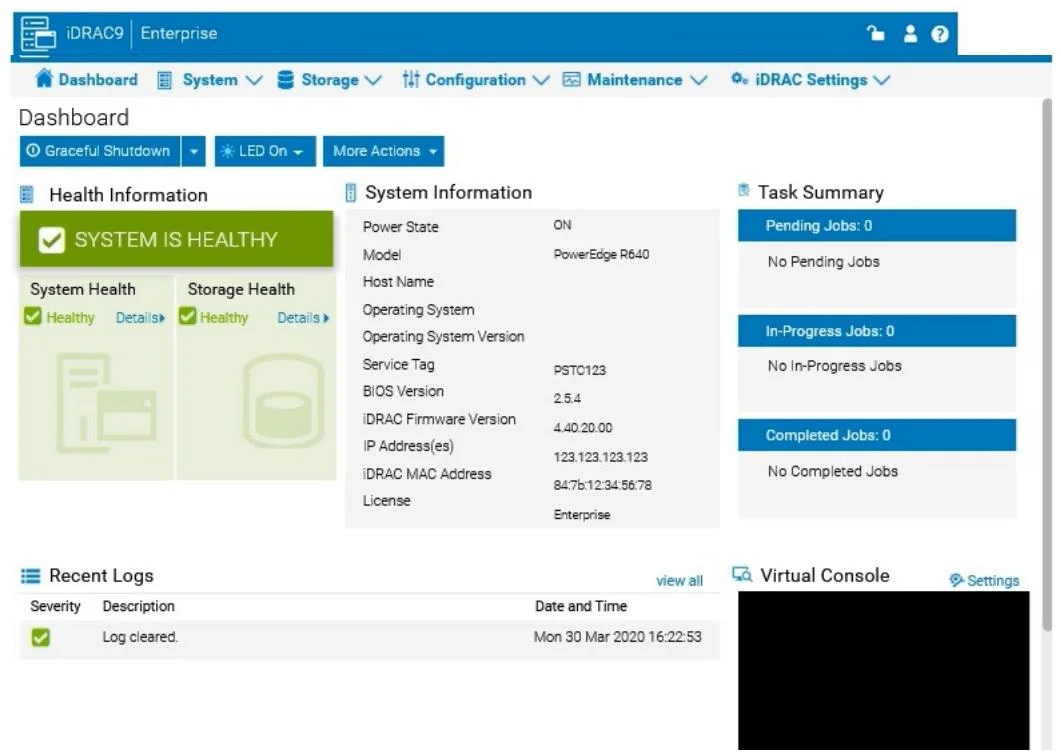
PowerEdge Test Simulator You will need to use the PowerEdge Simulator to correctly answer questions in Part 2. The simulator allows you to navigate through the PowerEdge interface and configure many…
The correct answer is D. 8 GB. Launch the Simulator: Open the PowerEdge iDRAC simulator to access the user interface and perform the required Navigate to System Information: In the top menu bar, select the "Configuration" tab. From the options that appear, choose "Storage". This section will display details…
Question
PowerEdge Test Simulator You will need to use the PowerEdge Simulator to correctly answer questions in Part 2. The simulator allows you to navigate through the PowerEdge interface and configure many items. You will be scored on your ability to perform tasks, configure items, and gather information within the simulated environment. Click the Launch Simulator button. Using the iDRAC UI, what is listed as the Cache Memory Size for the H965i storage controller? Note: It is necessary to close (x) the simulator window before you can select a response to this question.
Exhibit
Options
- A965 MB
- B8361 MB
- C1064 MB
- D8 GB
How the community answered
(15 responses)- B7% (1)
- D93% (14)
Explanation
Launch the Simulator: Open the PowerEdge iDRAC simulator to access the user interface and perform the required Navigate to System Information: In the top menu bar, select the "Configuration" tab. From the options that appear, choose "Storage". This section will display details and configurations for the storage controllers installed Check the H965i Storage Controller: Locate the H965i storage controller in the list. Selecting it should bring up a summary page with various specifications for the controller. Look for the field labeled "Cache Memory Size". This will provide the cache memory size value for the controller.
Topics
Community Discussion
No community discussion yet for this question.