
CKS · Question #22
Given an existing Pod named nginx-pod running in the namespace test-system, fetch the service-account-name used and put the content in /candidate/KSC00124.txt Create a new Role named dev-test-role…
The user must execute a series of kubectl commands in the provided terminal to identify a pod's service account, create a Kubernetes Role with specific permissions, and bind that Role to the identified service account using a RoleBinding.
Question
Exhibits
Explanation
The user must execute a series of kubectl commands in the provided terminal to identify a pod's service account, create a Kubernetes Role with specific permissions, and bind that Role to the identified service account using a RoleBinding.
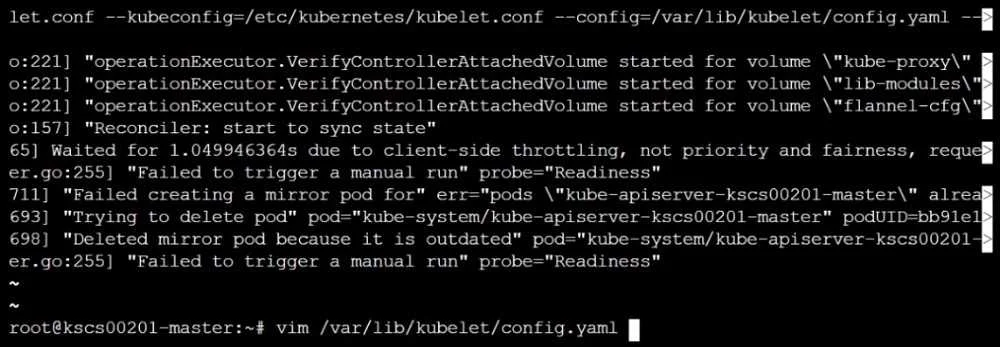
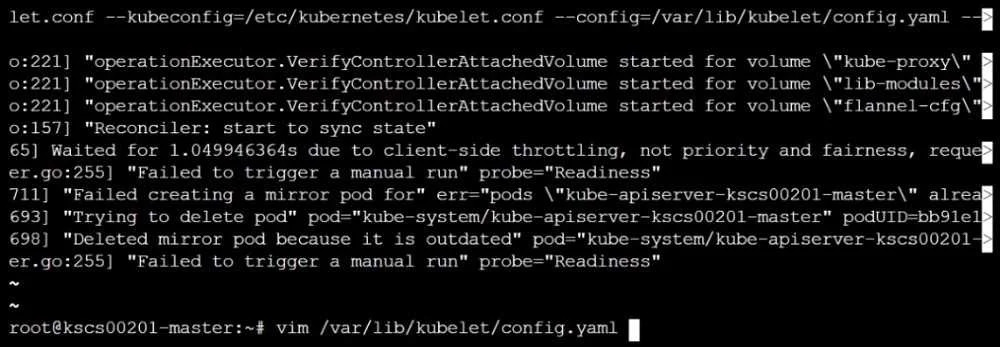
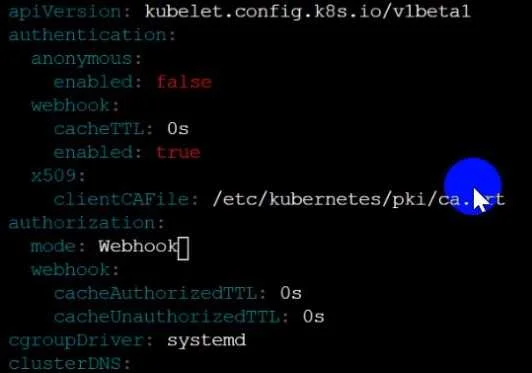
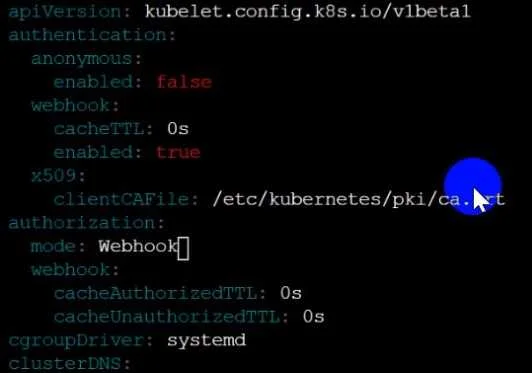
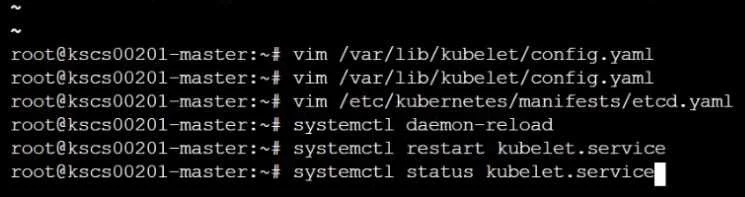
Approach. The correct interaction involves typing the following kubectl commands into the provided terminal environment. The exhibit images merely serve as context about the underlying Kubernetes node or shell environment, and the actual tasks require direct command-line input.
-
Fetch the service-account-name used by
nginx-podintest-systemand put the content in/candidate/KSC00124.txt: To correctly identify the service account name, we need to inspect thenginx-pod. Kubernetes pods use thedefaultservice account if none is explicitly specified in their.spec.serviceAccountNamefield. The following commands handle both cases:SA_NAME=$(kubectl get pod nginx-pod -n test-system -o jsonpath='{.spec.serviceAccountName}') if [ -z "$SA_NAME" ]; then echo "default" > /candidate/KSC00124.txt SA_NAME="default" # Set for subsequent steps else echo "$SA_NAME" > /candidate/KSC00124.txt fiExplanation:
kubectl get pod nginx-pod -n test-system -o jsonpath='{.spec.serviceAccountName}'extracts the explicit service account name. If this command returns an empty string (meaning noserviceAccountNameis defined in the pod spec), theifcondition handles it by writingdefaultto the file and settingSA_NAMEaccordingly. Otherwise, the extracted name is saved. This ensures the correct, effective service account name is captured. -
Create a new Role named
dev-test-rolein the namespacetest-system, which can performupdateoperations on resources of typenamespaces:kubectl create role dev-test-role -n test-system --verb=update --resource=namespacesExplanation: This imperative
kubectlcommand directly creates aRolecalleddev-test-rolewithin thetest-systemnamespace. The--verb=updategrantsupdatepermissions, and--resource=namespacesspecifies that these permissions apply tonamespacesresources. -
Create a new RoleBinding named
dev-test-role-binding, which binds the newly created Role to the Pod's ServiceAccount (found in the Nginx pod running in namespace test-system):kubectl create rolebinding dev-test-role-binding -n test-system --role=dev-test-role --serviceaccount=test-system:"$SA_NAME"Explanation: This imperative
kubectlcommand creates aRoleBindingnameddev-test-role-bindingin thetest-systemnamespace. It binds the previously createddev-test-roleto the service account ($SA_NAME) that was identified in the first step. Thetest-system:prefix for the service account is important to specify its namespace scope correctly within the RoleBinding.
Common mistakes.
- common_mistake. A common mistake is failing to correctly identify the service account name, especially if the
nginx-podimplicitly uses thedefaultservice account becauseserviceAccountNameis not explicitly defined in its specification. Simply runningkubectl get pod ... -o jsonpath='{.spec.serviceAccountName}'without handling an empty result would lead to an incorrect or missing service account name for the RoleBinding. Other mistakes include usingClusterRoleorClusterRoleBindinginstead ofRoleandRoleBinding(which are namespace-scoped as required), specifying incorrect verbs (e.g.,getinstead ofupdate) or resources (e.g.,podsinstead ofnamespaces) for the Role, or forgetting to specify the namespace (-n test-system) for the Role or RoleBinding. A critical error would be to attempt to interact with thevimeditor or the Kubelet configuration shown in the exhibit images, as those are merely background context and not the interactive target for this specific question.
Concept tested. This question primarily tests Kubernetes Role-Based Access Control (RBAC) concepts, including the creation and management of Roles and RoleBindings, the understanding of ServiceAccounts (especially the implicit default service account), and the ability to use the kubectl command-line tool effectively for resource introspection (jsonpath) and creation. It also implicitly tests basic shell scripting knowledge for variable assignment and file redirection.
Topics
Community Discussion
No community discussion yet for this question.