
CKAD · Question #16
Given a container that writes a log file in format A and a container that converts log files from format A to format B, create a deployment that runs both containers such that the log files from the…
The task requires creating a Kubernetes Deployment with two containers, sharing an emptyDir volume, and mounting a ConfigMap to the sidecar, demonstrating proficiency in multi-container pod design and kubectl YAML management.
Question
while true; do
 echo "i luv cncf" >> /tmp/log/input.log;
 sleep 10;
done
i luv cncf
i luv cncf
i luv cncf
Exhibits
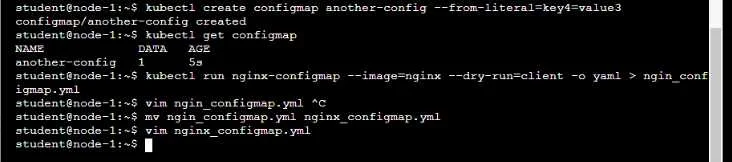
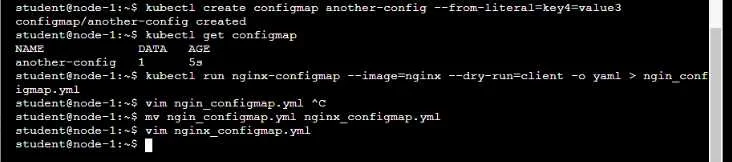
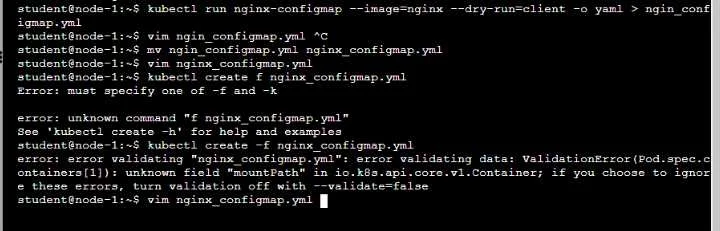
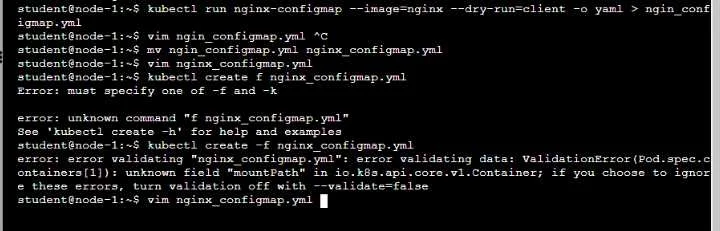
Explanation
The task requires creating a Kubernetes Deployment with two containers, sharing an emptyDir volume, and mounting a ConfigMap to the sidecar, demonstrating proficiency in multi-container pod design and kubectl YAML management.
Approach. To correctly complete the task, the user must perform the following interactions in the terminal:
-
Create the ConfigMap: The task specifies that the ConfigMap for Fluentd is provided at
/opt/KDMC00102/fluentd-configmap.yaml. This ConfigMap must be created first so the Deployment can reference it.kubectl create -f /opt/KDMC00102/fluentd-configmap.yamlReasoning: The
adapter-zensidecar container needs this ConfigMap mounted to/fluentd/etc. The Deployment will fail to create the Pod if the referenced ConfigMap does not exist. -
Create/Edit Deployment YAML: The core of the task is to define a Kubernetes Deployment. The user should create a new YAML file (e.g.,
deployment-xyz.yaml) with the following content (or generate a basic deployment and modify it usingvim):apiVersion: apps/v1 kind: Deployment metadata: name: deployment-xyz labels: app: logger-adapter # Label for selector spec: replicas: 1 selector: matchLabels: app: logger-adapter template: metadata: labels: app: logger-adapter spec: # Define volumes for the pod volumes: - name: log-volume emptyDir: medium: Memory # Use tmpfs for non-persistent, in-memory storage - name: fluentd-config configMap: name: fluentd-configmap # Assuming the ConfigMap file defines this name # Define containers for the pod containers: - name: logger-dev image: lfccncf/busybox:1 command: ["sh", "-c"] args: # Use args for multi-word commands - while true; do echo "i luv cncf" >> /tmp/log/input.log; sleep 10; done volumeMounts: - name: log-volume mountPath: /tmp/log # Mount shared log volume - name: adapter-zen image: lfccncf/fluentd:v0.12 volumeMounts: - name: log-volume mountPath: /tmp/log # Mount shared log volume - name: fluentd-config mountPath: /fluentd/etc # Mount ConfigMap for Fluentd configReasoning: This YAML file correctly defines a Deployment named
deployment-xyzwith one replica, containing a pod with two specified containers (logger-devandadapter-zen). It configures anemptyDirvolume for shared logging and aconfigMapvolume to inject Fluentd configuration, as required by the task. Thecommandandargsare specified correctly for thelogger-devcontainer. -
Apply the Deployment: Once the
deployment-xyz.yamlfile is created and saved, apply it to the Kubernetes cluster.kubectl apply -f deployment-xyz.yamlReasoning: This command creates or updates the Deployment resource based on the provided YAML, which will then manage the creation of the Pod with the two containers.
Common mistakes.
- common_mistake. A common mistake would be to create a standalone
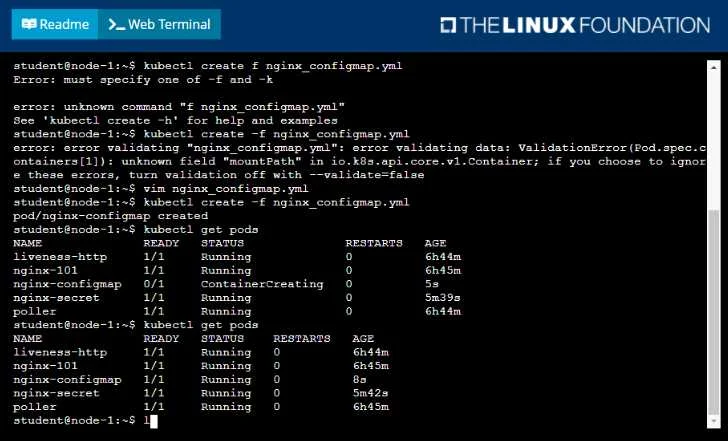
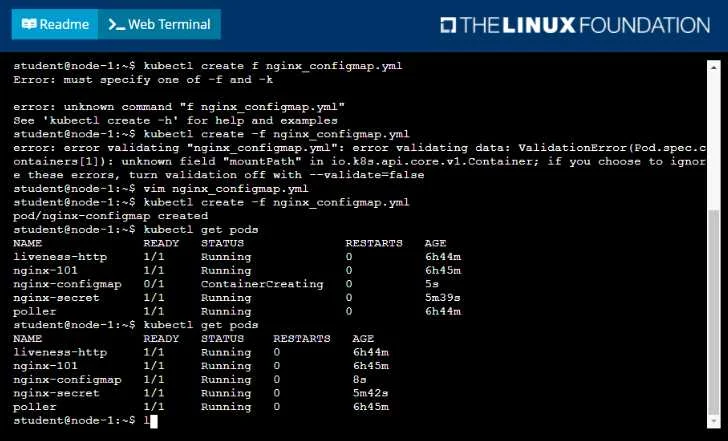
Podresource instead of aDeployment. The question explicitly asks for a 'deployment named deployment-xyz'. Creating a Pod directly would fulfill the immediate container requirements but would lack the self-healing, scaling, and update capabilities that a Deployment provides. Another mistake, hinted at by the exhibit, is incorrect YAML syntax or structure, such as misplacingmountPath(it should be nested undervolumeMountswithin a container definition) or incorrect indentation. Forgetting to create the ConfigMap before the Deployment, or misspelling its name in the Deployment YAML, would also lead to an error. Incorrectly defining theemptyDirvolume or failing to mount it to both containers, or omitting the ConfigMap mount for theadapter-zensidecar, would result in the log conversion not functioning as intended. Misconfiguring thecommandandargsfor thelogger-devcontainer would prevent it from writing logs.
Concept tested. This question primarily tests the understanding and application of Kubernetes Deployments, multi-container Pod design (sidecar pattern), shared volumes (emptyDir), ConfigMaps for configuration injection, and kubectl CLI proficiency for resource creation and YAML manipulation.
Topics
Community Discussion
No community discussion yet for this question.