nerdexam
MicrosoftMicrosoft

AZ-500 · Question #134

AZ-500 Question #134: Real Exam Question with Answer & Explanation

Sign in or unlock AZ-500 to reveal the answer and full explanation for question #134. The question stem and answer options stay visible for context.

Submitted by ravi_2018· Mar 6, 2026Implement and manage storage accounts security - specifically configuring Azure Storage firewalls and virtual network rules to restrict access based on IP address ranges (AZ-104: Implement and Manage Storage / Configure Azure Storage firewalls and virtual networks)

Question

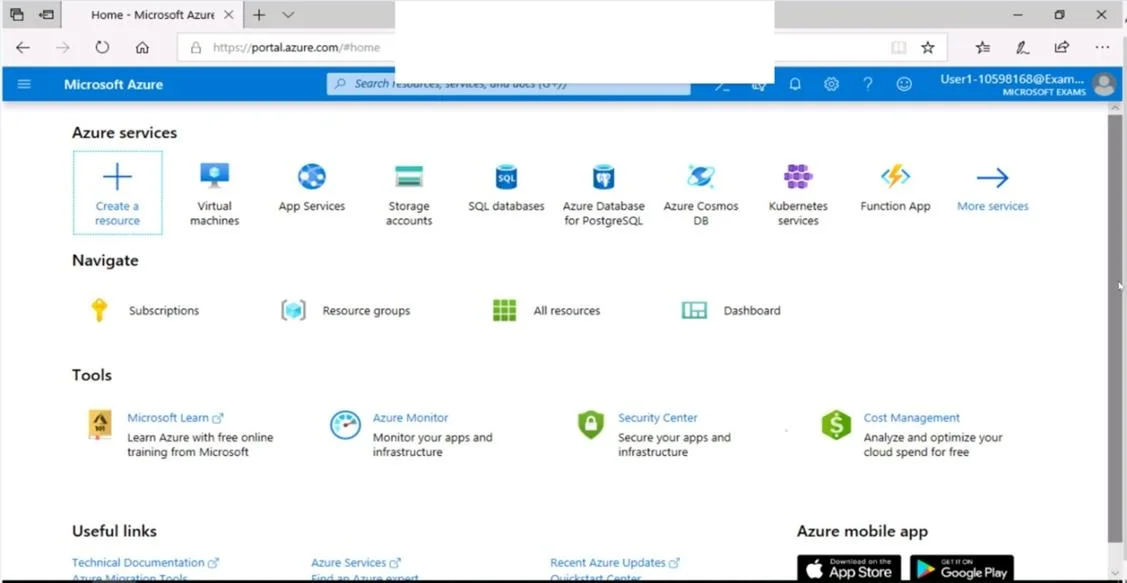
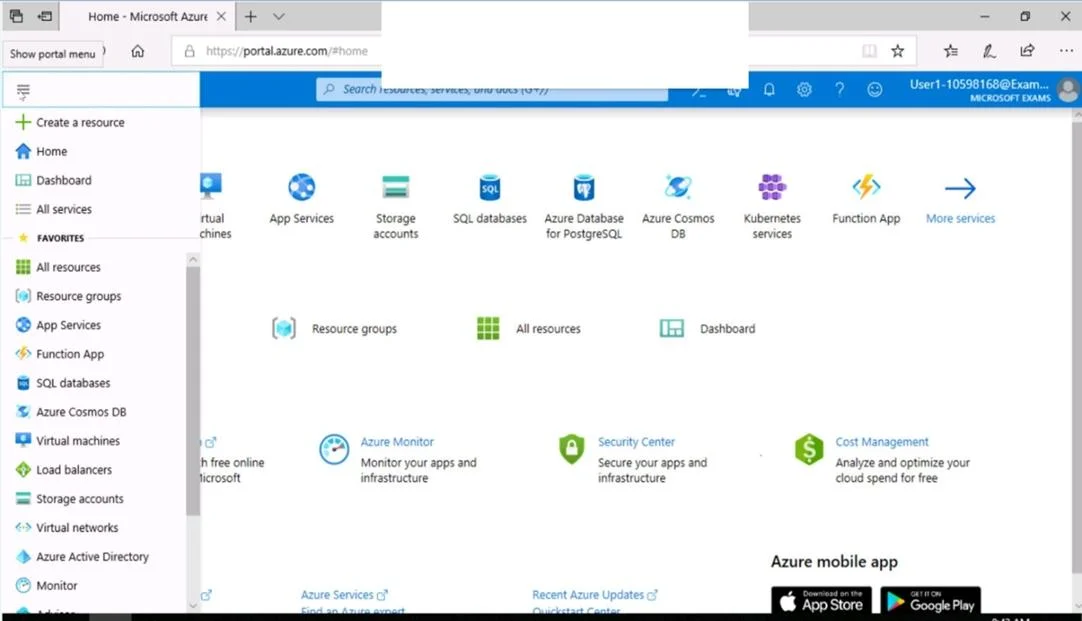
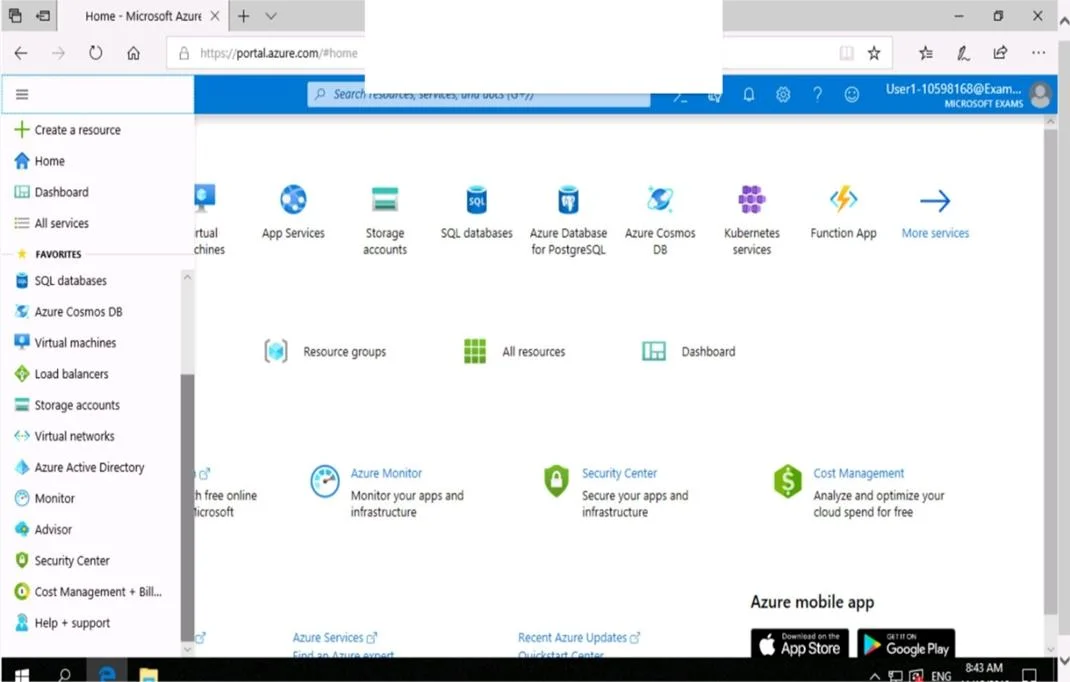
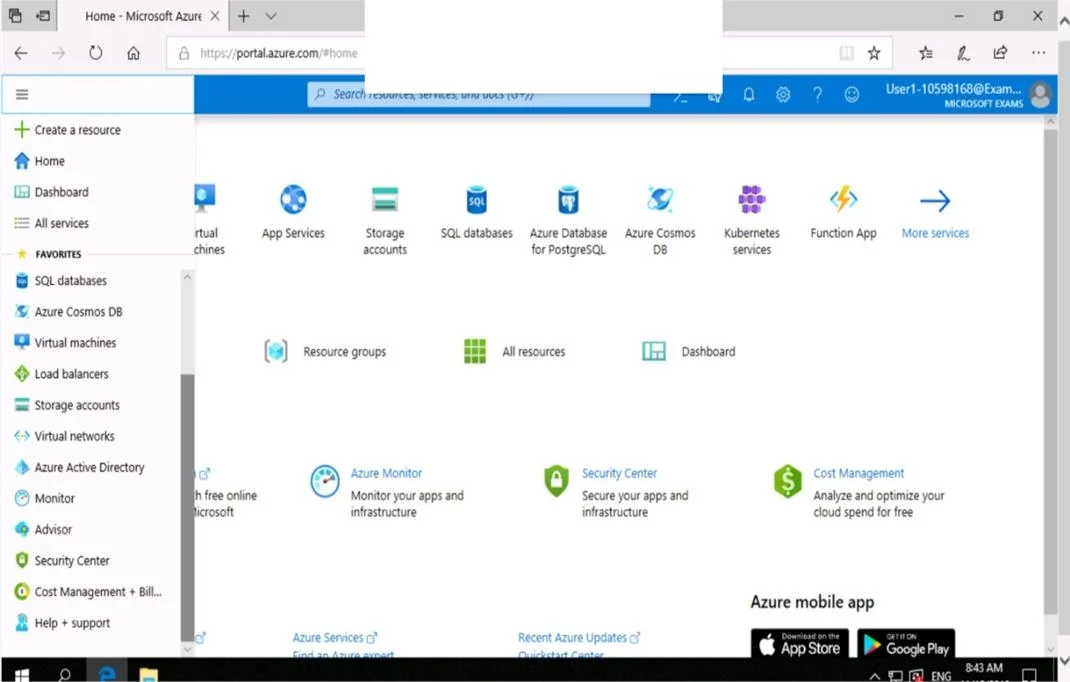
SIMULATION Use the following login credentials as needed: To enter your username, place your cursor in the Sign in box and click on the username below. To enter your password, place your cursor in the Enter password box and click on the password below. Azure Username: [email protected] Azure Password: Ag1Bh9!#Bd The following information is for technical support purposes only: Lab Instance: 10598168 You need to ensure that only devices connected to a 131.107.0.0/16 subnet can access data in the rg1lod10598168 Azure Storage account. To complete this task, sign in to the Azure portal. Answer: Step 1: 1. In Azure portal go to the storage account you want to secure. Here: rg1lod10598168 2. Click on the settings menu called Firewalls and virtual networks. 3. To deny access by default, choose to allow access from Selected networks. To allow traffic from all networks, choose to allow access from All networks. 4. Click Save to apply your changes. Step 2: 1. Go to the storage account you want to secure. Here: rg1lod10598168 2. Click on the settings menu called Firewalls and virtual networks. 3. Check that you've selected to allow access from Selected networks. 4. To grant access to a virtual network with a new network rule, under Virtual networks, click Add existing virtual network, select Virtual networks and Subnets options. Enter the 131.107.0.0/16 subnet and then click Add. Note: When network rules are configured, only applications requesting data over the specified set of networks can access a storage account. You can limit access to your storage account to requests originating from specified IP addresses, IP ranges or from a list of subnets in an Azure Virtual Network (VNet). Reference: https://docs.microsoft.com/en-us/azure/storage/common/storage-network-security

Options

  • taskEnsure that only devices connected to a 131.107.0.0/16 subnet can access data in the rg1lod10598168 Azure Storage account.
  • prerequisitesAzure Username: [email protected], Azure Password: Ag1Bh9!#Bd

Unlock AZ-500 to see the answer

You've previewed enough free AZ-500 questions. Unlock AZ-500 for full answers, explanations, the timed quiz mode, progress tracking, and the master PDF. Question stem and options stay visible so you can still see what's on the exam.

Topics

#Azure Storage Account#Network Security#Firewall Rules#Access Control
Full AZ-500 PracticeBrowse All AZ-500 Questions