AZ-500 · Question #126
AZ-500 Question #126: Real Exam Question with Answer & Explanation
Creating a new Azure AD directory named 10598168.onmicrosoft.com requires navigating to Azure Active Directory in the portal, creating a new tenant with that specific domain name, then adding a user ([email protected]) within that tenant. MFA must then be enforced fo
Question
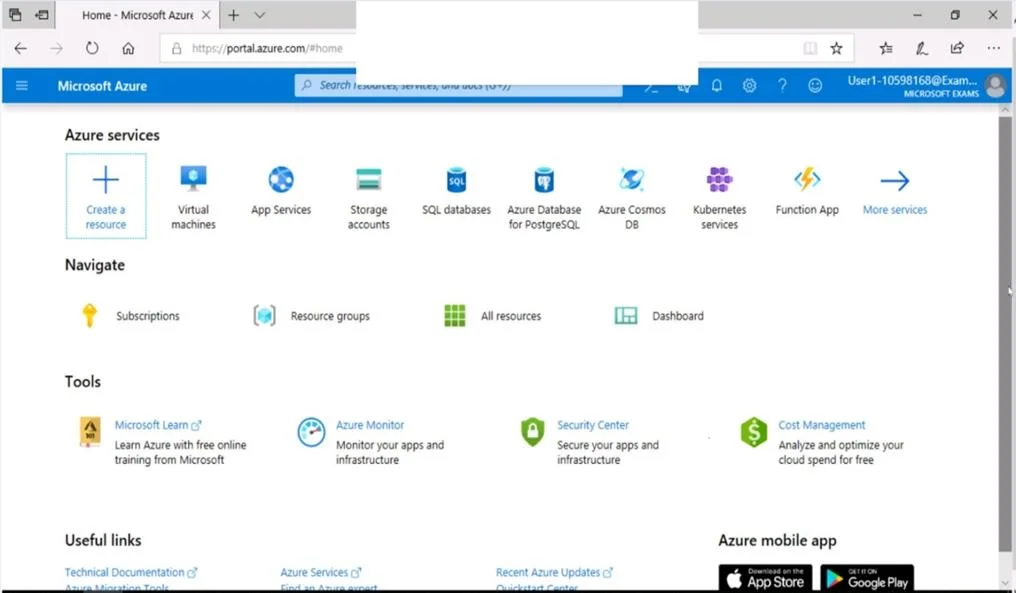
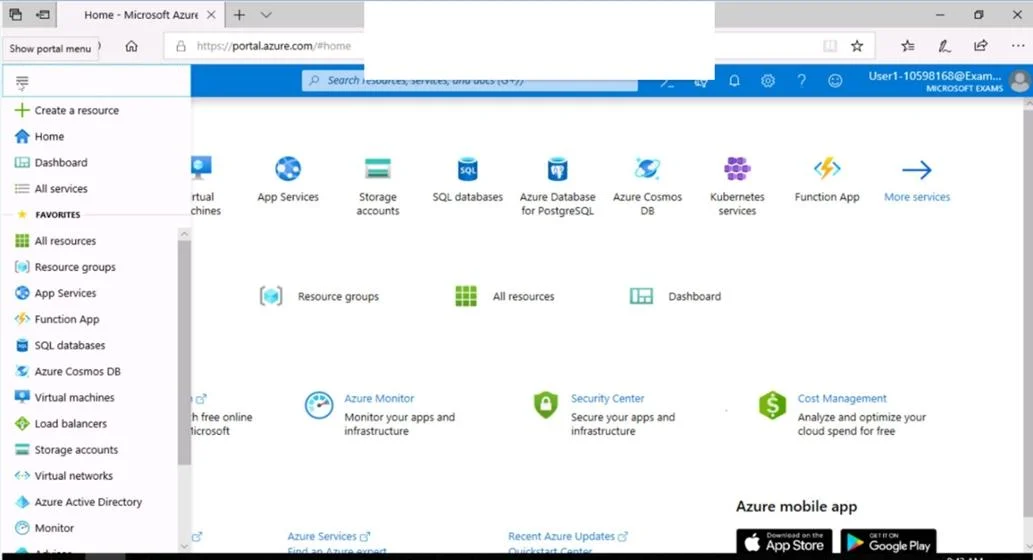
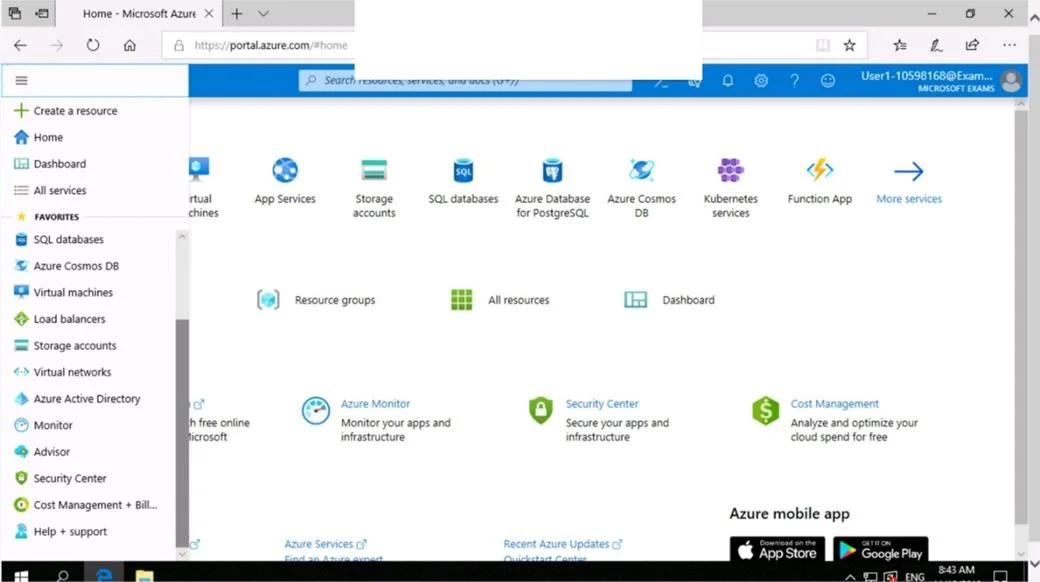
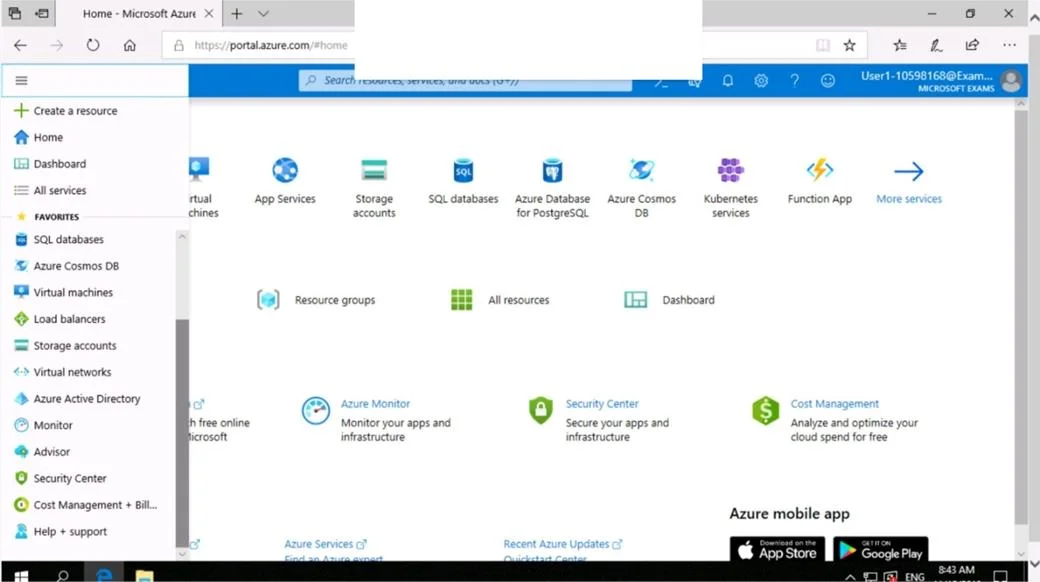
SIMULATION Use the following login credentials as needed: To enter your username, place your cursor in the Sign in box and click on the username below. To enter your password, place your cursor in the Enter password box and click on the password below. Azure Username: [email protected] Azure Password: Ag1Bh9!#Bd The following information is for technical support purposes only: Lab Instance: 10598168 You need to create a new Azure Active Directory (Azure AD) directory named 10598168.onmicrosoft.com. The new directory must contain a user named [email protected] who is configured to sign in by using Azure Multi-Factor Authentication (MFA). To complete this task, sign in to the Azure portal. Answer: Step 1: Create an Azure Active Directory tenant 1. Browse to the Azure portal and sign in with an account that has an Azure subscription. 2. Select the plus icon (+) and search for Azure Active Directory. 3. Select Azure Active Directory in the search results. 4. Select Create. 5. Provide an Organization name and an Initial domain name (10598168). Then select Create. Your directory is created. 6. After directory creation is complete, select the information box to manage your new directory. Next, you're going to add tenant users. Step 2: Create an Azure Active Directory tenant user 7. In the Azure portal, make sure you are on the Azure Active Directory fly out. 8. Under Manage, select Users. 9. Select All users and then select + New user. 10. Provide a Name and User name (user1) for the regular user tenant You can also show the temporary password. When you're done, select Create. Name: user1 User name: [email protected] Reference: https://docs.microsoft.com/en-us/power-bi/developer/create-an-azure-active-directory-tenant
Options
- taskCreate a new Azure Active Directory (Azure AD) directory named 10598168.onmicrosoft.com. The new directory must contain a user named [email protected] who is configured to sign in by using Azure Multi-Factor Authentication (MFA).
- prerequisitesAzure portal access. Credentials: Azure Username: [email protected], Azure Password: Ag1Bh9!#Bd
Explanation
Creating a new Azure AD directory named 10598168.onmicrosoft.com requires navigating to Azure Active Directory in the portal, creating a new tenant with that specific domain name, then adding a user ([email protected]) within that tenant. MFA must then be enforced for that user either through Azure AD Per-User MFA settings or Conditional Access policies, ensuring the user is prompted for multi-factor verification at sign-in. This is the correct approach because it follows the proper sequence: tenant creation first, then user provisioning, then MFA configuration - all within the Azure portal.
Topics
Community Discussion
No community discussion yet for this question.