
AZ-104 · Question #602
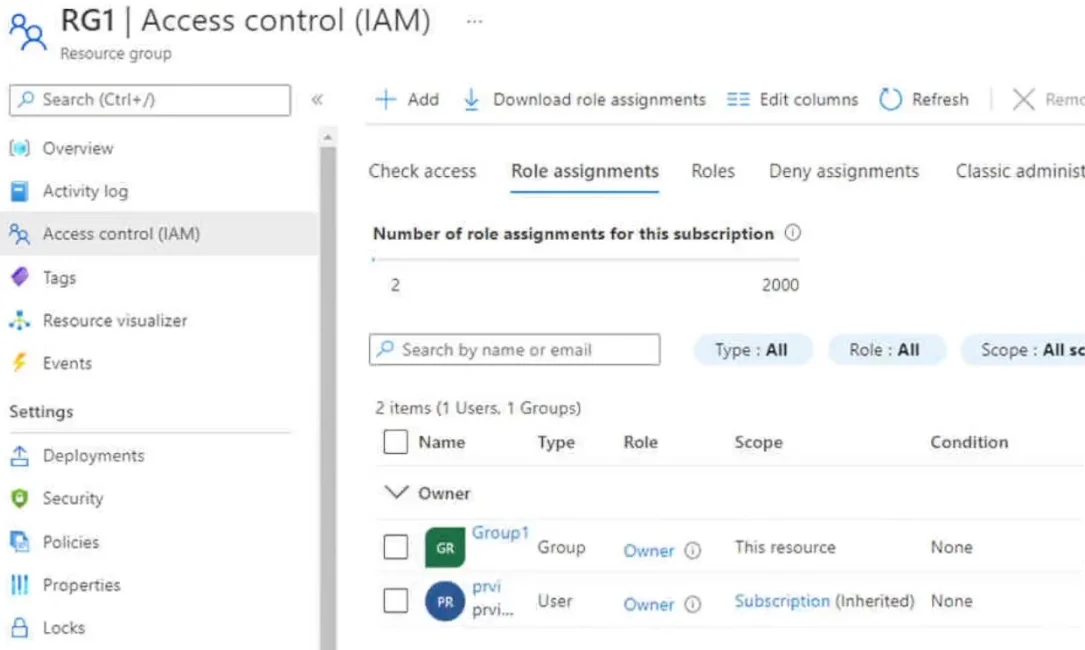
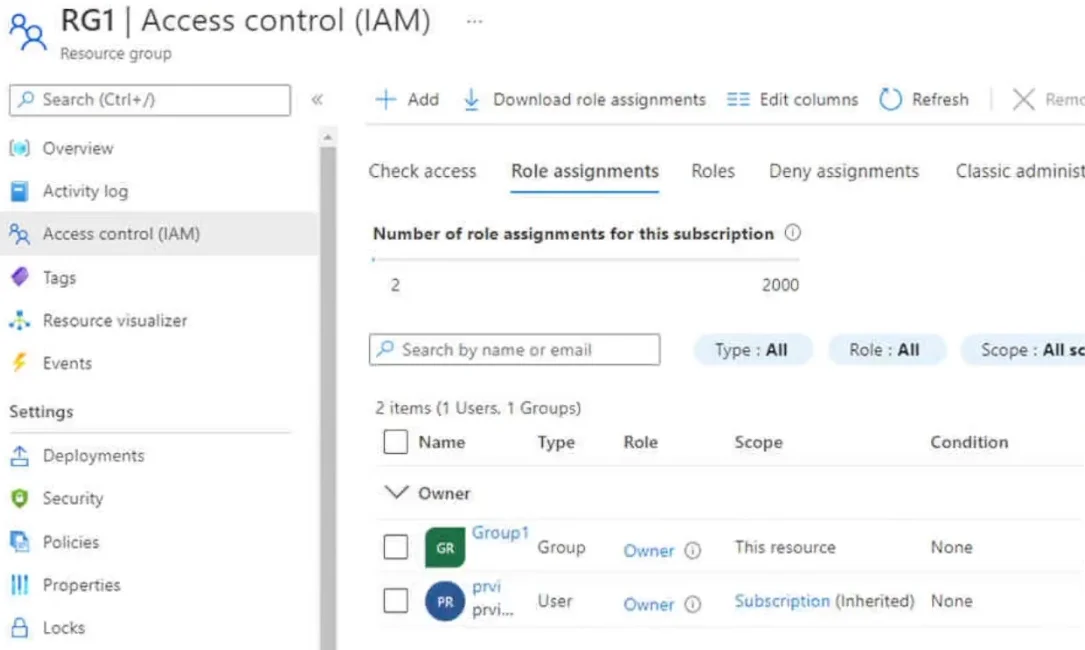
Hotspot Question You have an Azure subscription that contains the users shown in the following table. The groups are configured as shown in the following table. You have a resource group named RG1…
The correct answer is Group1 Security = Yes; Group2 Security = Yes; Group3 Microsoft 365 = Yes. Groups configured to allow Azure AD role assignments do not support nested groups, preventing other groups from being added to them as members.
Question
Exhibits


Answer Area
- Group1 SecurityYes
- Group2 SecurityYes
- Group3 Microsoft 365Yes
Explanation
Groups configured to allow Azure AD role assignments do not support nested groups, preventing other groups from being added to them as members.
Approach. Statement 1 is No: Because Group1 has 'Azure AD roles can be assigned to the group' set to Yes, it is a role-assignable group. Microsoft Entra ID does not support nesting groups inside role-assignable groups, so you cannot add Group2 as a member of Group1. Statement 2 is No: For the exact same reason, Group3 cannot be added as a member of Group1. Statement 3 is Yes: You can directly assign Azure RBAC roles (such as the Owner role for RG1) to Microsoft 365 groups like Group3. This is fully supported and bypasses the nesting limitations.
Common mistakes.
- common_mistake. A common mistake is selecting 'Yes' for the first two statements by assuming standard Azure AD group nesting rules apply. While standard security groups can contain other groups, explicitly enabling a group for Azure AD role assignments strictly prohibits nested groups to prevent unintended administrative privilege escalation.
Concept tested. Microsoft Entra ID Role-Assignable Groups, Nested Group Limitations, and Azure RBAC Assignments
Reference. https://learn.microsoft.com/en-us/entra/identity/role-based-access-control/groups-concept
Topics
Community Discussion
No community discussion yet for this question.