
AZ-104 · Question #573
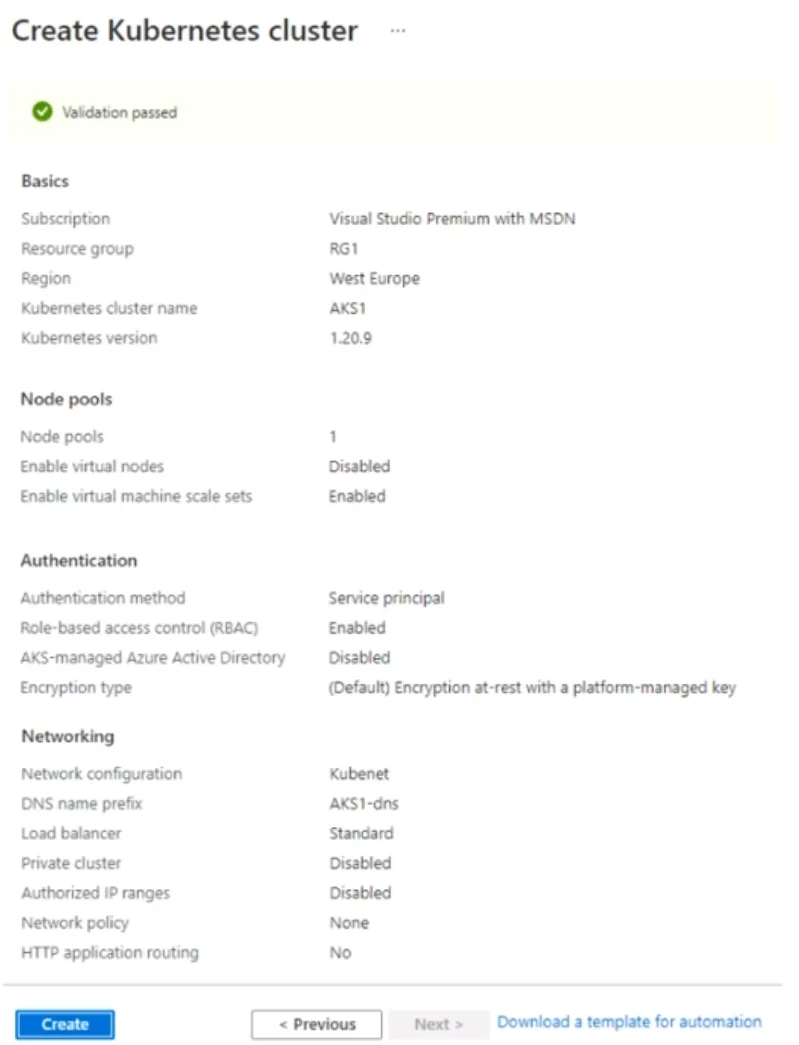
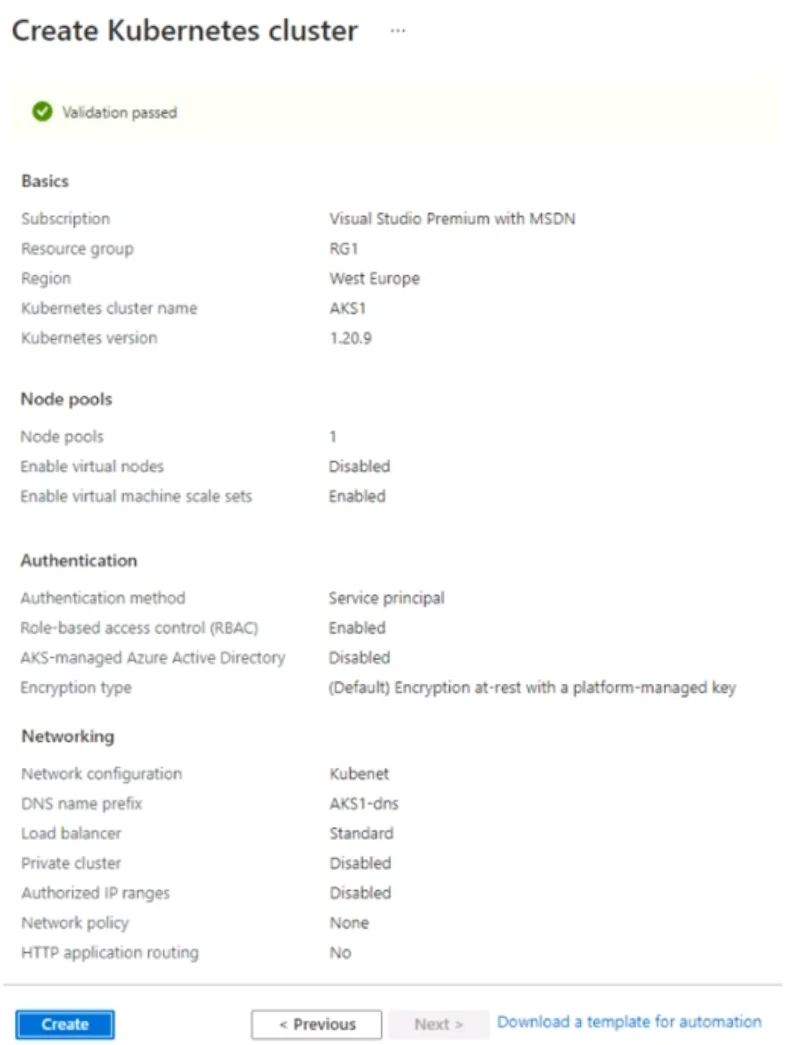
Hotspot Question You are creating an Azure Kubernetes Services (AKS) cluster as shown in the following exhibit. Use the drop-down menus to select the answer choice that completes each statement…
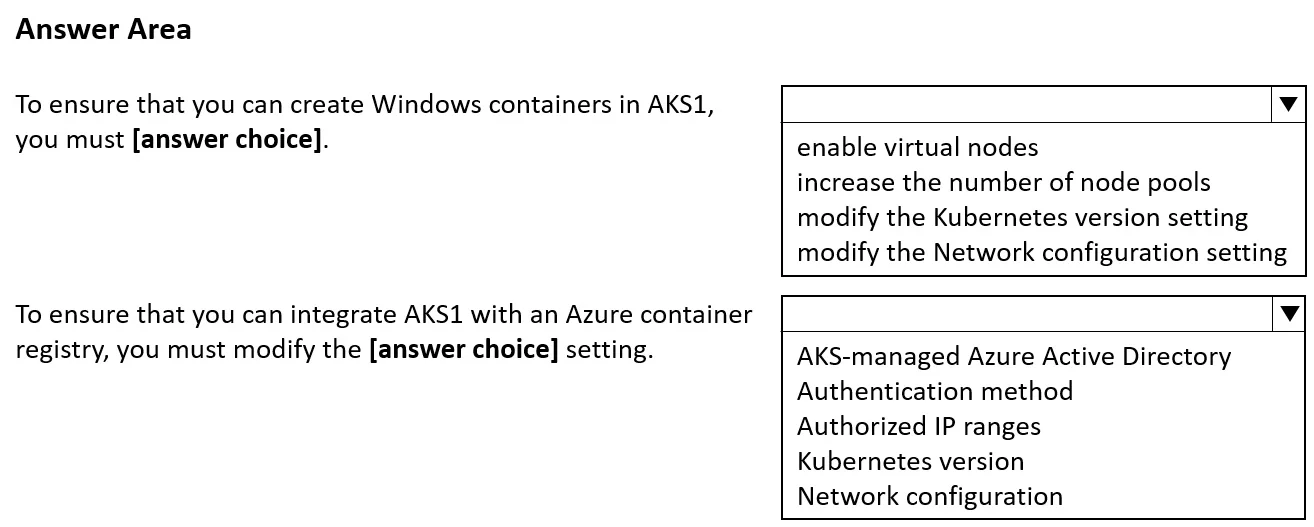
The correct answer is To ensure that you can create Windows containers in AKS1, you must modify the Network configuration setting. = Yes; To ensure that you can integrate AKS1 with an Azure container registry, you must modify the AKS-managed Azure Active Directory setting. = Yes. To create Windows containers in AKS, you must use the Azure CNI network plugin (not kubenet), which requires modifying the Network configuration setting - kubenet does not support Windows node pools. To integrate AKS with an Azure Container Registry (ACR), you need to configure…
Question
Exhibits
Answer Area
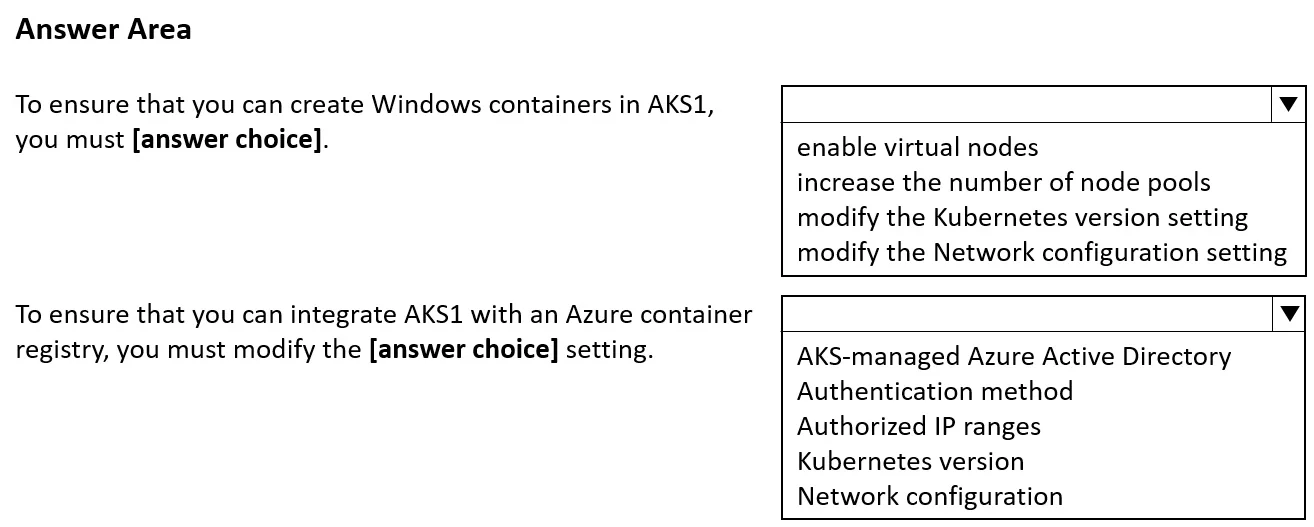
- To ensure that you can create Windows containers in AKS1, you must modify the Network configuration setting.Yes
- To ensure that you can integrate AKS1 with an Azure container registry, you must modify the AKS-managed Azure Active Directory setting.Yes
Explanation
To create Windows containers in AKS, you must use the Azure CNI network plugin (not kubenet), which requires modifying the Network configuration setting - kubenet does not support Windows node pools. To integrate AKS with an Azure Container Registry (ACR), you need to configure authentication, which requires attaching the ACR during cluster creation or modifying the integration settings; however, this requires proper Azure AD permissions and the 'AKS-managed Azure Active Directory' setting must be configured to allow the managed identity or service principal to pull images from ACR - so both 'Yes' answers are correct in context of what must be modified from defaults.
Topics
Community Discussion
No community discussion yet for this question.