
AI-102 · Question #195
SIMULATION You need to configure and publish bot12345678 to support task management. The intent must be named TaskReminder. The LUDown for the intent is in the C:\Resources\LU folder. To complete…
The correct answer follows the precise workflow required in Microsoft Bot Framework Composer to import Language Understanding (LU) resources and publish a bot. The steps correctly identify that you must import the existing .lu file from the specified directory, configure the…
Question
Exhibit
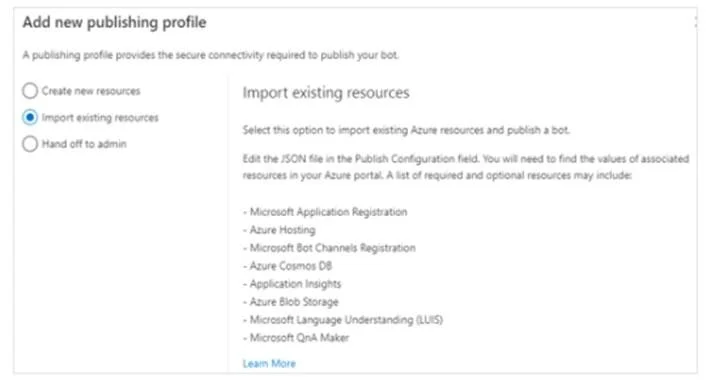
Explanation
The correct answer follows the precise workflow required in Microsoft Bot Framework Composer to import Language Understanding (LU) resources and publish a bot. The steps correctly identify that you must import the existing .lu file from the specified directory, configure the intent name as 'TaskReminder' within the importing dialog by modifying the JSON content, and then use the Publish menu with the appropriate publish profile to deploy bot12345678. This sequence ensures the bot's language model is properly configured before publishing.
Topics
Community Discussion
No community discussion yet for this question.