
300-910 · Question #34
A DevOps engineer is supporting a containerized application with multiple components running across the Kubernetes cluster. Metrics from the containers (CPU and memory) and application (requests per…
The correct answer is A. Grafana has lost connectivity to Prometheus, which causes graphs to display only the cached data. The question describes a scenario where application issues (transaction timeouts) are reported, but monitoring graphs appear normal, and asks for a reason why the problem wouldn't be visible in the metrics.
Question
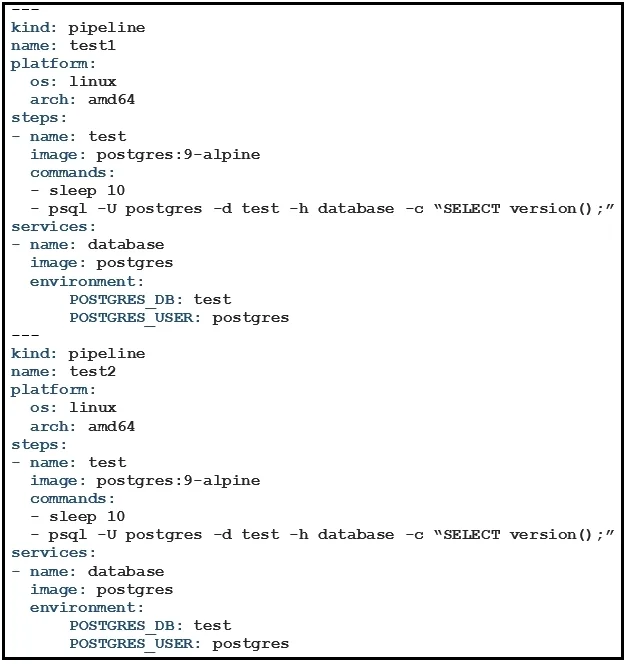
Exhibit
Options
- AGrafana has lost connectivity to Prometheus, which causes graphs to display only the cached data.
- BCPU and memory metrics from Kubernetes nodes are not accurate due to the way that containers share resources.
- CSome containers are crashing regularly and being restarted automatically by Kubernetes.
- DThe metricbeat agent has crashed and is no longer sending new data to Prometheus, so the metrics are not updating.
How the community answered
(21 responses)- A81% (17)
- B5% (1)
- C5% (1)
- D10% (2)
Why each option
The question describes a scenario where application issues (transaction timeouts) are reported, but monitoring graphs appear normal, and asks for a reason why the problem wouldn't be visible in the metrics.
If Grafana loses connectivity to Prometheus, it might continue to display the last known good data or cached data, making the graphs appear normal even though new, problematic metrics are not being pulled. This gives a false sense of security while the underlying issue persists.
While resource sharing can complicate metric interpretation, CPU and memory metrics from Kubernetes nodes are generally accurate for resource usage and would typically reflect problems if they were the cause of timeouts.
If containers are crashing and restarting regularly, this would likely be reflected in metrics such as restart counts, pod status, and potentially dips in request rates, making the problem visible.
If the metricbeat agent (or Prometheus scrapers, assuming metricbeat is used to feed Prometheus) crashed, Prometheus would not receive new data, leading to stale or absent graphs, which would immediately indicate a monitoring problem, not give a false "normal" reading.
Concept tested: Monitoring system failures
Source: https://prometheus.io/docs/prometheus/latest/getting_started/
Topics
Community Discussion
No community discussion yet for this question.