
300-410 · Question #24
An engineer is trying to copy an IOS file from one router to another router by using TFTP. Which two actions are needed to allow the file to copy? (Choose two.)
The correct answer is B. Configure a user on the source router with the username tftp password tftp command. To copy an IOS file from one router to another using TFTP, the source router must be configured as a TFTP server, and a local user for TFTP authentication must be set up on that source router.
Question
Exhibit
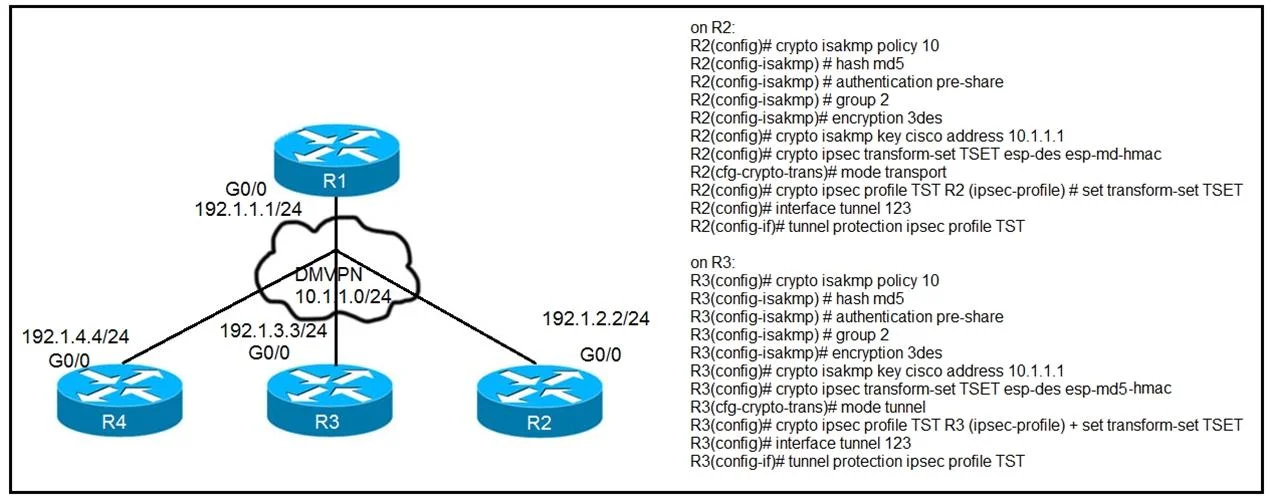
Options
- AConfigure the TFTP authentication on the source router with the tftp-server authentication local command.
- BConfigure a user on the source router with the username tftp password tftp command.
- CEnable the TFTP server on the source router with the tftp-server flash:<filename> command.
- DTFTP is not supported in recent IOS versions, so an alternative method must be used.
- ECopy the file to the destination router with the copy tftp: flash: command
How the community answered
(38 responses)- A5% (2)
- B79% (30)
- C3% (1)
- D11% (4)
- E3% (1)
Why each option
To copy an IOS file from one router to another using TFTP, the source router must be configured as a TFTP server, and a local user for TFTP authentication must be set up on that source router.
The command `tftp-server authentication local` is not a standard or required command for enabling basic TFTP server functionality; the username command fulfills the authentication requirement.
When a router acts as a TFTP server, especially if AAA is enabled, configuring a local username and password with `username tftp password tftp` provides necessary authentication credentials for TFTP clients to access files.
TFTP is widely supported in recent Cisco IOS versions for file transfers, making this statement factually incorrect.
The command `copy tftp: flash:` is used on the *destination* router to initiate the pull of a file from a TFTP server, not on the source router to enable the TFTP server or allow the file to copy.
Concept tested: Configuring a router as a TFTP server
Source: https://www.cisco.com/c/en/us/td/docs/ios-xml/ios/ipapp/configuration/xe-16/iap-xe-16-book/iap-tftp-s-c.html
Topics
Community Discussion
No community discussion yet for this question.