
156-215.80 · Question #63
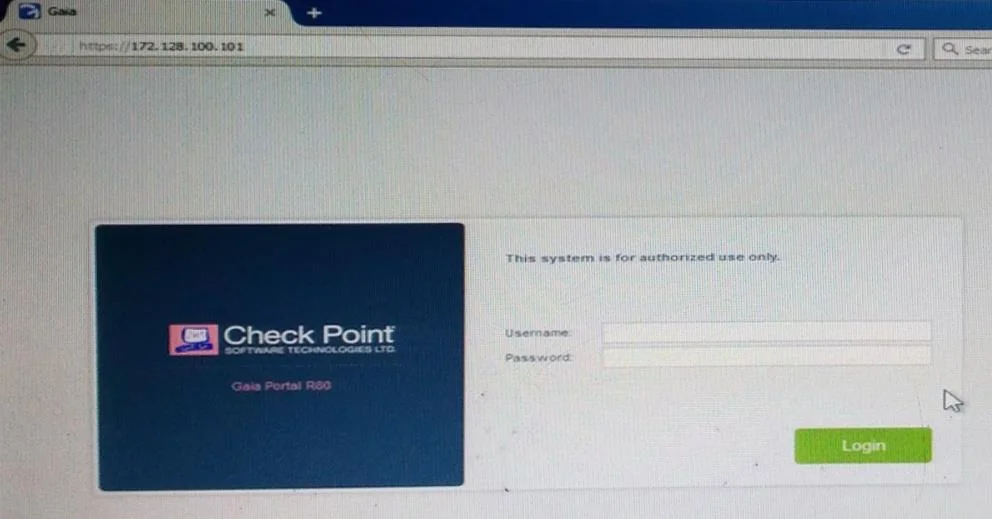
Kofi, the administrator of the ALPHA Corp network wishes to change the default Gaia WebUI Portal port number currently set on the default HTTPS port. Which CLISH commands are required to be able to…
The correct answer is A. set web ssl-port <new port number>. HostName> set web ssl-port <Port_Number> HostName> save config [Expert@HostName]# grep 'httpd:ssl_port' /config/db/initial Reference: https://supportcenter.checkpoint.com/supportcenter/portal?eventSubmit_doGoviewsolutiondetails =&solutionid=sk83482
Question
Kofi, the administrator of the ALPHA Corp network wishes to change the default Gaia WebUI Portal port number currently set on the default HTTPS port. Which CLISH commands are required to be able to change this TCP port?
Exhibit
Options
- Aset web ssl-port <new port number>
- Bset Gaia-portal <new port number>
- Cset Gaia-portal https-port <new port number>
- Dset web https-port <new port number>
- EConnect to command line on Security Gateway / each Cluster member.
- FLog in to Clish.
- GSet the desired port (e.g., port 4434):
- HSave the changes:
- IVerify that the configuration was saved:
How the community answered
(26 responses)- A88% (23)
- B4% (1)
- I8% (2)
Explanation
HostName> set web ssl-port <Port_Number> HostName> save config [Expert@HostName]# grep 'httpd:ssl_port' /config/db/initial Reference: https://supportcenter.checkpoint.com/supportcenter/portal?eventSubmit_doGoviewsolutiondetails =&solutionid=sk83482
Topics
Community Discussion
No community discussion yet for this question.