
SOA-C02 · Question #478
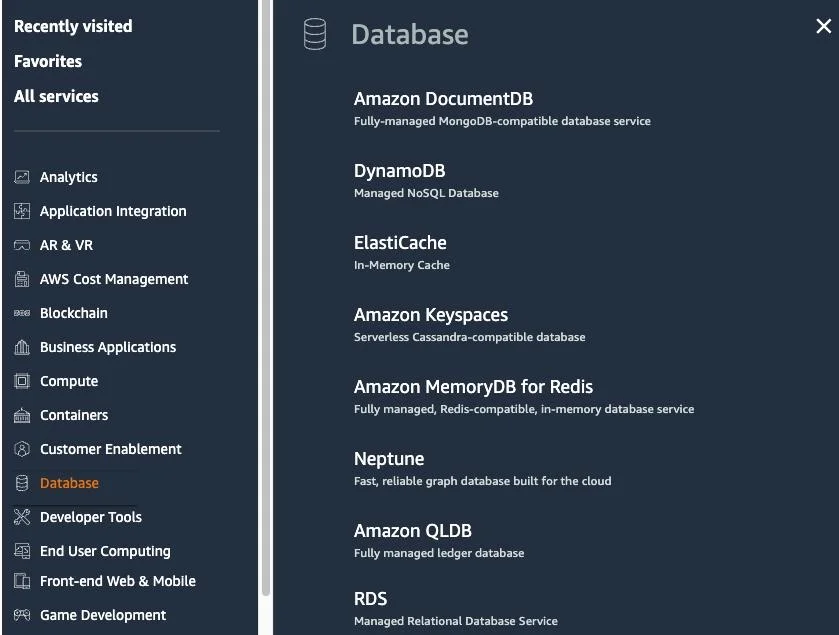
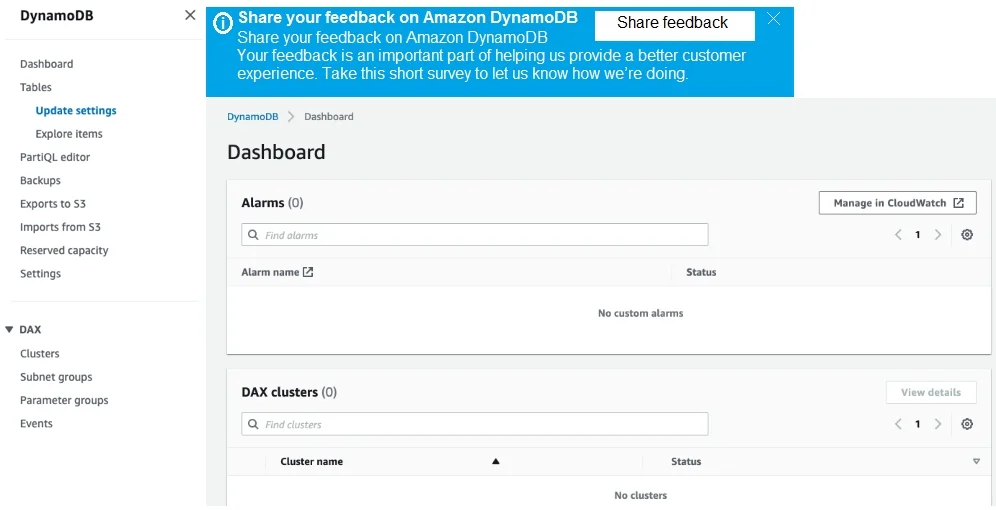
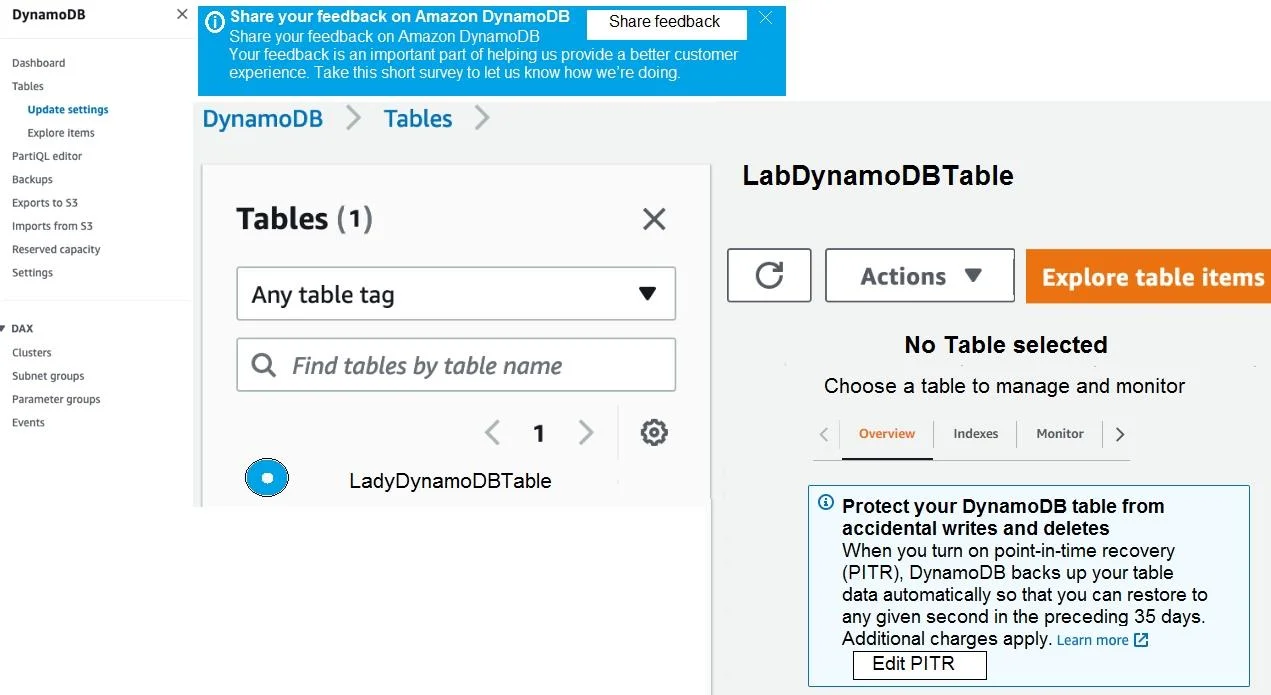
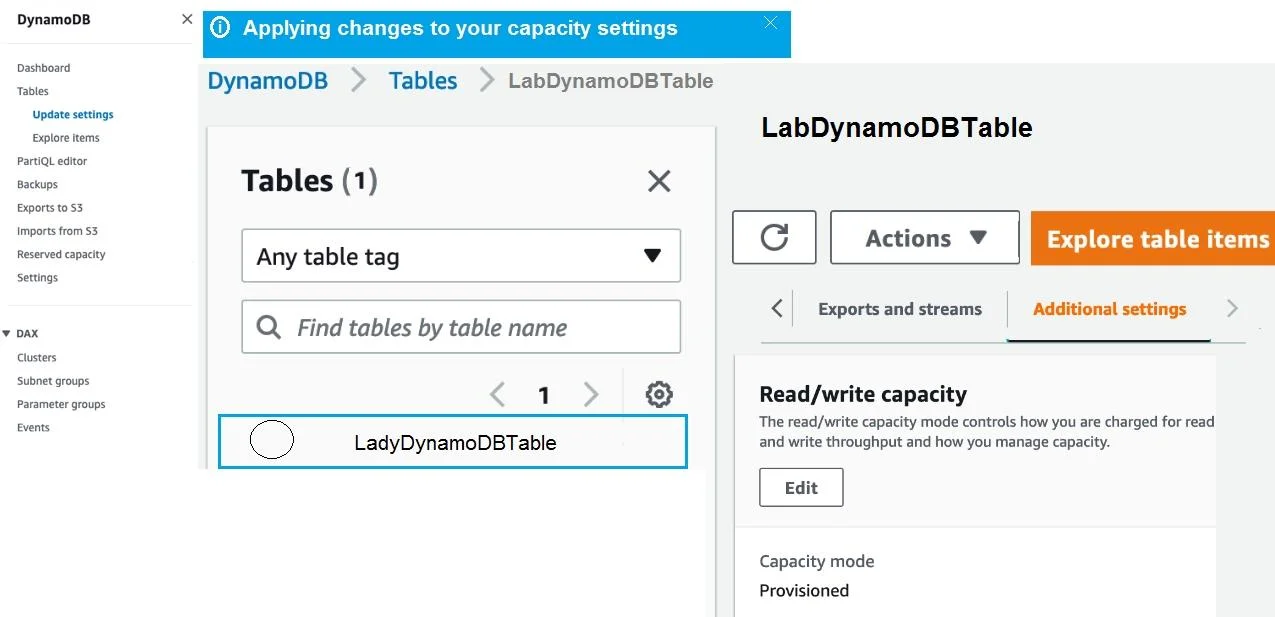
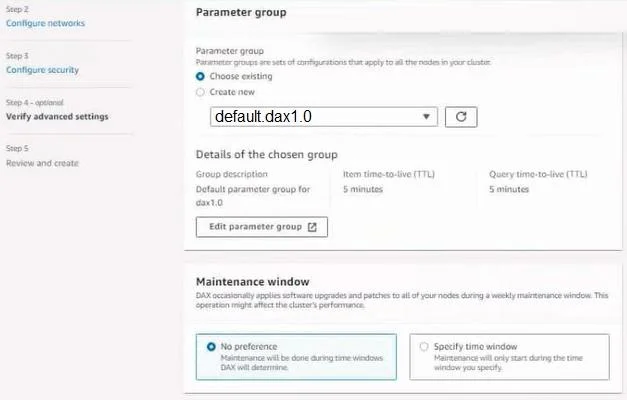
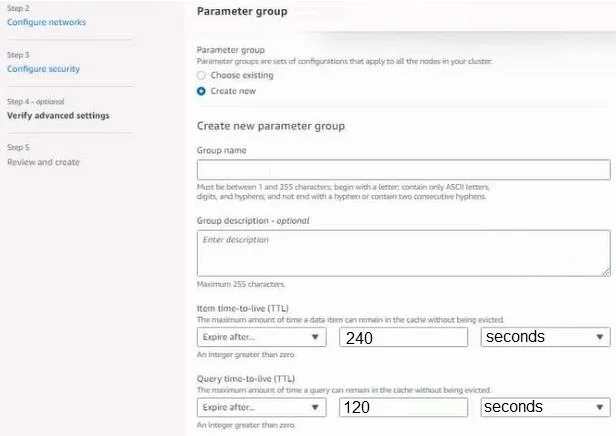
Lab Simulation 6 Instructions. If your AWS Management Console browser does not show that you are logged in to an AWS account, close the browser and relaunch the console by using the AWS Management…
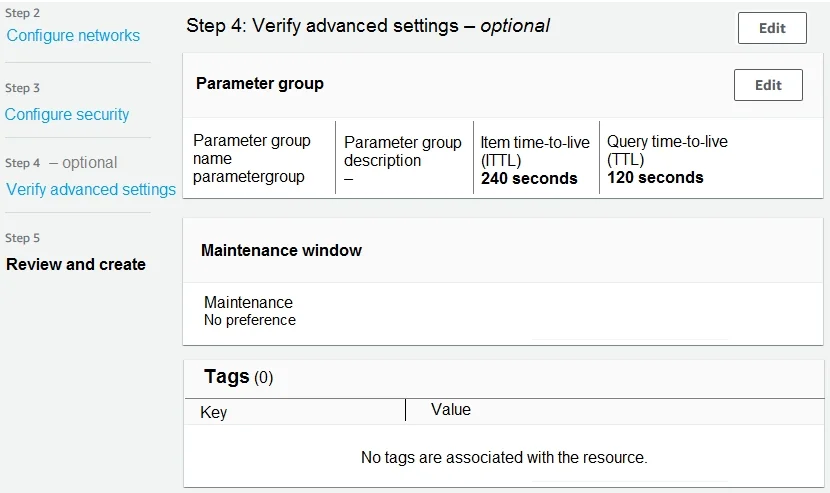
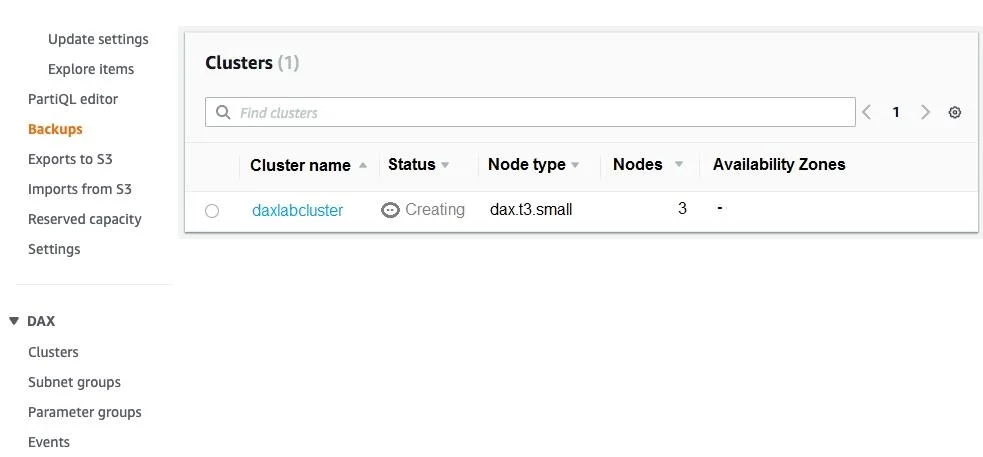
All four options (A, B, C, and D) are correct - they collectively represent the complete set of required configurations for the DaxLabCluster, and none are distractors in this question. Why all are correct: A (dax.t3.small): DAX requires selecting an EC2-based node type…
Question
Exhibits
Options
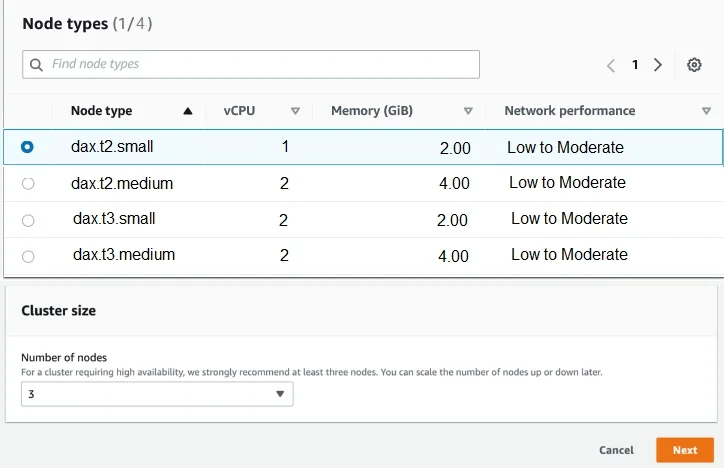
- AUse dax.t3.small instances.
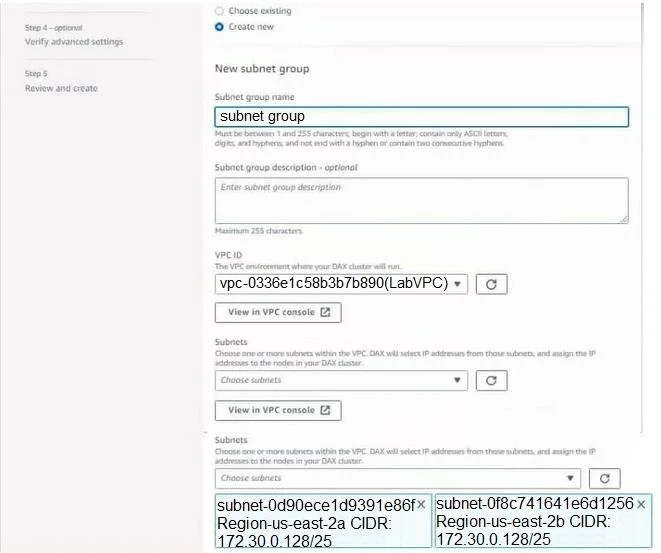
- BUse the LabVPC VPC and the PrimaryPrivateSubnet and FailoverPrivateSubnet subnets.
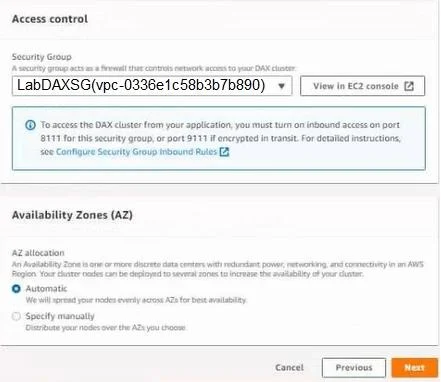
- CUse the LabDAXSG security group.
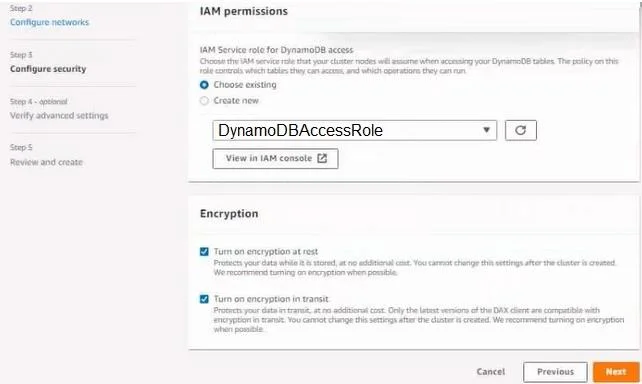
- DConfigure the DAX cluster to use the DynamoDBAccessRole IAM role.
Explanation
All four options (A, B, C, and D) are correct - they collectively represent the complete set of required configurations for the DaxLabCluster, and none are distractors in this question.
Why all are correct:
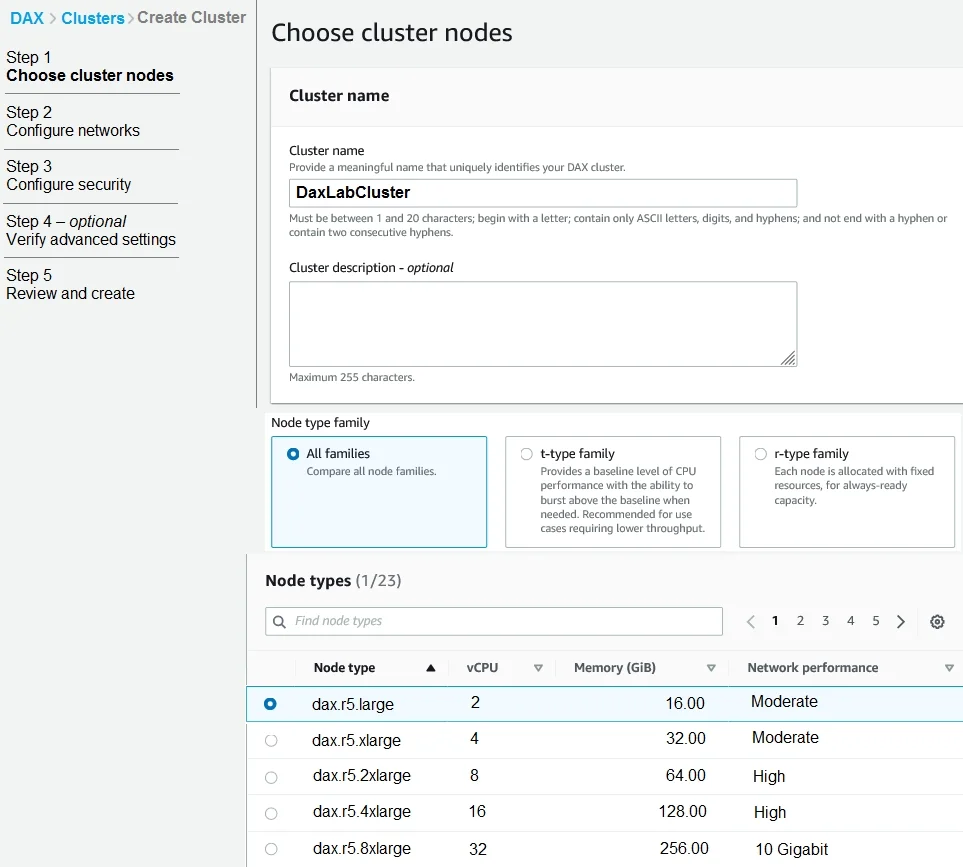
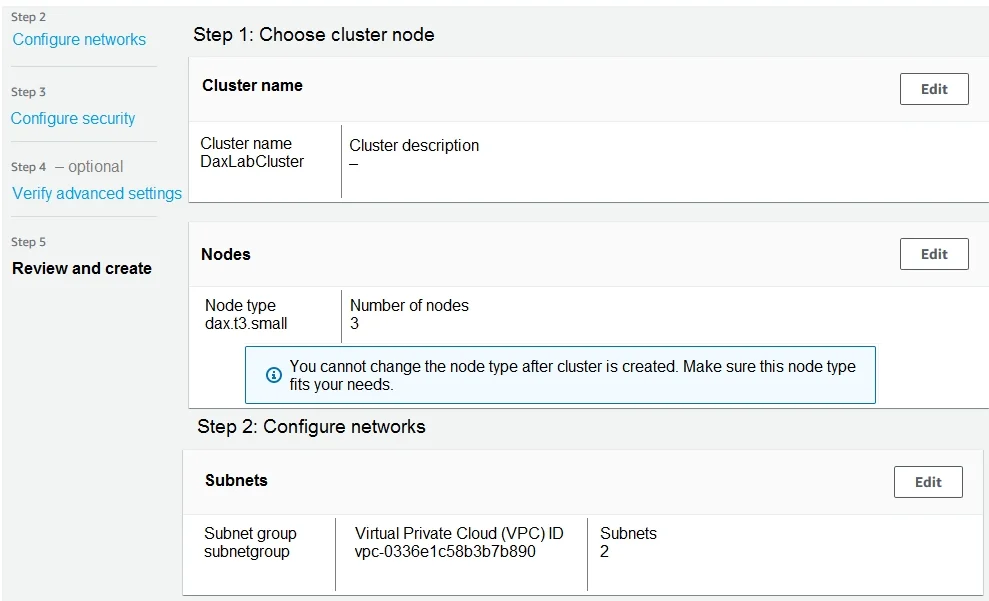
- A (dax.t3.small): DAX requires selecting an EC2-based node type;
dax.t3.smallis a cost-appropriate instance for lab environments and is a valid DAX node class. - B (LabVPC + subnets): DAX clusters are VPC-resident; specifying both a primary and failover subnet enables the three-node cluster to distribute nodes across Availability Zones for high availability.
- C (LabDAXSG security group): The security group controls inbound traffic to the DAX endpoint (port 8111 for unencrypted, 9111 for TLS); without the correct SG, your application cannot reach the cluster.
- D (DynamoDBAccessRole): DAX acts as a proxy to DynamoDB on your behalf and must be granted an IAM role with DynamoDB read/write permissions - it cannot cache data it cannot retrieve.
Memory tip: Think of DAX cluster creation as four pillars - Compute (instance type), Network (VPC/subnets), Security (SG), and Permissions (IAM role). A cluster missing any pillar will either fail to create, fail to connect, or fail to read from DynamoDB.
Topics
Community Discussion
No community discussion yet for this question.